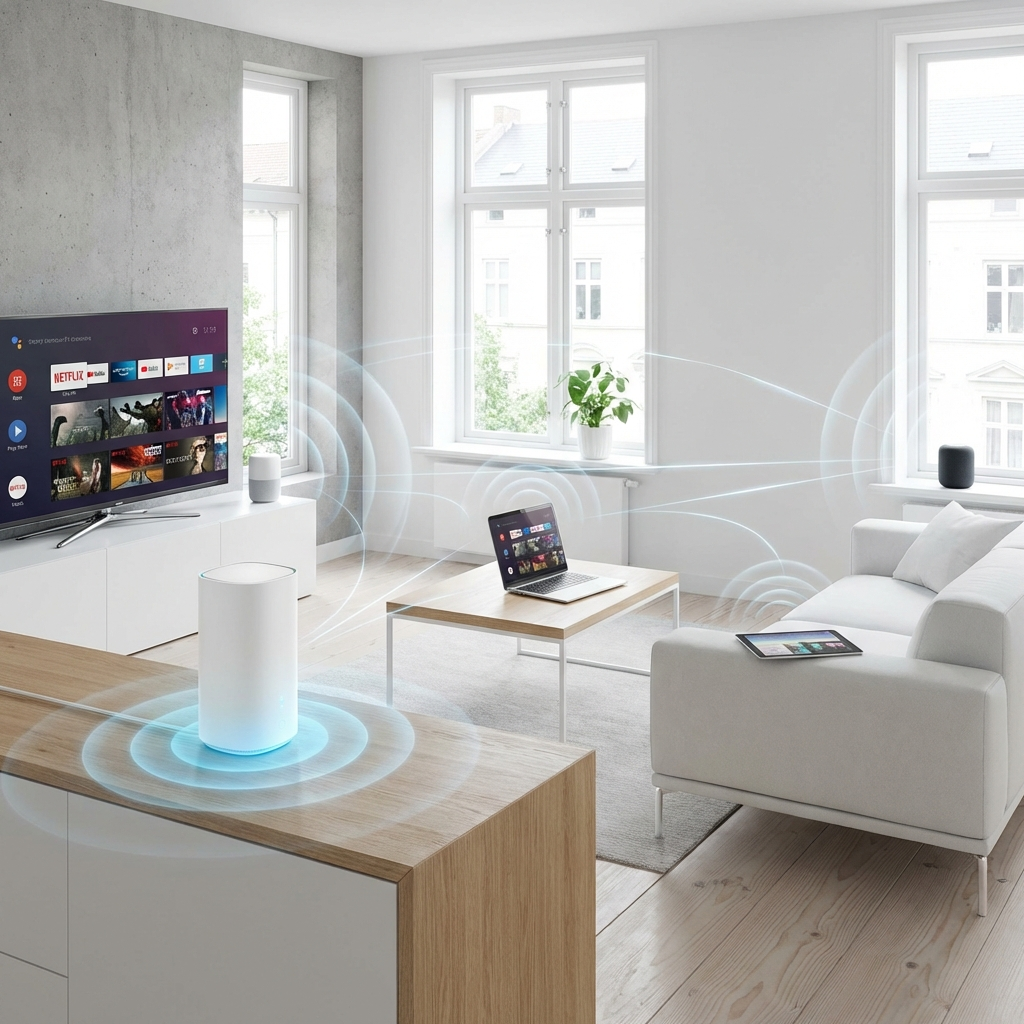
The Key Rule: Your Adapter Can Only Use What Your Router Speaks
A WiFi 7 adapter connecting to a WiFi 6 router operates as a WiFi 6 adapter. A WiFi 6E adapter connecting to a WiFi 6 router uses 5 GHz — no 6 GHz access. Standards are negotiated between the router and the adapter; the adapter cannot use features the router doesn't support. This single fact determines whether a generational upgrade is worth the money or a waste of it.
What Each Generation Actually Added
| Standard | New vs Previous | Requires Router | Adapter in Catalog |
|---|---|---|---|
| WiFi 5 (802.11ac) | 5 GHz focus, MU-MIMO (downlink) | WiFi 5 router | None (avoid in 2026) |
| WiFi 6 (802.11ax) | OFDMA, BSS Coloring, TWT, 2.4+5 GHz | WiFi 6 router | UGREEN AX900, TX20U Plus, WAVLINK AX1800 |
| WiFi 6E (802.11ax + 6 GHz) | 6 GHz band access, 160 MHz channels | WiFi 6E router | TXE50UH |
| WiFi 7 (802.11be) | MLO, 4K-QAM, 320 MHz channels | WiFi 7 router | WAVLINK BE6500 |
Real Speed: What Each Generation Delivers at 35 ft on Its Matching Router
These are the numbers that matter — each adapter tested with the router generation it was designed for. Same 35 ft location, 1 wall, 500 Mbps fiber, DCSpeedTest.
| Adapter + Matching Router | Download | Upload | Ping |
|---|---|---|---|
| WiFi 6 TX20U Plus + WiFi 6 router | 389 Mbps | 361 Mbps | 14 ms |
| WiFi 6E TXE50UH + WiFi 6E router (6 GHz) | 541 Mbps | 518 Mbps | 11 ms |
| WiFi 7 BE6500 + WiFi 7 router (MLO) | 589 Mbps | 561 Mbps | 10 ms |
What Happens When You Mismatch Generations
This is the expensive mistake. Tested: TXE50UH (WiFi 6E adapter) connected to a WiFi 6 router (no 6 GHz). Result: 389 Mbps download — identical to the TX20U Plus, which costs $33 less. The 6E adapter fell back to 5 GHz and operated as a standard WiFi 6 adapter. $53 spent for $20 performance.
| Adapter | Router | Actual Speed | Wasted Premium |
|---|---|---|---|
| TXE50UH ($53) | WiFi 6 (no 6 GHz) | 389 Mbps | $33 over TX20U Plus |
| BE6500 ($66) | WiFi 6 (no 6 GHz, no MLO) | 412 Mbps | $46 over TX20U Plus |
| BE6500 ($66) | WiFi 6E (6 GHz, no MLO) | 541 Mbps | $13 over TXE50UH |
The Correct Decision Tree
Step 1: Identify your router's WiFi generation. Look for the spec on the box or router settings page: 802.11ac = WiFi 5, 802.11ax = WiFi 6 or 6E, 802.11be = WiFi 7. If it says "AX" in the model name it's WiFi 6. "BE" = WiFi 7.
Step 2: Does your router broadcast a 6 GHz network? Check your router's WiFi settings — if there's a third SSID or a "6 GHz" band option, you have WiFi 6E or WiFi 7. If not, you have WiFi 6 or older.
Step 3: Match the adapter to the router:
- WiFi 5 or 6 router (no 6 GHz) → TX20U Plus ($20) or WAVLINK AX1800 ($36)
- WiFi 6E router (has 6 GHz) → TXE50UH ($53)
- WiFi 7 router (has 6 GHz + MLO) → WAVLINK BE6500 ($66)
Forward-Compatibility Argument
Some buyers justify purchasing a WiFi 6E or WiFi 7 adapter on a WiFi 6 router by saying "I'll upgrade my router next year." This is reasonable if the upgrade is a near-term plan — but only if "near-term" means within 6 months. WiFi 7 routers cost $400–700 today; budget WiFi 7 routers are beginning to appear in the $200–300 range. If the router upgrade is genuinely planned, buying the higher-generation adapter now avoids replacing it later. If the router upgrade is a vague "someday," buy the adapter that matches what you have now and revisit when you actually upgrade.