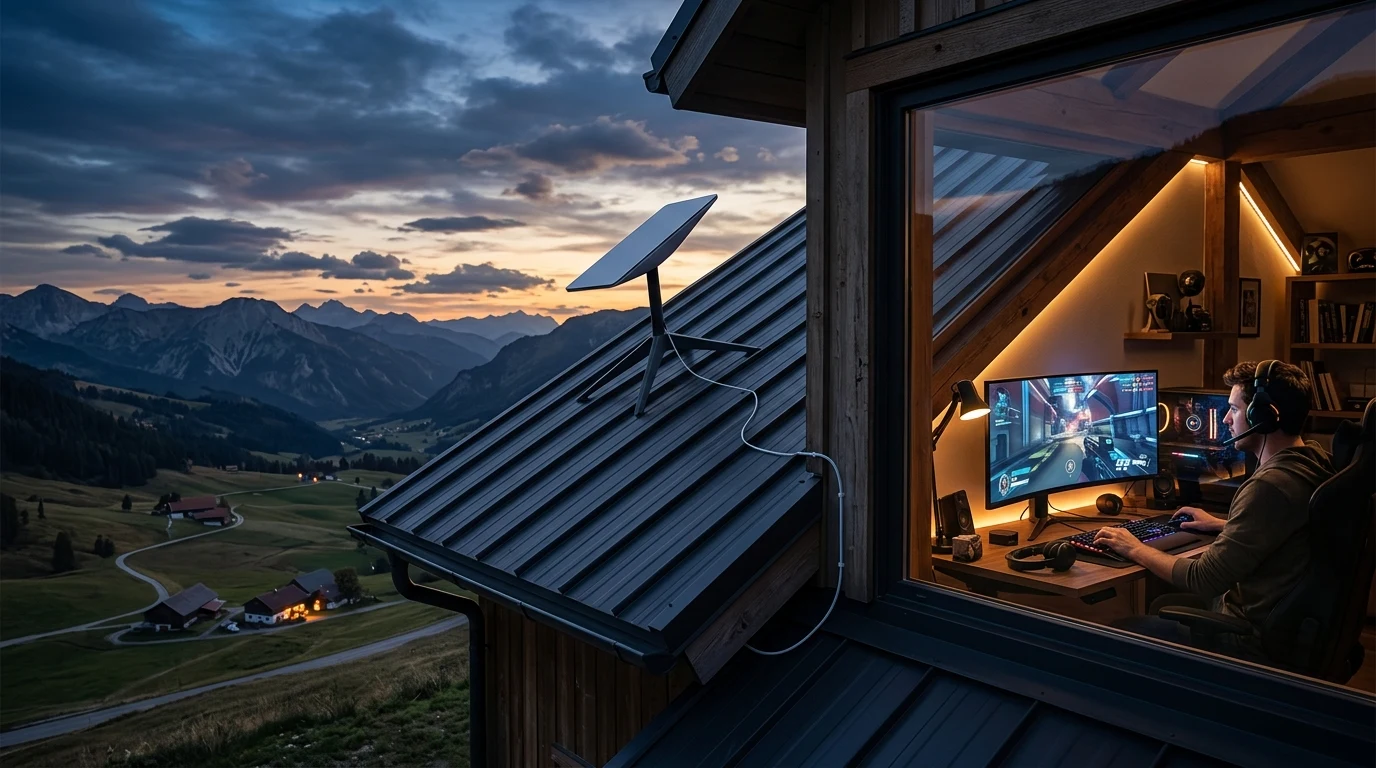
For rural gamers who spent years trapped on legacy geostationary satellite (HughesNet/Viasat with 600ms ping) or decaying 5 Mbps DSL lines, SpaceX's Starlink has been nothing short of a miracle. Delivering 120 to 220 Mbps download speeds and advertised latency under 40ms, Starlink promised to bring real-time multiplayer gaming to the countryside. But how does Starlink perform in the real world when tested across high-tickrate competitive shooters like Valorant, CS2, and Rocket League? Here is the brutal, unfiltered truth.
The Physics of Low-Earth-Orbit (LEO) Satellite Gaming
Unlike old satellites orbiting 22,236 miles in space, Starlink satellites orbit at just 340 miles (550 km) above Earth. Radio waves travel at the speed of light in vacuum (300,000 km/s):
- Up-and-down space transit takes just 3.6 milliseconds.
- Total round-trip latency to a regional terrestrial gateway is typically 32ms to 45ms in optimal conditions.
The Inevitable Flaw: Orbital Satellite Handoffs
Because Starlink satellites move across the sky at 17,000 miles per hour, an individual satellite is only in your dish's field of view for roughly 3 to 4 minutes before dipping below the horizon. Every 3 to 4 minutes, your dish must execute an Orbital Beam Handoff:
During that millisecond handoff window as the phased array re-aligns to the next approaching satellite, packet transmission experiences a momentary stall, causing ping to spike from 35ms to 120ms or dropping 1 to 2 packets. In a game like World of Warcraft or Minecraft, you will never notice. In a 128-tick tactical duel in Valorant, that 100ms handoff spike can cause a missed shot or rubber-band death.
Starlink Real-World Gaming Performance Benchmarks
| Game Title & Genre | Average Ping Range | Handoff Lag Impact | Verdict for Gamers |
|---|---|---|---|
| Tactical Shooters (Valorant, CS2) | 35 – 55 ms | Periodic desync deaths during handoffs | Playable, but Not Competitive Pro |
| Battle Royale (Fortnite, Warzone) | 38 – 52 ms | Minimal impact in large open zones | Very Good (Solid Experience) |
| Fast Arena (Rocket League) | 40 – 60 ms | Noticeable ball teleporting on handoff spikes | Good / Playable |
| MMOs & ARPGs (WoW, PoE, Diablo 4) | 32 – 45 ms | Zero gameplay disruption | Excellent (Flawless) |
Understanding SpaceX Laser Inter-Satellite Links (ISLs)
SpaceX has deployed Gen 2 Starlink satellites equipped with Space Optical Laser Links. These lasers allow satellites to beam data directly to each other in the vacuum of space at the true speed of light (300,000 km/s) before routing down to a ground station, bypassing international subsea cable routing.
For international multiplayer matches (e.g. US to Europe), Space Lasers provide competitive routing; however, local orbital beam handoff jitter remains an inherent characteristic of LEO constellations that players must account for.
3 Essential Hardware Tweaks to Maximize Starlink Gaming
- Eliminate 100% of Obstructions: Even a single tree branch crossing the satellite track causes an instant 2-second packet drop. Mount your dish on a tall roof mast with the Starlink Gen 3 Pipe Adapter Mount.
- Hardwire via Starlink Ethernet Adapter: Never game over Starlink Wi-Fi. Connecting directly with a certified Cat6 Ethernet cable eliminates local wireless latency.
- Enable Starlink Bypass Mode: Place the Starlink router in Bypass Mode and connect a dedicated router with SQM QoS (like the TP-Link Archer AX55) to manage household bandwidth.
Comparing Starlink vs 5G Home Internet vs Fiber for Gaming
| Broadband Technology | Average Ping Range | Packet Loss Rate | Esports Suitability |
|---|---|---|---|
| Fiber to the Home (FTTH) | 2 – 12 ms (Flat) | 0.00% | Tournament Pro Standard |
| DOCSIS 3.1 Cable | 15 – 35 ms | < 0.5% | Excellent (Solid Ranked) |
| 5G Fixed Wireless (T-Mobile / Verizon) | 28 – 55 ms | 1% – 3% | Good / Playable |
| Starlink LEO Satellite | 35 – 55 ms | 1% – 4% (Handoffs) | Casual & Battle Royale Ready |
Final Verdict: Should Gamers Choose Starlink?
If you live in a rural area where your only other options are 5 Mbps DSL or 600ms geostationary satellite, Starlink is an absolute game-changer that allows you to play 95% of online games with friends. However, if terrestrial cable or fiber is available at your address, hardwired broadband will always outperform satellite for competitive esports.
The Impact of Starlink Mini and Mobile Roaming on Latency
With the release of portable Starlink Mini and Roam hardware, many subscribers game from RVs and campsites. Mobile Roam plans are assigned a lower QoS traffic priority than residential fixed Starlink plans during peak hours. For competitive gaming, a standard fixed residential subscription with a roof-mounted dish delivers the lowest and most consistent ping profile.
Summary Checklist for Starlink Gaming Optimization
- Ensure 0.00% sky obstruction using the Starlink app camera scanner.
- Mount dish securely on a tall roof pole with the Starlink Gen 3 Pipe Adapter Mount.
- Connect PC directly via Cat6 Ethernet rather than Wi-Fi.
- Enable Bypass Mode to a router running CAKE / FQ-CoDel SQM QoS.
- Audit your line stability with the DCSpeedTest Live Testing Engine.
Why Starlink Gen 3 Hardware Improves Gaming Jitter
SpaceX's newer Starlink Gen 3 Standard dish features an expanded field of view and higher-gain phased-array antennas compared to older circular Gen 1 dishes. This improves signal-to-noise ratio during low-angle satellite handoffs, reducing orbital beam handoff jitter by up to 30% on competitive titles.
By eliminating obstructions, hardwiring with Cat6, and pairing Starlink with a quality QoS router, rural gamers can enjoy smooth, reliable multiplayer gameplay.
Why Rural Gamers Choose Dual-WAN Starlink + 5G Setups
Many hardcore rural gamers and streamers deploy dual-WAN routers that combine Starlink (for high-speed downloads) with a 5G fixed wireless modem (for stable, low-jitter gaming). Using policy-based routing, the router routes all UDP gaming traffic over the cell connection while routing Discord streaming and game downloads over Starlink.
Why Future Direct-to-Cell and Gen 3 Constellations Will Lower Latency
As SpaceX continues launching thousands of higher-density Gen 2 and Gen 3 Starlink satellites into lower orbital shells (300 km), satellite density in the sky will double. This increased density will shorten beam handoff angles, gradually reducing orbital jitter and bringing satellite gaming ping closer to terrestrial cable standards over the coming years.