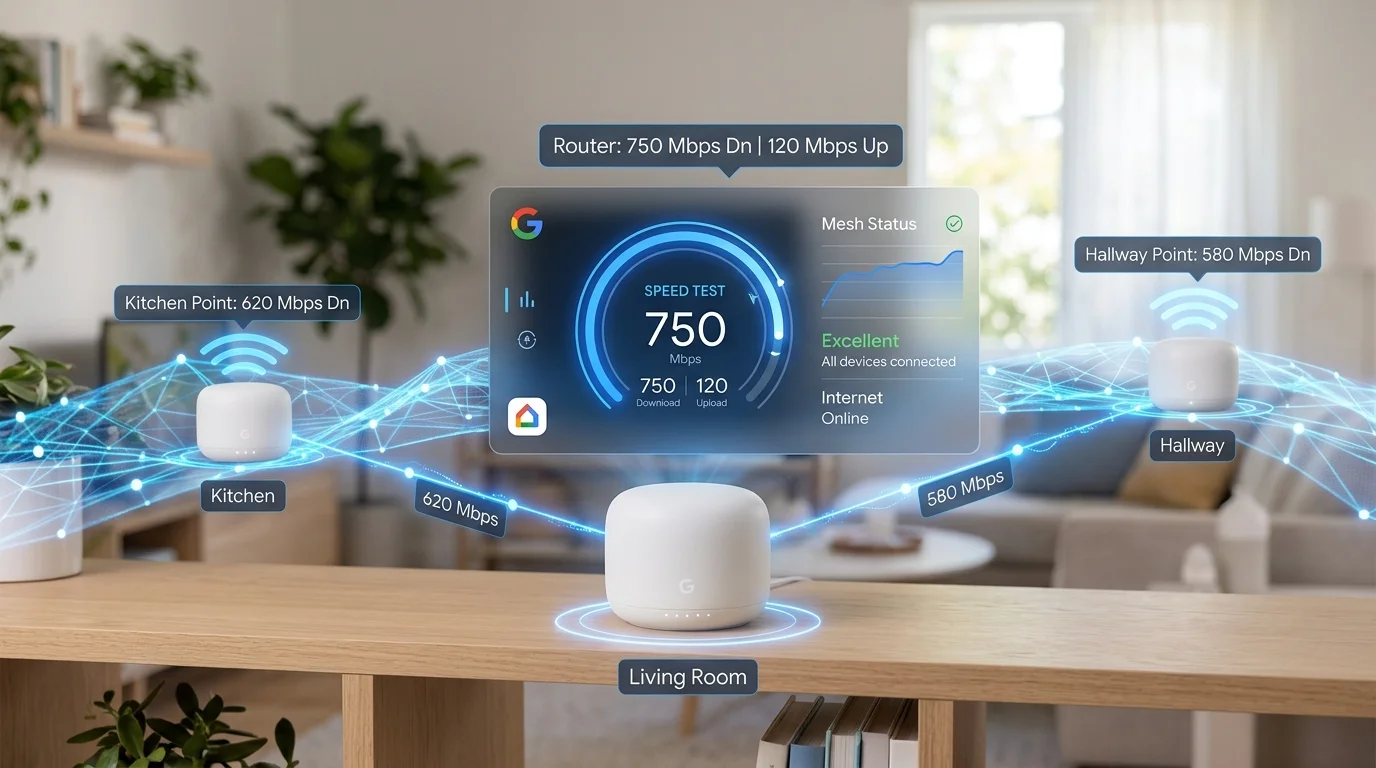
Google WiFi vs Google Fiber: What "Google WiFi Speed Test" Actually Means
There's an important distinction: Google WiFi and Google Nest WiFi are mesh router systems — hardware devices that create a whole-home WiFi network. Google Fiber is an internet service provider (ISP). These are completely separate products.
When most people search for "Google WiFi speed test," they mean one of two things:
- Testing internet speed through their Google WiFi/Nest WiFi router — measuring how fast their ISP connection is when accessed via the Google WiFi system
- Testing the Google WiFi system's built-in speed test — using the speed test feature inside the Google Home app to check network performance
This guide covers both — plus why Google WiFi mesh systems affect speed test results differently than single routers, and what speeds to expect from each Google WiFi model generation.
Google WiFi Built-In Speed Test: How to Use the Google Home App Test
Google Nest WiFi and Nest WiFi Pro include a built-in network speed test accessible directly from the Google Home app. This is separate from browser-based speed test tools and measures your internet speed from the primary Google WiFi point (the one connected to your modem/ISP). Here's how to run it:
- Open the Google Home app on your iPhone or Android phone
- Tap WiFi in the bottom navigation bar
- Scroll down and tap Check Internet or Run speed test
- The app runs a speed test in the background — this takes 30-60 seconds
- Results show Download speed and Upload speed in Mbps
Important limitation of the Google Home speed test: The built-in speed test in the Google Home app measures internet speed from the primary Google WiFi/Nest WiFi point itself (the hardware), not from your phone or laptop. This eliminates WiFi signal quality as a variable — the measurement is the connection arriving at your router, not the speed reaching your device over WiFi. Think of it as testing your ISP's service delivery to your home, not your device's WiFi performance.
Google WiFi Model Generations: Speed Capabilities
Google has released three major generations of WiFi mesh hardware, each with different throughput capabilities. Understanding which model you have is essential for interpreting speed test results:
| Model | Year | WiFi Standard | Max Throughput (Theoretical) | Real-World Max* | Backhaul |
|---|---|---|---|---|---|
| Google WiFi (original) | 2016 | WiFi 5 (AC1200) | 1,200 Mbps | 200-400 Mbps | Wireless 5 GHz |
| Nest WiFi Router | 2019 | WiFi 5 (AC2200) | 2,200 Mbps | 300-600 Mbps | Wireless 5 GHz |
| Nest WiFi Point | 2019 | WiFi 5 (AC1200) | 1,200 Mbps | 150-300 Mbps | Wireless 5 GHz |
| Nest WiFi Pro | 2022 | WiFi 6E (AXE5400) | 5,400 Mbps | 600-1,100 Mbps | 6 GHz dedicated wireless |
*Real-world throughput via WiFi at 10-15 feet from the router, on a compatible device. Results vary based on distance, obstacles, and client device capabilities.
Critical point: The "theoretical" maximum speeds listed by Google and WiFi Alliance are never achievable in real-world conditions. WiFi overhead, protocol management, interference, and the mix of device traffic consistently reduce real throughput to 40-60% of theoretical maximums. A "1,200 Mbps" WiFi 5 device realistically delivers 200-400 Mbps to a single client.
Google WiFi Speed Test: What Results to Expect
Original Google WiFi (2016, AC1200)
If you have the original Google WiFi (the small cylindrical white units) and a gigabit internet plan, your Google WiFi speed test will likely show 200-400 Mbps even though your ISP delivers 900+ Mbps to your modem. This is a hardware limitation of the original Google WiFi — the AC1200 radio cannot deliver more than ~400 Mbps in real-world conditions.
The fix: upgrade to Nest WiFi Pro. The original Google WiFi hardware is the bottleneck for any plan above 400 Mbps.
Nest WiFi (2019, AC2200)
The Nest WiFi router (not the points) handles gigabit connections better but still caps at 500-650 Mbps in real-world tests on 5 GHz at close range. The Nest WiFi Points (the satellite units) are limited to ~300 Mbps due to their AC1200 spec. On plans below 500 Mbps, the Nest WiFi performs excellently.
Nest WiFi Pro (2022, WiFi 6E)
The Nest WiFi Pro with WiFi 6E is the current generation and handles internet plans up to 1.5 Gbps. Real-world Google WiFi speed test results on Nest WiFi Pro at close range show 600-1,100 Mbps on 5 GHz or 6 GHz bands. The dedicated 6 GHz backhaul band significantly improves performance for satellite units compared to older models that share 5 GHz for both client traffic and mesh backhaul.
Why Google WiFi Speed Tests Show Lower Results Than Your ISP Plan
Getting a lower speed on your Google WiFi speed test than your internet plan supports is extremely common, and usually has nothing to do with your ISP. Here are the causes in order of likelihood:
1. WiFi Speed ≠ Internet Speed
The most fundamental misunderstanding in Google WiFi speed testing. Your ISP delivers internet to your modem. The modem connects to your primary Google WiFi point. Your computer or phone then receives WiFi from the Google WiFi point. The speed test on your device measures the slowest link in this chain — which is almost always the WiFi connection between your device and the Google WiFi point, not the ISP connection itself.
How to isolate: Use Ethernet directly to the Google WiFi primary point and run DCSpeedTest.com. If the Ethernet result matches your plan but WiFi is lower, the WiFi link is the bottleneck. If even Ethernet is low, the issue is Google WiFi hardware processing or your ISP service.
2. Wireless Mesh Backhaul Consuming Bandwidth
In mesh systems, satellite Google WiFi points must communicate with the primary router wirelessly. In first-generation Google WiFi and Nest WiFi (not Pro), the backhaul (router-to-point communication) shares the same 5 GHz radio band as client devices. When you run a speed test on a device connected to a satellite point, your speed is limited by both the satellite's client connection AND the backhaul link to the primary router.
The Nest WiFi Pro solves this with a dedicated 6 GHz backhaul band — client and backhaul traffic never compete. If you have original Google WiFi or Nest WiFi (non-Pro), expect much lower speeds on satellite points than on the primary router.
3. Device Distance from Google WiFi Point
WiFi speed drops significantly with distance and through walls. A Google WiFi speed test at 30 feet through two walls will show dramatically lower results than a test at 5 feet. The physics of radio propagation means attenuation is exponential, not linear — twice the distance reduces speed far more than proportionally.
Tip: Run your speed test from within 10 feet of the primary Google WiFi point (or the nearest satellite point) with clear line-of-sight for a baseline result that reflects the maximum your WiFi can deliver at that location.
4. Device WiFi Standard Mismatch
To take advantage of the Nest WiFi Pro's WiFi 6E capabilities, your device must also support WiFi 6E. Most phones and laptops manufactured before 2022 support only WiFi 5 or WiFi 6 — connecting to a Nest WiFi Pro on a WiFi 5 device limits the connection to WiFi 5 speeds regardless of the router's capabilities. Check your device's WiFi chipset spec in its settings or manufacturer page.
5. Google WiFi Point Overloaded with Devices
Each Google WiFi point has a processing capacity limit. Homes with 30+ simultaneous WiFi devices (smart home sensors, multiple phones, tablets, TVs, cameras) can overload the Google WiFi point's CPU, causing all speed tests from those devices to show lower-than-possible results. The Nest WiFi Pro handles more simultaneous devices than original Google WiFi due to its more capable hardware.
How to Run the Most Accurate Google WiFi Speed Test
- Ethernet from primary Google WiFi point: Connect a laptop via Ethernet to the LAN port on your primary Google WiFi/Nest WiFi point. Run DCSpeedTest.com. This result = your ISP's speed delivered to your home, without any WiFi variables.
- WiFi test at close range: Sit within 10 feet of the primary Google WiFi point (not a satellite point). Run DCSpeedTest.com on your phone or laptop. Compare to your Ethernet result — the gap shows your WiFi efficiency at close range.
- Satellite point test: Move to a room with a satellite Google WiFi point, sit close to it, run DCSpeedTest.com. This shows the performance your satellite delivers including backhaul overhead.
- Google Home app test: Use the built-in speed test in Google Home → this tests your ISP's connection to the primary router hardware, eliminating all WiFi variables.
Compare all four results to understand exactly where speed limitations exist in your network setup.
Optimizing Google WiFi for Better Speed Test Results
| Optimization | Expected Improvement | Applies to |
|---|---|---|
| Enable WPA3 security (Nest WiFi Pro) | Better security, slightly lower CPU overhead | Nest WiFi Pro only |
| Separate 2.4 GHz and 5 GHz SSIDs | Prevent slow 2.4 GHz devices from affecting 5 GHz clients | All models |
| Use wired Ethernet backhaul (if possible) | 20-40% improvement for satellite points | Original Google WiFi (has Ethernet port) |
| Restart Google WiFi points monthly | Clears memory leaks — prevents gradual speed degradation | All models |
| Update firmware via Google Home app | Bug fixes that often include WiFi throughput improvements | All models |
| Disable Guest Network if unused | Frees radio resources for main network clients | All models |
| Position primary point near modem with short Ethernet | Eliminates unnecessary cable length signal loss | All models |
Google WiFi Speed Test Troubleshooting
Google Home speed test shows good results but websites are slow
The Google Home speed test measures ISP delivery to the primary router — if that's good, the bottleneck is between the router and your device (WiFi). Run DCSpeedTest.com on your device from various locations to identify WiFi dead zones. Consider adding a third Nest WiFi Pro point in the problem area.
Speed test drops to near zero at certain times of day
This is typically ISP peak-hour congestion, not a Google WiFi problem. Run the Google Home speed test itself (which tests at the router level) at the slow time. If the Google Home test also shows low speeds, the problem is your ISP. If the Google Home test shows good speeds but device WiFi is slow, a Google WiFi point may be struggling with device count during peak household usage hours.
Nest WiFi Pro showing speeds far below gigabit ISP plan
Nest WiFi Pro has a 1 Gbps WAN (internet) port. If your ISP provides more than 1 Gbps (1.5 Gbps or 2 Gbps plans), the Nest WiFi Pro's WAN port becomes the hardware bottleneck — your speed test will cap at ~940 Mbps even on a 1.5 Gbps or 2 Gbps plan. For multi-gig plans, you need a router with a 2.5G or 10G WAN port (Google does not currently offer this in the Nest WiFi product line).
Frequently Asked Questions: Google WiFi Speed Test
How do I run a speed test on Google WiFi?
Two methods: (1) Google Home app — open the app, tap WiFi, scroll to Check Internet or Run Speed Test and wait 60 seconds for results. (2) Browser test — connect any device to your Google WiFi network and open DCSpeedTest.com, click Start Test, results in 15 seconds. The Google Home app tests speed at the router level (modem-to-router). The browser test measures speed reaching your specific device over WiFi.
Why is my Google WiFi speed test slower than my internet plan?
Most likely cause: WiFi limitations. Your ISP may deliver 1 Gbps to your modem, but your device receives less over WiFi due to: (1) router distance — WiFi speed drops with distance and obstacles, (2) device WiFi standard — older devices can't use Nest WiFi Pro's faster WiFi 6E, (3) wireless mesh backhaul on older models sharing the 5 GHz band between satellite and client traffic, or (4) original Google WiFi hardware limitation (AC1200 caps at ~400 Mbps real world). Plug in via Ethernet to confirm your ISP is delivering correctly.
How fast should Google Nest WiFi Pro be?
The Nest WiFi Pro (WiFi 6E, AXE5400) delivers 600-1,100 Mbps to a nearby WiFi 6E-capable device on 5 GHz or 6 GHz. On a device with only WiFi 5 support, expect 300-600 Mbps. The primary Nest WiFi Pro point can handle internet plans up to 1 Gbps (its WAN port is 1 Gbps). For plans above 1 Gbps, the WAN port becomes the bottleneck at ~940 Mbps.
Does Google WiFi slow down internet speed?
No — when properly configured, Google WiFi/Nest WiFi does not slow down internet speed below what your ISP provides (when tested via Ethernet to the primary router). WiFi speed test results will be lower than your ISP plan due to WiFi protocol overhead, not because Google WiFi is reducing your speed. The original Google WiFi hardware (2016) cannot deliver above ~400 Mbps over WiFi regardless of ISP plan — this is a hardware limitation.
What is the difference between Google WiFi speed test and Google Fiber speed test?
Google WiFi is a mesh router system — hardware that creates your home's WiFi network. You can use any ISP with Google WiFi. Google Fiber is an ISP that delivers fiber internet in select US cities. A Google WiFi speed test measures your internet speed through your Google WiFi router. A Google Fiber speed test measures your Google Fiber ISP service delivery. These are completely unrelated — you can have Google WiFi with Comcast internet, or Google Fiber internet with a non-Google router.
Test Your Google WiFi Speed Right Now
Open DCSpeedTest.com on the device connected to your Google WiFi network and click Start Test. Compare your result to the expected speeds for your Google WiFi model in this guide. Run the test both on a device near the primary Google WiFi point AND near a satellite point to understand the full performance picture of your mesh network.