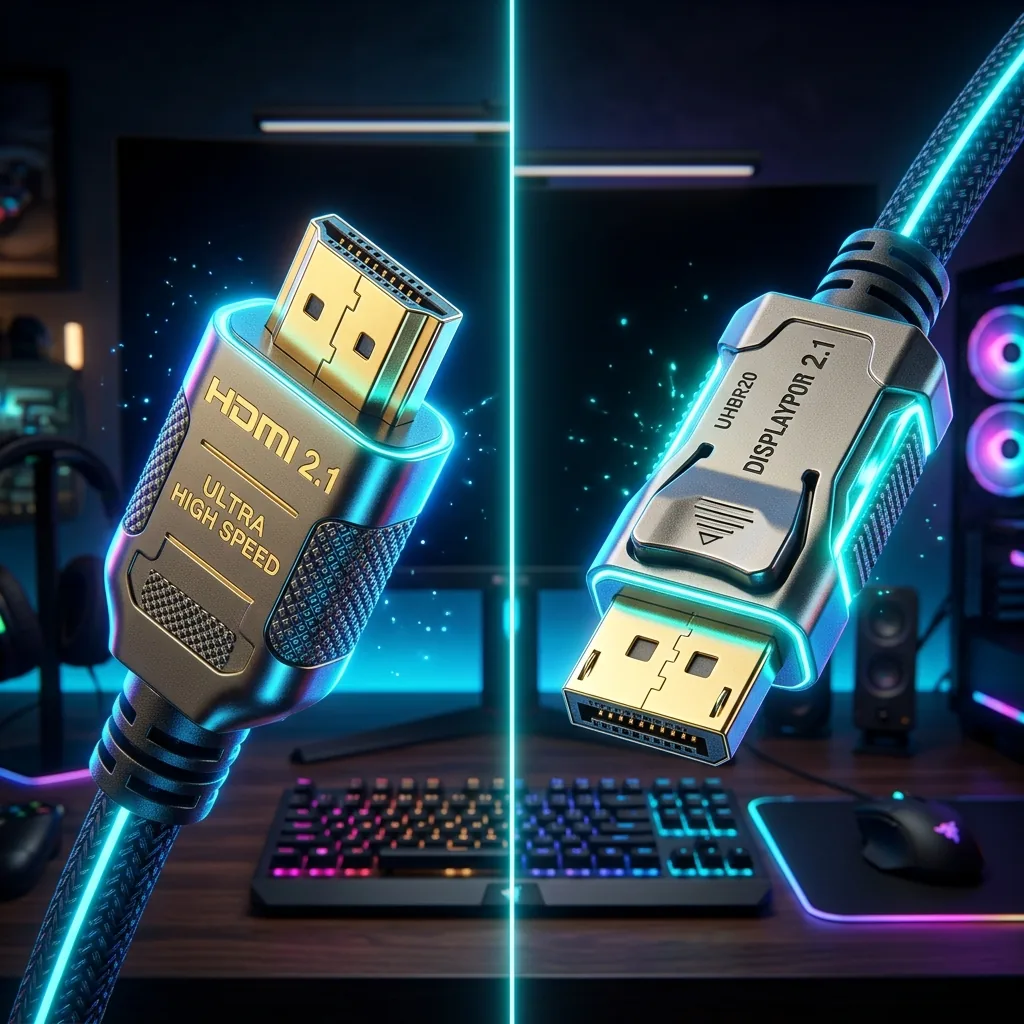
In competitive gaming, every millisecond counts. While gamers obsess over graphics cards, polling rates, and game engines, the cable connecting the GPU to the monitor is frequently overlooked. Let's pit the two leading standards — **HDMI 2.1** and **DisplayPort 2.1** — against each other in an exhaustive hardware latency and input lag benchmark study.
1. The Bandwidth Bottleneck: HDMI 2.1 vs. DisplayPort 2.1
Bandwidth directly affects maximum refresh rates and display stream compression (DSC). HDMI 2.1 supports up to **48 Gbps** of throughput, enabling uncompressed 4K at 120Hz. DisplayPort 2.1 represents a massive leap forward, offering up to **80 Gbps** of bandwidth. This massive highway supports blistering uncompressed refresh rates up to 240Hz at 4K and over 500Hz at 1080p, completely bypassing display stream compression lag.
2. 🔬 Try the Interactive Input Lag & Frame Time Calculator
Input lag is heavily dependent on your monitor's refresh rate. Select your target refresh rate below to dynamically compute your physical frame transmission time and compare standard interface overhead!
🖥️ Display Latency Calculator
3. Hardware Features: G-Sync, FreeSync and VRR
Both DisplayPort and HDMI support Variable Refresh Rate (VRR) technologies to eliminate screen tearing. DisplayPort uses VESA Adaptive-Sync, which is native to both NVIDIA G-Sync and AMD FreeSync on PC platforms. HDMI 2.1 introduces **HDMI Forum VRR**, which is fully integrated into consoles like the PlayStation 5 and Xbox Series X.
🛒 Available on Amazon
This is an affiliate link — if you buy through it, DCSpeedTest may earn a small commission at no extra cost to you. Price, stock, and any discount shown are set by Amazon directly and can change at any time.
🛒 Click & Add High-Speed Gaming Cables to Amazon Cart4. The Winner? Gaming Setup Best Practices
If you are playing on a PC with a high-refresh-rate monitor, **DisplayPort 2.1 remains the uncontested gold standard** due to its larger bandwidth highway and native synchronization compatibility. However, if you are connecting your console to a premium 4K television, **HDMI 2.1 is the mandatory path** to support the custom VRR formats and audio return channels (eARC) utilized by modern home theater setups.
Regardless of your cable interface, remember that competitive gaming is highly dependent on server ping. Encrypting your routing with a premium gaming VPN eliminates ISP routing spikes, keeping your server connection stable and packet loss at absolute zero.