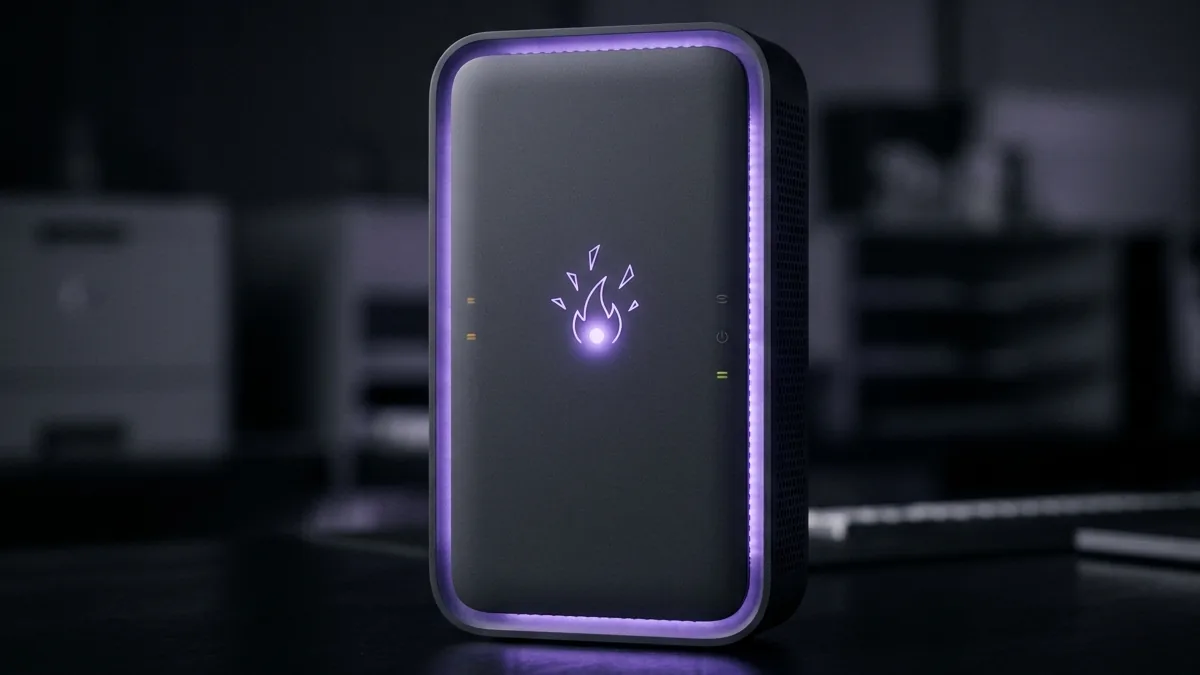
Rogers Communications is one of Canada's leading cable and telecommunications providers, offering Ignite Internet plans with download speeds up to 1.5 Gbps over Hybrid Fiber-Coaxial (HFC) networks. We analyze Rogers Ignite Wi-Fi Hub optimization, cable packet loss, and latency fixes.
Run a live 10-second diagnostic check on DCSpeedTest.
Ignite Internet: Cable, Not Fiber
Rogers Ignite runs on Hybrid Fiber-Coaxial (HFC) infrastructure — fiber to the neighborhood node, coax for the final run to your home — the same general architecture as Xfinity or Cox in the US. This means Ignite shares the cable-ISP tradeoffs common across the category: strong download speeds, but upload capped well below download on most tiers, and some sensitivity to node congestion during peak hours.
Ignite WiFi Hub: What to Know
The rented Ignite gateway supports WiFi 6 on current hardware, with a mesh "Pods" add-on available for larger homes — functionally similar to the Cox Panoramic Pods and Xfinity xFi Pods covered elsewhere in this guide series. Enabling bridge mode is worth doing if you'd rather use your own router, avoiding a double-NAT setup that can cause connectivity quirks for some devices.
Common Causes of Slow Ignite Speeds
- Peak-hour node congestion: shared local capacity means evening slowdowns are a structural cable-network trait, not unique to Rogers.
- Coax signal issues: loose splitters or an aging in-wall coax run degrade signal before it even reaches the modem.
- WiFi range and interference: the single biggest source of below-advertised results in most reported cases, more than the ISP connection itself.
Getting an Accurate Test Result
Testing wired first isolates the actual Rogers connection from WiFi-side variables, and testing at a few different times of day reveals whether your specific node experiences meaningful peak-hour variance.