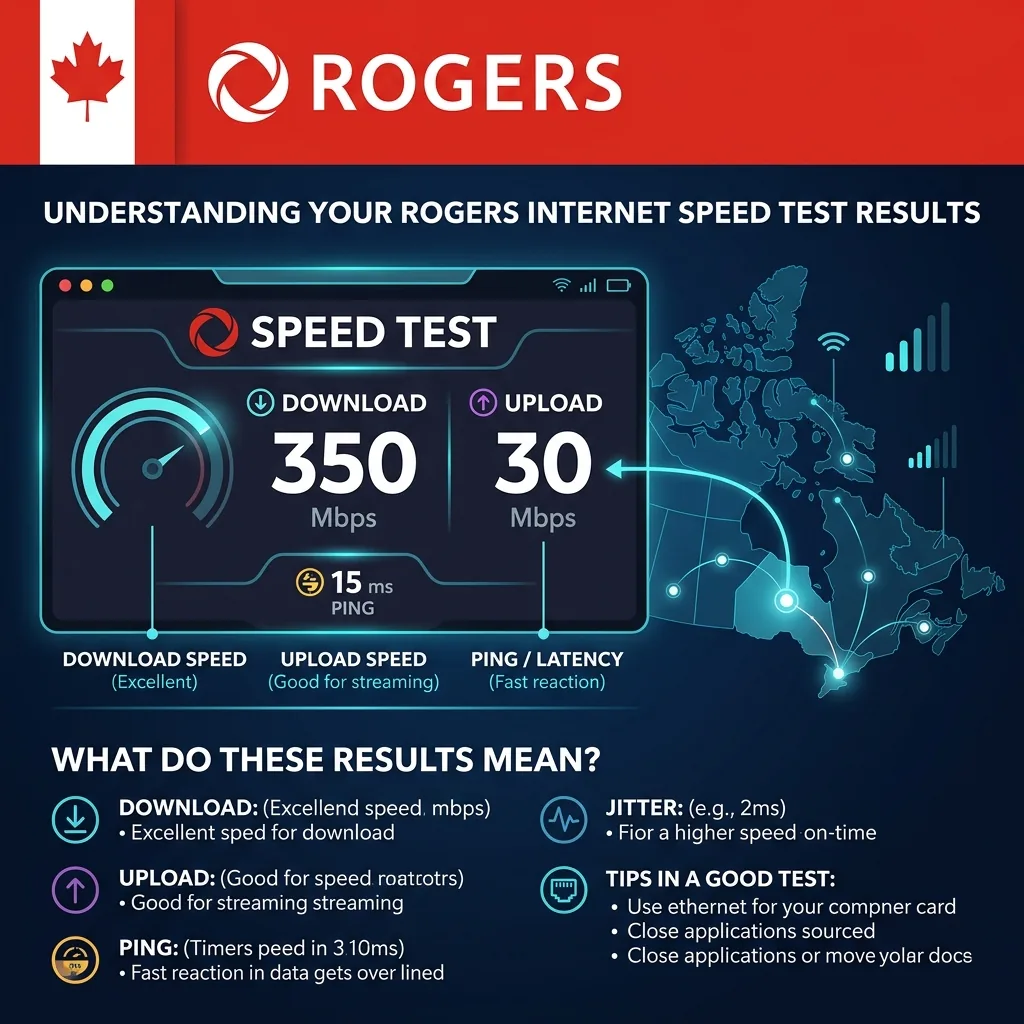
Rogers Internet in Canada: What You Need to Know Before Testing
Rogers Communications is one of Canada's three major national internet providers (alongside Bell and Telus) and the dominant ISP in Ontario and Atlantic Canada. Rogers operates a hybrid fiber-coaxial (HFC) cable network — fiber to the neighborhood node, then coaxial cable to homes — serving over 4 million residential internet subscribers.
Rogers markets its internet service under the "Ignite Internet" brand, with plans ranging from 500 Mbps to 1.5 Gbps download. All Rogers Ignite plans are asymmetric: download speeds are substantially higher than upload speeds — a fundamental characteristic of DOCSIS cable technology (unlike Bell Fibe fiber-to-the-home, which offers symmetric speeds).
Rogers uses DOCSIS 3.1 technology across most of its network, with Multi-Gig (2.5 Gbps) gateways being introduced in select markets for the 1.5 Gig plan.
Rogers Ignite Internet Plans: Advertised vs Real Speed Test Results
Rogers advertises "up to" speeds, which represent theoretical maximums under optimal conditions. Here are the real-world Rogers speed test results you should expect by plan tier, based on measurements taken via Ethernet during off-peak and peak hours:
| Rogers Plan | Advertised Download | Real Download (Off-Peak) | Real Download (Peak 7-10 PM) | Upload | Ping (Toronto) |
|---|---|---|---|---|---|
| Ignite 500u | 500 Mbps | 430-490 Mbps | 350-450 Mbps | 20 Mbps | 8-15ms |
| Ignite 1 Gig | 1,000 Mbps | 900-960 Mbps | 700-900 Mbps | 30 Mbps | 7-12ms |
| Ignite 1.5 Gig | 1,500 Mbps | 1,300-1,450 Mbps | 1,100-1,400 Mbps | 50 Mbps | 6-10ms |
| Ignite TV + Internet (bundle) | Varies by package | Similar to standalone plan | Similar performance | Varies | 8-15ms |
Important note on uploads: Rogers' upload speeds are intentionally much lower than download speeds because DOCSIS cable technology allocates most bandwidth to the downstream direction. The low upload on Rogers plans (20-50 Mbps) is a technology limitation, not a service failure. If you need symmetric bandwidth (equal upload and download), Bell Fibe or TELUS PureFibre are fiber-to-the-home alternatives with symmetric speeds.
How to Run an Accurate Rogers Speed Test
Follow this protocol to get the most accurate measurement of your Rogers internet speed:
Method 1: Ethernet Test (Most Accurate)
- Connect via Ethernet directly to the Rogers Ignite gateway: Use a Cat5e or Cat6 Ethernet cable from your laptop or desktop to one of the yellow LAN ports on your Rogers Ignite gateway (modem/router combo). Do NOT connect to a secondary router if you have one — test directly from the gateway.
- Verify your device's network adapter: For Rogers 1 Gig and 1.5 Gig plans, you need a Gigabit (1,000 Mbps) Ethernet adapter. Multi-Gig plans (1.5 Gig) require a 2.5 Gbps adapter to see full speeds above 1 Gbps.
- Close all background applications: Particularly Rogers Ignite TV apps, streaming services, and cloud sync tools.
- Open DCSpeedTest.com and click Start Test. Use a Cloudflare-based test server (auto-selected), which provides a neutral measurement not influenced by Rogers' network optimization of certain traffic types.
- Record results: Note the download speed, upload speed, and ping. Compare download to 80% of your plan's advertised speed as the pass/fail threshold.
Method 2: Rogers Ignite WiFi Speed Test
The Rogers Ignite gateway has a built-in WiFi router. To test Rogers speed over WiFi:
- Connect to your Rogers WiFi network on a phone or laptop
- For best results, connect to the 5 GHz band (usually labeled "Rogers-XXXX" or your custom name)
- Position yourself within 10 feet of the Rogers gateway for maximum WiFi signal
- Open DCSpeedTest.com and run the test
Expected WiFi results vs Ethernet: WiFi speeds will be 20-60% lower than Ethernet depending on your device, distance, and WiFi standard supported. Seeing 600 Mbps on WiFi from a 1 Gig Rogers plan is excellent — do not compare WiFi results to your plan's advertised speed.
Rogers Gateway: Which Device Are You Testing Through?
Rogers provides an Ignite gateway (modem + router combo) with plans. The generation of gateway significantly impacts your speed test results:
| Gateway Model | Max WiFi Speed | Ethernet Ports | Max Supported Plan |
|---|---|---|---|
| CGM4981COM (XB7) | WiFi 6 — up to 3,000 Mbps theoretical | 4x Gigabit | 1 Gig max (limited by 1 Gbps ports) |
| TG4482A (XB6) | WiFi 5 — up to 1,750 Mbps theoretical | 4x Gigabit | 1 Gig max |
| CGM4331COM (XB7) | WiFi 6 — up to 3,000 Mbps theoretical | 4x Gigabit + 1x 2.5G | 1.5 Gig (via 2.5G port) |
| CGM4981COM (XB8) | WiFi 6E — up to 7,000 Mbps theoretical | 4x Gigabit + 2x 2.5G | 1.5 Gig (via 2.5G port) |
For Rogers 1.5 Gig subscribers: To see speeds above 1,000 Mbps on a Rogers speed test, you must connect via the 2.5 Gbps Ethernet port (not the standard Gigabit ports) AND use a device with a 2.5G network adapter. Connecting via a standard 1 Gbps Ethernet port will cap your Rogers speed test at ~940 Mbps regardless of your 1.5 Gig plan.
Rogers Speed Test by City: Expected Results
Rogers network performance varies by market. Here are typical Rogers speed test results by Canadian city on the Rogers 1 Gig plan:
| City | Typical Download (Off-Peak) | Typical Download (Peak) | Latency | Network Quality |
|---|---|---|---|---|
| Toronto | 880-960 Mbps | 750-900 Mbps | 7-12ms | Excellent |
| Mississauga / Brampton | 850-940 Mbps | 700-880 Mbps | 8-14ms | Excellent |
| Ottawa | 830-920 Mbps | 680-860 Mbps | 9-16ms | Very good |
| Hamilton | 820-910 Mbps | 660-850 Mbps | 10-17ms | Very good |
| London, ON | 800-900 Mbps | 640-840 Mbps | 11-19ms | Good |
| Halifax | 780-880 Mbps | 620-820 Mbps | 12-22ms | Good |
| New Brunswick | 740-850 Mbps | 580-780 Mbps | 14-25ms | Good |
| Smaller ON cities | 650-820 Mbps | 520-760 Mbps | 15-30ms | Adequate |
Why Your Rogers Speed Test Is Slow
If your Rogers speed test shows significantly lower results than expected, work through these causes in order:
1. Testing via WiFi Instead of Ethernet
The most common cause. A 1 Gig Rogers plan showing 400 Mbps on WiFi is normal — WiFi speed depends heavily on your device, distance from gateway, and interference. Always compare your Rogers speed to plan on Ethernet first.
Fix: Connect via Ethernet directly to the Rogers gateway and retest.
2. Peak-Hour Network Congestion (7–10 PM)
Rogers operates a shared DOCSIS network where bandwidth is distributed among all users in a neighborhood node. During peak streaming hours (7–10 PM), speeds can drop 15–30% on the Rogers network. This is normal behavior for cable internet.
Fix: Test at 8 AM for a true off-peak baseline. If the gap between morning and evening exceeds 40%, document with timestamps for an ISP complaint.
3. Rogers Ignite Gateway Overloaded (Too Many Connected Devices)
The Rogers Ignite gateway handles WiFi for all connected devices. Homes with 20+ WiFi devices (smart TVs, phones, tablets, IoT, smart home devices) can overload the gateway's processing capacity, causing slow results on speed tests even when Rogers's network is performing well.
Fix: Use Ethernet for speed testing to bypass gateway WiFi load. Consider adding a dedicated router (put Rogers gateway in bridge mode) for better multi-device performance.
4. Rogers Gateway Needs Reboot
Consumer-grade Rogers Ignite gateways can develop performance issues after weeks of continuous operation. Memory consumption increases over time, causing degraded speed test results.
Fix: Reboot the Rogers gateway by unplugging it for 30 seconds, then plugging back in. Allow 2-3 minutes for full reconnection to Rogers' network.
5. DOCSIS Channel Congestion
In dense urban neighborhoods with many Rogers subscribers per node, DOCSIS upstream (upload) channels can become congested independently of downstream channels. This causes dramatically low upload speeds (below 10 Mbps on plans with 20+ Mbps upload) without affecting download speeds as much.
Fix: Contact Rogers and request a DOCSIS channel reassignment or node split. This is an infrastructure issue Rogers must resolve on their end.
6. Coaxial Cable or Splitter Issues
The physical coaxial cable connecting your Rogers gateway to the wall, and any cable splitters in your home's wiring, can degrade signal levels. Low signal levels cause Rogers speed tests to show inconsistent results even when the ISP's network is performing normally.
Fix: Check Rogers gateway signal levels: access gateway admin panel at 10.0.0.1 or 192.168.0.1 → check downstream power levels. They should be between -7 to +7 dBmV for optimal Rogers DOCSIS performance. If outside range, schedule a Rogers technician visit — line quality issues are Rogers's responsibility to fix.
How to Report a Rogers Internet Speed Problem
If your Rogers speed test consistently shows below 70% of your advertised plan speed after checking the causes above:
- Document evidence: Run DCSpeedTest.com 3 times per day for 3-5 days. Record download speed, upload speed, ping, and the exact time of each test.
- Confirm via Ethernet: Make sure at least some tests were taken via Ethernet directly to the Rogers gateway (not WiFi) — Rogers support will ask this.
- Contact Rogers: Call 1-888-ROGERS-1 (1-888-764-3771) or log into My Rogers app → Support → Technical Issues
- Reference your test results: Share the timestamps and Mbps measurements. Rogers has a network performance guarantee on most Ignite plans — sustained speeds below 80% of advertised entitle you to a service credit.
- Escalate to CCTS: If Rogers doesn't resolve the issue, file a complaint with the Commissioner for Complaints for Telecommunications Services (ccts-cprst.ca) — Canada's telecom dispute resolution body.
Rogers Speed Test: Frequently Asked Questions
What is the best website to test Rogers internet speed?
DCSpeedTest.com provides an accurate, neutral Rogers speed test using Cloudflare's global network — which is not influenced by Rogers' own server infrastructure. You can also use Speedtest.net (Ookla). Avoid using test servers hosted by Rogers itself (Rogers's own speed test tool at speedtest.rogers.com routes to Rogers-owned servers, which may show inflated results compared to real-world performance to general internet destinations).
What Rogers speed test result should I expect on the 1 Gig plan?
Via Ethernet during off-peak hours: 880-960 Mbps download. Via WiFi 6 at close range: 600-800 Mbps download. During peak hours (7-10 PM): 700-900 Mbps Ethernet. Upload: 25-35 Mbps (asymmetric DOCSIS). Ping: 7-15ms in major Ontario cities. Results below 700 Mbps download via Ethernet off-peak on the 1 Gig plan warrant contacting Rogers support.
Why is my Rogers upload speed so slow?
Rogers uses DOCSIS cable technology, which is inherently asymmetric — much more DOCSIS channel capacity is allocated to downstream (download) than upstream (upload). This is by design. Rogers Ignite 1 Gig provides up to 30 Mbps upload — not 1,000 Mbps. If you need high-speed upload (for video streaming, large file transfers, or working from home), consider Bell Fibe or TELUS PureFibre, which offer symmetric fiber speeds (equal upload and download).
How do I check Rogers internet speed on my phone?
Connect your phone to your Rogers WiFi network and open DCSpeedTest.com in your browser. Tap Start Test — your Rogers WiFi speed test completes in 10-15 seconds. Expect WiFi results to be lower than your plan's advertised speed (this is normal — WiFi adds its own overhead). For your true Rogers internet speed, compare Ethernet test results to your plan, not WiFi results.
Is Rogers's own speed test accurate?
Rogers's official speed test tool routes measurements to Rogers-owned server infrastructure. Because traffic between your home and Rogers's own servers takes an advantage path (shorter route, high priority treatment), Rogers's own tool may show higher speeds than what you experience when accessing general internet destinations (Netflix, YouTube, web browsing). For the most neutral measure of your real-world Rogers internet performance, use DCSpeedTest.com or Speedtest.net (with a non-Rogers server selected).
Rogers speed test is slow — is there an outage?
Check Rogers's outage status at rogers.com/outages or call 1-855-381-7834 for automated outage information specific to your postal code. You can also check Downdetector.ca/rogers for real-time outage reports from other Rogers subscribers. During a confirmed Rogers outage, no changes on your end will restore service — you can use your phone's cellular data as a temporary workaround.
Run Your Rogers Speed Test Now
Open DCSpeedTest.com on any device connected to Rogers Internet and click Start Test for a free, neutral 15-second Rogers speed test. Compare your download result to the benchmarks in this guide for your Rogers plan tier. A result above 80% of your plan's advertised speed via Ethernet indicates Rogers is delivering correctly — below 70% consistently is worth a support call or service credit request.