The Problem: Your IP Is Visible to Every Player
GTA Online uses a peer-to-peer (P2P) networking model for session management. When you join a public lobby, your gaming device establishes direct connections with other players' devices. Each connection reveals your real IP address.
Any player in your lobby can extract your IP using free, legal network monitoring tools like Wireshark or Resource Monitor (built into Windows). No hacking required — it's a fundamental property of P2P networking.
What Attackers Do With Your IP
1. DDoS Attack (Distributed Denial of Service)
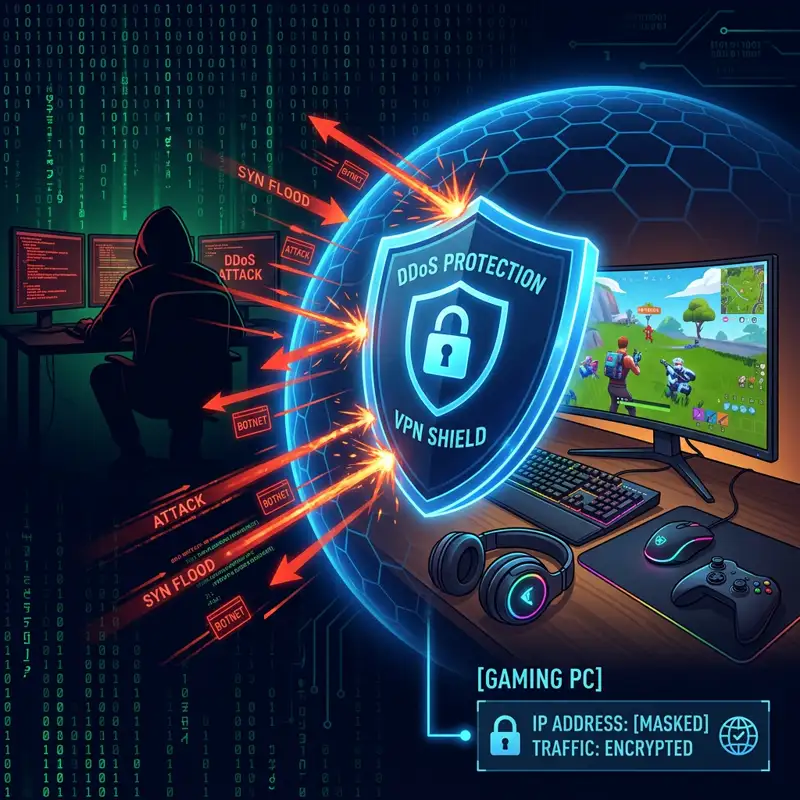
Once an attacker has your IP, they can use a "booter" or "stresser" service (readily available for as little as $5/month) to flood your internet connection with junk traffic. The result:
- Your internet goes completely offline for 5–60 minutes
- Every device on your home network loses connectivity
- Your router may crash and require a manual restart
- Repeated attacks can cause your ISP to flag your connection
In competitive GTA Online, DDoS attacks are commonly used to:
- Disconnect you during cargo deliveries (destroying millions in in-game currency)
- Force-kick you from lobbies during PvP encounters
- Grief players off the session entirely
2. Geolocation and Doxxing
Your IP address reveals your approximate location (city-level accuracy). Combined with your Rockstar Social Club username, this information can be cross-referenced with data brokers to find your real name, address, and phone number. This is called doxxing and it's a serious safety risk.
3. Port Scanning and Network Intrusion
Advanced attackers can scan your IP for open ports and vulnerable services. If your router has default credentials or unpatched firmware, they can potentially access your home network.
The Solution: Hide Your IP With a VPN
A VPN replaces your real IP address with the VPN server's IP address. Every P2P connection in GTA Online shows the VPN server's IP — not yours.
How It Works
- You connect to NordVPN before launching GTA VI
- All traffic from your device is encrypted and routed through NordVPN's server
- Other players in your GTA lobby see NordVPN's datacenter IP (shared among thousands of users)
- If someone attempts a DDoS attack, they hit NordVPN's enterprise-grade infrastructure — not your home router
- NordVPN's servers absorb the attack with no impact to your connection
Why NordVPN Specifically?
- NordLynx protocol: WireGuard-based, adds only 1–3ms ping overhead — unnoticeable in GTA Online
- 6,000+ servers in 111 countries: Connect to a server near Rockstar's datacenter for optimal routing
- Strict no-logs policy: Even if law enforcement requests data, NordVPN has nothing to hand over (audited by PwC and Deloitte)
- DDoS-resistant infrastructure: Enterprise-grade servers designed to absorb volumetric attacks
- Kill switch: If the VPN connection drops, all traffic is blocked instantly — your real IP never leaks
🛡️ Protect Your IP — Get NordVPN 67% OFF
Additional Security Measures for GTA VI
Enable Two-Factor Authentication on Rockstar Social Club
Go to socialclub.rockstargames.com → Settings → 2-Step Verification → Enable via authenticator app (not SMS). This prevents account takeover even if your credentials are compromised.
Use a Unique, Strong Password
Your Rockstar Social Club password should be unique (not reused from other sites) and at least 16 characters. Use a password manager like Bitwarden (free) or 1Password.
Don't Accept Party Invites From Strangers
On consoles, accepting a party invite from an unknown player can expose your IP through the voice chat P2P connection — even before you join their GTA lobby. Decline party invites from unknown players.
Monitor Your Connection
Run periodic speed tests at DCSpeedTest.com while gaming. Sudden drops in download speed or spikes in ping/jitter during a GTA session can indicate an active DDoS attack. If detected, immediately disconnect from the lobby, change your NordVPN server, and reconnect.
Frequently Asked Questions
Can Rockstar see my IP if I use a VPN?
Rockstar's game servers will see your VPN server's IP, not your home IP. This is completely allowed — Rockstar does not ban players for using VPNs. However, using a VPN to circumvent regional pricing or bans IS against their terms of service. Using it for security and privacy protection is standard practice.
Does using a VPN increase my ping in GTA VI?
Modern VPN protocols add 1–3ms of latency overhead — imperceptible during gameplay. If you connect to a VPN server near your ISP's backbone (same city or region), the impact is negligible. In cases where your ISP has poor routing to Rockstar servers, a VPN can actually REDUCE ping by using better backbone routes. NordVPN makes this easy with its Quick Connect feature that auto-selects the fastest server.
What should I do if I'm being DDoS'd right now?
1. Immediately disconnect from the GTA lobby. 2. Power cycle your router (unplug for 30 seconds). 3. If your ISP assigns dynamic IPs, the power cycle may assign you a new IP. 4. Connect NordVPN before rejoining any online game. 5. If attacks persist, contact your ISP and request a new static IP assignment. 6. File a report with Rockstar Support with the attacker's username.