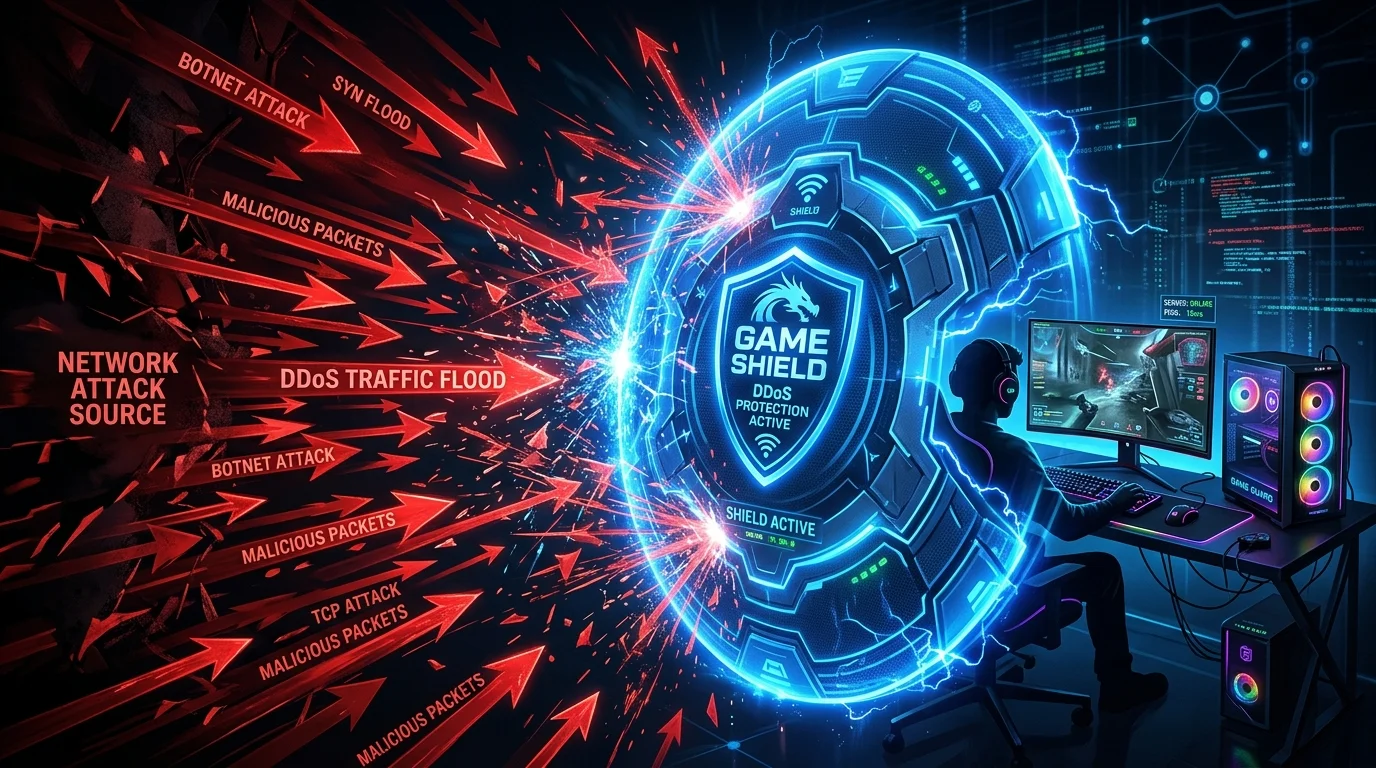
Why Gamers Are Targeted
Competitive gaming creates strong motivations for DDoS: eliminating rivals from ranked matches, retaliating after losses, or extorting streamers. Unlike enterprise DDoS targets, individual gamers typically have no mitigation infrastructure. A 1 Gbps attack against a residential connection that has 500 Mbps capacity is immediately effective.
How Attackers Find Your IP
- Peer-to-peer game connections: Older games (older Call of Duty titles, some Minecraft servers) establish direct P2P connections between players, exposing real IPs. Check if your game uses dedicated servers or P2P.
- Discord voice calls: Until 2023, some Discord audio streams used P2P, leaking IPs. Discord now routes all calls through servers by default — but third-party VOIP tools (TeamSpeak, older Mumble configs) still expose IPs.
- Stream sniping: Streamers who don't delay their stream have their IP indirectly discoverable by someone joining their game at the same time as watching the stream.
- Social engineering / account leaks: Attackers may impersonate support or friends to obtain IP addresses through fake "connection tests."
Layer 1: Hide Your Real IP
- Gaming VPN (ExitLag, NordVPN for gaming, Mullvad): Your real IP is hidden behind the VPN server IP. The attacker can DDoS the VPN server, but the VPN provider has mitigation infrastructure — and your connection is protected.
- CGNAT (Carrier-Grade NAT): Contact your ISP and request they place your connection behind CGNAT. This means your IP is shared among many customers — volumetric attacks on one IP affect all CGNAT users, making it unprofitable for attackers.
Layer 2: ISP-Level DDoS Mitigation
Call your ISP and ask about residential DDoS protection. AT&T, Comcast, and Verizon all offer some form of volumetric attack scrubbing — traffic above a threshold gets rerouted to their scrubbing centers. It is often not advertised but available upon request for affected residential customers.
Layer 3: Router-Level Response
When under attack, request a new dynamic IP from your ISP (unplug modem for 4+ hours, or call support). If you have a static IP, contact ISP support — they can migrate you to a new static IP. Change IP immediately after an attack to cut off ongoing traffic targeting your old address.
Recognizing an Active DDoS vs a Normal Connection Issue
A DDoS attack typically shows as a sudden, total loss of connectivity affecting your whole network simultaneously, often correlating with a specific in-game event (losing a match, an argument in voice chat) — distinct from gradual degradation, which points to a normal ISP or hardware issue rather than a targeted attack.
Router Firewall Settings Worth Checking
Disabling UPnP (which can expose your IP more readily to P2P game connections) and ensuring your router's firewall is active rather than in a fully open "DMZ" mode reduces exposure without needing any paid service — a free first step before considering a VPN or CGNAT request.
What CGNAT Actually Costs You
Requesting CGNAT trades away the ability to host game servers or use certain port-forwarding-dependent features from your home connection — a real tradeoff worth weighing against the DDoS protection benefit, particularly for anyone who also self-hosts services that need a stable, forwardable IP.