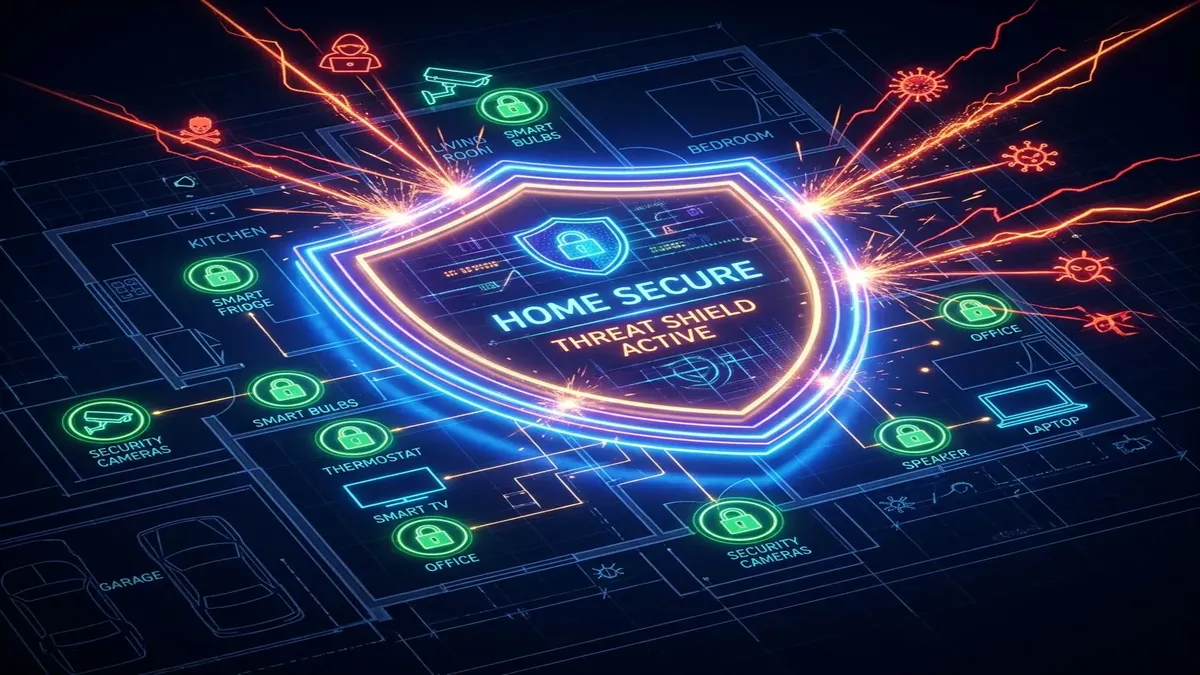
Over 80% of global Distributed Denial of Service (DDoS) attacks are powered not by compromised supercomputers, but by armies of hijacked consumer Wi-Fi routers and unsecured IoT smart devices. Malware strains like **Mirai, Mozi, Gorilla, and KV-botnet** constantly scan the public internet for vulnerable home routers with unpatched firmware, open remote management ports, and weak default passwords. How do you harden your home router against botnet recruitment?
1. Anatomy of an IoT Botnet Attack on Home Routers
Botnet operators deploy automated scanning scripts that probe millions of public IPv4 addresses every hour. When a scanner encounters your router's public WAN IP, it attempts several automated exploit vectors:
| Attack Vector | Vulnerable Protocol / Port | Exploit Mechanism | Defense Strategy |
|---|---|---|---|
| Default Credential Spraying | Telnet (23) / SSH (22) / HTTP (80) | Automated dictionary attacks testing admin/admin, root/password |
Disable remote WAN management; set 20-char password |
| UPnP Port Injection | Universal Plug and Play (1900 UDP) | Malicious smart devices open external ports automatically | Disable UPnP globally on router |
| WPS PIN Brute-Force | Wi-Fi Protected Setup | Pixie Dust attack cracks 8-digit PIN in under 10 minutes | Turn WPS off completely |
| Unpatched Firmware RCE | Buffer Overflow CVEs in Web Server | Injected shellcode executes in router root kernel space | Flash updated vendor firmware / OpenWrt |
2. 🛑 Step 1: Disable UPnP (Universal Plug and Play)
Universal Plug and Play (UPnP) is designed to allow gaming consoles and smart devices to request port forwarding automatically without manual user configuration. However, UPnP contains zero authentication safeguards. If a single smart lightbulb, security camera, or infected PC on your local network is compromised, it can issue a UPnP command instructing your router to open external WAN ports, allowing outside botnet command-and-control (C2) servers to bypass your firewall entirely.
Action: In your router dashboard, navigate to Advanced → WAN / NAT Settings → UPnP and toggle it to Disabled. Manually configure port forwarding only for specific gaming applications when needed.
3. 🔒 Step 2: Disable WPS (Wi-Fi Protected Setup)
WPS allows devices to connect by pressing a physical push button or entering an 8-digit numerical PIN. Due to an architectural flaw in the WPS protocol, the router validates the first 4 digits and last 4 digits of the PIN separately. Using tools like Reaver or PixieWPS, an attacker parked outside your home can brute-force your Wi-Fi password in minutes, regardless of how complex your WPA3 passphrase is.
Action: Navigate to Wireless Settings → WPS and disable WPS functionality entirely.
4. 🌐 Step 3: Segment IoT Smart Devices into an Isolated Guest VLAN
Budget smart home appliances (smart plugs, robot vacuums, IP cameras) rarely receive security firmware updates from their manufacturers. If a smart camera is infected with the Mirai botnet, it scans your local network to infect your computers, NAS drives, and router.
- Enable your router's Guest Wi-Fi Network (or create an isolated IoT VLAN on
VLAN ID 20). - Enable Client Isolation / AP Isolation on the Guest network.
- Connect all smart home appliances exclusively to the Guest/IoT network, completely isolating them from your primary gaming PCs, smartphones, and router admin gateway.
5. 🛡️ Step 4: Configure DNS over HTTPS (DoH) & Encrypted Resolvers
Standard DNS queries are transmitted in unencrypted plaintext (UDP Port 53). Botnet malware routinely intercepts unencrypted DNS traffic to hijack domain routing. Configure your router to use encrypted DNS over HTTPS (DoH) or DNS over TLS (DoT) through security-focused resolvers with automated malware filtering:
- Cloudflare Security (1.1.1.2 / 1.0.0.2): Automatically blocks known malware, phishing, and botnet C2 domains at the DNS level.
- Quad9 (9.9.9.9 / 149.112.112.112): Non-profit threat intelligence resolver that blocks malicious domains using real-time feeds from 20+ cybersecurity vendors.
6. 🛑 Block Outbound Botnet C2 Traffic with Custom Firewall Rules
Once a device on a home network is infected with botnet malware, it attempts to connect back to external **Command-and-Control (C2) servers** using standard unencrypted IRC, Telnet, or unusual UDP ports. You can create proactive outbound firewall rules on your router to block compromised IoT devices from receiving attack commands:
- Block Outbound Telnet (Port 23) & SSH (Port 22): Prevent local IoT appliances from scanning external subnets.
- Block Outbound IRC Ports (6660 – 6669): Many legacy Mirai botnet variants utilize IRC channels for DDoS attack instructions.
- Enforce Strict DNS Egress: Block outbound UDP Port 53 to all IP addresses except your designated encrypted DoH gateway to prevent malware from using hardcoded malicious DNS resolvers.
7. 🛡️ OpenWrt vs. Stock Vendor Firmware: The Security Hardening Comparison
For advanced users and network enthusiasts, flashing an open-source router firmware like OpenWrt provides unmatched security. Unlike commercial consumer routers that reach End-of-Life (EOL) within 2 to 3 years and stop receiving security patches, OpenWrt is maintained by the global cybersecurity community, receiving continuous kernel security updates, customizable nftables firewalls, and support for automated intrusion prevention systems like Suricata.
8. 🔍 Monitoring Outbound Bandwidth for Botnet Activity
Use your router dashboard's real-time traffic monitor or install a network analyzer like Wireshark or Pi-hole to inspect outbound connections. If an IoT camera or smart TV is transmitting continuous UDP packet bursts at 3 AM to unfamiliar foreign IP addresses, immediately revoke its network access and perform a factory firmware reset.
📡 Upgrade to Enterprise-Grade Home Security Hardware
Discover our top-rated routers featuring automated firmware updates, hardware VLAN segmentation, and built-in firewall defense:
🛒 View Secure Network Hardware →