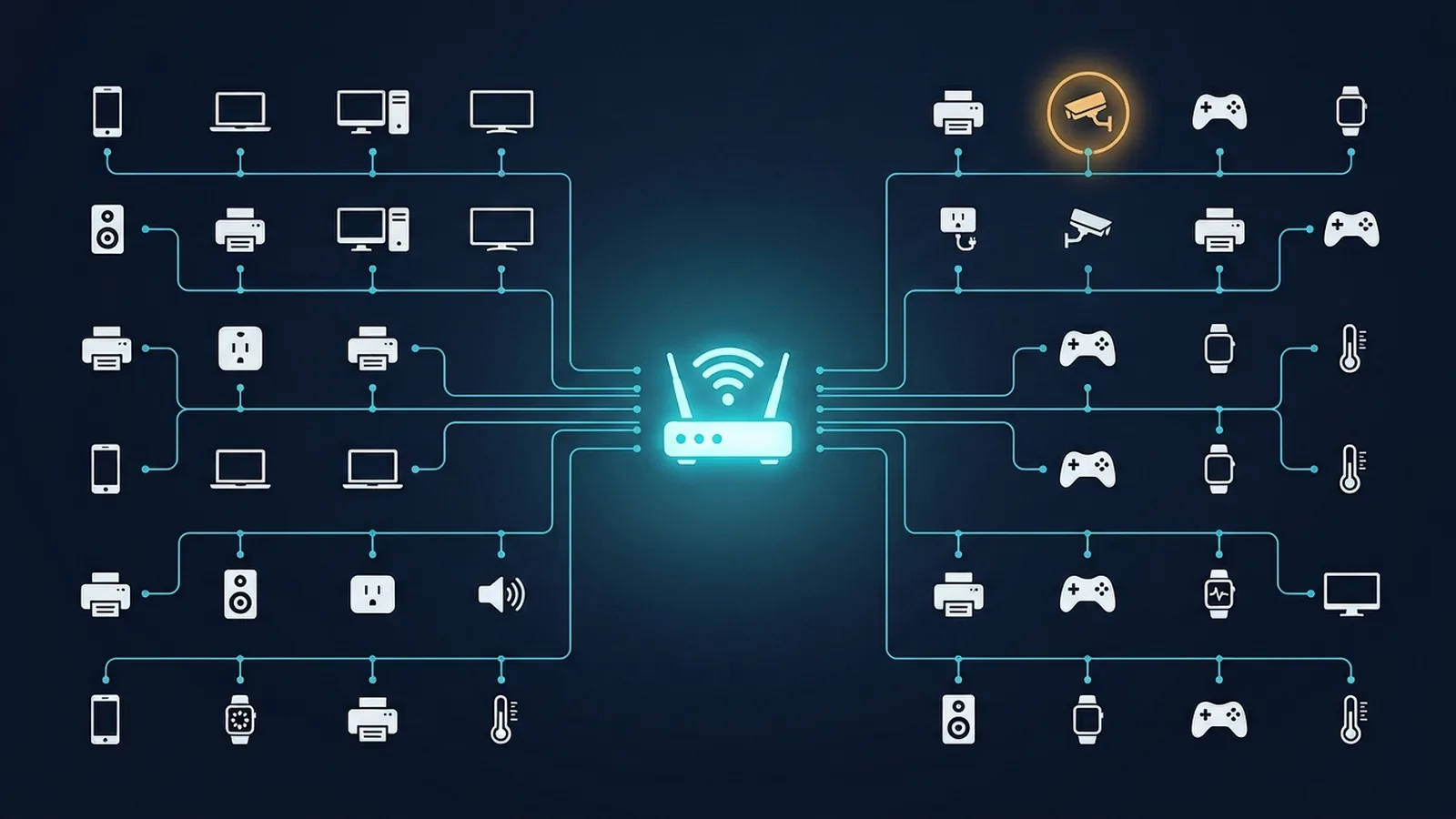
Most people have never actually looked at the full list of devices connected to their own Wi-Fi — and modern homes have far more of them than expected once you count every phone, laptop, smart plug, streaming stick, and voice assistant. A quick audit is one of the simplest home network security checks that most people simply never run.
Step 1: Open Your Router's Admin Panel
Every consumer router has a connected-devices list, usually accessible by typing the router's local IP address (commonly 192.168.1.1 or 192.168.0.1) into a browser, or through the ISP's companion app if you're using a rented gateway. Look for a section labeled "Connected Devices," "Client List," or "Device Manager" — the exact wording varies by brand, but nearly every router exposes this list somewhere.
Step 2: Count What You Actually Recognize
Go through the list and account for every entry: phones, laptops, smart TVs, game consoles, smart speakers, smart plugs, security cameras, printers. It's genuinely common for this number to be higher than people expect — a modern household with a handful of smart home gadgets can easily have 20-40 connected devices without anyone consciously tracking the total.
Step 3: Investigate Anything You Can't Identify
Most routers label unrecognized devices with a generic manufacturer name derived from the device's MAC address (the first half of a MAC address identifies the hardware manufacturer). If you see an entry you don't recognize, that manufacturer prefix is your first clue — "Espressif" often means an ESP32-based smart plug or sensor, "Amazon Technologies" points to an Echo or Fire device, and so on. Cross-referencing the manufacturer against what you actually own usually resolves most mystery entries quickly.
Step 4: Know What a Genuine Red Flag Looks Like
A device you truly can't account for — one that doesn't match any manufacturer prefix consistent with anything you own, connected at an unusual time, using an unusually large amount of bandwidth — is worth taking seriously. The response isn't complicated: change your Wi-Fi password (this immediately disconnects everyone, including the unrecognized device, and requires the new password to reconnect), and consider enabling WPA3 if you haven't already, since it closes several of the weaknesses that make unauthorized access easier in the first place.
A Faster Option: Network Scanner Apps
If digging through your router's admin panel feels tedious, free network scanner apps (available for both iOS and Android) can list connected devices with slightly more detail and a friendlier interface than most router dashboards, without requiring you to remember your admin login. They're a reasonable shortcut for a quick periodic check rather than logging into the router directly every time.
How Often Is This Actually Worth Doing?
You don't need to check obsessively — a quick look every few months, or right after adding a new smart home device (to confirm it connected correctly and nothing unexpected changed), is a reasonable cadence. It's a five-minute check that catches the rare genuine problem without turning into a constant chore.
Our Take
Most of the time, this audit turns up nothing more alarming than "oh right, I forgot the smart plug in the garage was still connected" — and that's a good outcome. The value isn't paranoia, it's just knowing what's actually on your network instead of never having looked.
What to Do If You Rent Your Router From Your ISP
If your router is an ISP-provided gateway rather than one you own, the same device list is usually available either through the gateway's own admin page or through the ISP's companion app, which often presents the information in a friendlier format than a router's native dashboard. The process is the same either way: open the list, account for every entry, and investigate anything unfamiliar.
Devices That Commonly Confuse People During an Audit
A few entries trip people up regularly, worth knowing in advance so you don't mistake something normal for a genuine problem: a device connected under a different name than expected (some smart devices register with a generic factory name rather than anything recognizable), a device that appears twice (some phones and laptops maintain separate entries for 2.4GHz and 5GHz connections), and older devices that connected once months ago and still show up in the historical list even though they're no longer actively on the network. None of these are red flags on their own — they're just quirks of how router device lists are typically implemented.
Setting Up Notifications for New Devices
Many modern routers and mesh systems can send a notification through their companion app whenever a new, previously unseen device joins the network — worth enabling if your router supports it, since it turns this from a periodic manual check into something you're alerted to automatically the moment it happens, closer to real-time awareness than a quarterly audit alone can provide.