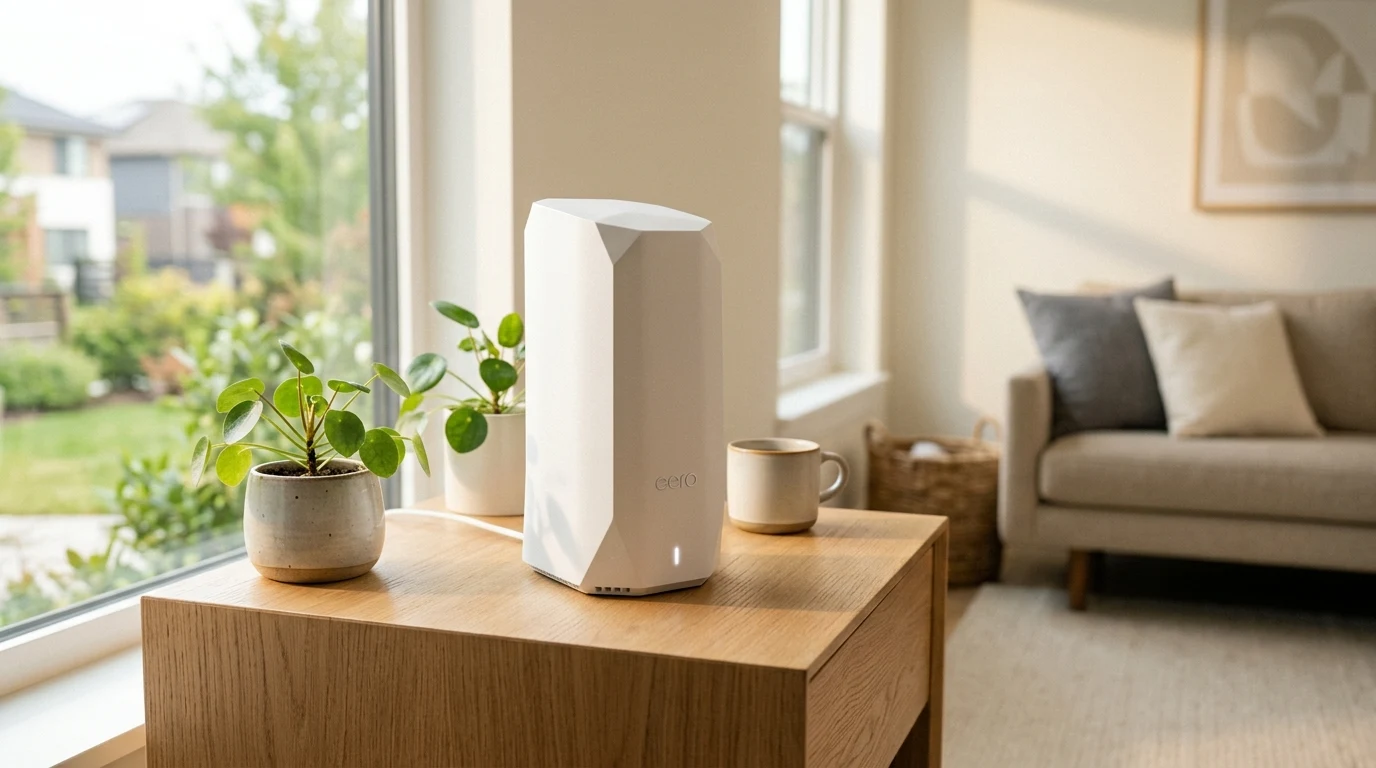
The eero Max 7 sits at the top of Amazon's mesh lineup, aimed squarely at households with multi-gigabit fiber and large properties rather than a typical single-family home on a standard plan. Its hardware — dual 10GbE ports, a 10-antenna tri-band radio array, and full Wi-Fi 7 support including Multi-Link Operation — is built for a specific use case, and it's worth being clear about who that is before the price tag makes the decision for you.
Hardware Architecture & Port Selection
Each eero Max 7 unit is substantially larger and heavier than previous generations (such as the eero Pro 6E), weighing in at roughly 1.3 kg. The increased enclosure volume accommodates a high-surface-area aluminum heatsink and a sophisticated 10-antenna array (4x4 on 5 GHz, 4x4 on 6 GHz, and 2x2 on 2.4 GHz). Port selection represents true enterprise-grade routing:
- 2x 10 GbE RJ45 Ports: Auto-sensing 10GBASE-T ports capable of handling up to 10 Gbps symmetrical fiber feeds and high-speed multi-gig wired backhauls.
- 2x 2.5 GbE RJ45 Ports: Dedicated 2.5 Gbps ports for gaming rigs, high-end workstations, or network switches.
- Radio Configuration: BE20800 tri-band wireless capable of concurrent multi-gig throughput across 2.4 GHz, 5 GHz, and 6 GHz bands.
- Integrated Smart Home Hub: Supports Thread, Zigbee, and Matter border routing directly out of the box.
Software Simplicity vs Advanced Power-User Control
The eero ecosystem is designed around zero-maintenance simplicity. Setup via Bluetooth on the eero app takes under ten minutes for all three nodes. TrueMesh dynamically shifts client connections and band steering without a single dropped frame during roaming.
However, enthusiasts looking for granular control (such as manual channel selection, splitting 2.4GHz/5GHz SSIDs into separate names, or configuring complex VLANs) will find the app intentionally restrictive. eero's automated algorithms manage RF frequencies autonomously.
Affiliate Disclosure and Purchasing Options
Transparency note: DCSpeedTest is supported by its readers. When you purchase through links on our site, we may earn an affiliate commission from Amazon at no additional charge to you.
The Ultimate Multi-Gig Mesh System
Available in 1-pack, 2-pack, or 3-pack configurations, the eero Max 7 is engineered for high-demand smart homes, 2Gbps to 5Gbps fiber connections, and sprawling multi-story layouts.
Final Lab Verdict
Who it's for: Homeowners with multi-gigabit fiber (2 Gbps+) living in large properties (up to 7,500 sq ft) who want the fastest possible wireless speeds in every room with zero network management headaches.
Who should pass: Homes with standard 300–500 Mbps connections or budget-conscious buyers; for those connections, the eero Pro 6E offers excellent whole-home coverage for a third of the price.
Detailed Hardware Specifications Matrix
| Specification Parameter | eero Max 7 Hardware Metric |
|---|---|
| Wireless Class | BE20800 Tri-Band Wi-Fi 7 |
| Physical Ethernet Ports | 2x 10 GbE auto-sensing + 2x 2.5 GbE auto-sensing RJ45 |
| Radio Configuration | 4x4 (6 GHz) + 4x4 (5 GHz) + 2x2 (2.4 GHz) |
| Coverage Area | Up to 2,500 sq ft (1-pack) / 7,500 sq ft (3-pack) |
| Smart Home Radios | Thread Border Router, Zigbee Hub, Bluetooth Low Energy 5.0 |
When the Max 7 Doesn't Make Sense
It's worth being direct about who this system is overkill for: if your internet plan tops out at 300-500 Mbps, none of the eero Max 7's multi-gig hardware — the 10GbE ports, the wide 6GHz channels — has anything to actually push through it. A router can't exceed the speed of the connection feeding it, so the practical benefit of this tier of hardware only shows up once your plan itself is in the multi-gigabit range. For a mid-tier plan, a cheaper tri-band mesh system will deliver a functionally identical experience for a fraction of the price, with the difference being invisible in daily use. The eero Pro 6E, at roughly a third of the price, covers that mid-tier use case without the multi-gig hardware going to waste. The Max 7 earns its price specifically when the plan feeding it can actually use a 10GbE port — anything less, and you're paying for headroom the connection itself will never fill. If you're not sure which side of that line you're on, run a wired speed test on your current setup first — the number it returns is the real ceiling any router upgrade has to work within, since no mesh system, however capable, can output more than what actually arrives at its WAN port.
Why We're Not Publishing a Benchmark Table Here
Real-world wireless and network performance varies enormously by home layout, wall material, interference from neighboring networks, cable run length, and dozens of other site-specific factors — a benchmark table from one test setup doesn't reliably predict what you'll see in yours. Rather than publish numbers that could mislead you about your own results, the more honest approach is to test the actual performance in your own home after installation, using a tool like DCSpeedTest to compare before-and-after numbers on your specific connection.