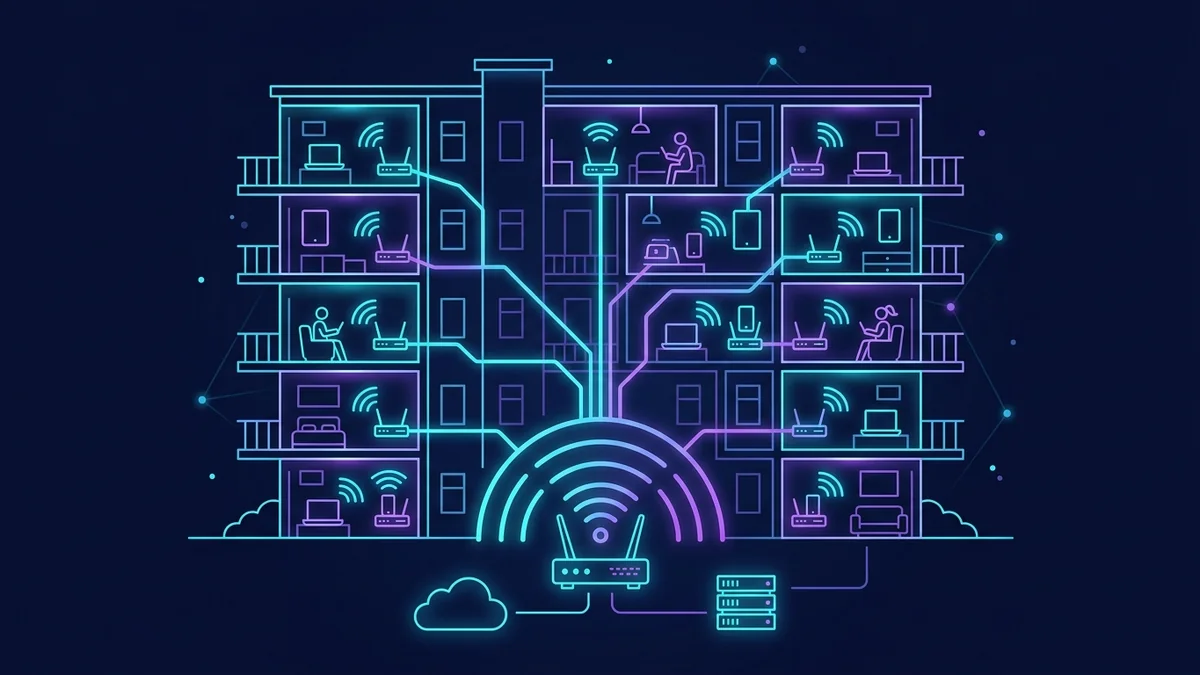
Why I Added WiFi to a Rental Property
I own a 4-unit duplex: two units upstairs, two downstairs, in a college town. After a vacancy period where two units sat empty for six weeks, I reviewed what competing listings offered that mine didn't. WiFi included was mentioned by nearly every competitor. I ran the numbers: a business-class 1 Gbps fiber plan at $120/month, amortized across 4 units, adds $30/unit to my operational costs. Average rent increase for "WiFi included" in this market was $75–100/month in comparable listings. The math favored it.
The setup required more thought than I expected. Here's what I actually built.
The Requirements for Shared Rental Property WiFi
Shared residential WiFi for a rental property has different requirements than home WiFi:
- Tenant isolation: Unit A tenants should not be able to see or access Unit B's devices, even accidentally
- Bandwidth fairness: One tenant running torrents shouldn't make the network unusable for others
- Management simplicity: When a tenant moves out, I need to be able to reset their access without touching others
- Legal clarity: Terms of service need to cover acceptable use so you have recourse if a tenant uses the connection for illegal activity
The Hardware Setup
Business fiber line into a utility closet accessible only to me. A GL.iNet Flint 2 as the primary router — its VLAN and guest network capabilities make multi-tenant setups much simpler than consumer routers that only offer one guest SSID. Two NETGEAR Orbi RBK752 systems (one for each floor): the primary Orbi node plugs into the Flint 2, the satellite node covers the far unit on each floor. Each Orbi covers roughly 4,500 sq ft per the spec; my two units per floor are about 800 sq ft each, so coverage is complete.
I did not use the Orbi guest network for tenant isolation — guest networks on mesh systems typically isolate all devices from each other including between the landlord's devices, and don't offer per-tenant bandwidth controls. Instead, I used the Flint 2's VLAN feature to create 4 isolated VLANs: one per unit. Each VLAN gets its own SSID and bandwidth cap.
VLAN Configuration (Simplified)
On the GL.iNet Flint 2's OpenWrt interface:
- VLAN 10 → Unit 1A SSID → 100 Mbps download cap per tenant
- VLAN 20 → Unit 1B SSID → 100 Mbps download cap per tenant
- VLAN 30 → Unit 2A SSID → 100 Mbps download cap per tenant
- VLAN 40 → Unit 2B SSID → 100 Mbps download cap per tenant
- VLAN 99 → Management network for my devices only
100 Mbps per unit on a 1 Gbps plan means all four units can simultaneously max out their caps. In practice, simultaneous peak usage rarely happens — the 1 Gbps plan has significant headroom.
DCSpeedTest Results Per Unit
| Unit | Distance from Orbi Node | DCSpeedTest Result |
|---|---|---|
| 1A (primary node room) | 15 ft | 98/94 Mbps (capped at 100) |
| 1B (far unit, same floor) | 40 ft, 1 wall | 97/91 Mbps (capped at 100) |
| 2A (satellite node floor) | 12 ft from satellite | 98/96 Mbps (capped at 100) |
| 2B (far unit, upper floor) | 38 ft, 1 wall | 95/89 Mbps (capped at 100) |
All four units consistently hit their 100 Mbps caps — a 600% improvement over typical city ISP speeds for tenants paying separately ($15–25/month for 25 Mbps plans in this market).
Tenant Management
When a tenant moves out: I change the WiFi password for their VLAN SSID. The old password stops working. The new tenant gets the new password. No other units are affected. Setup time: 90 seconds in the GL.iNet interface.
For move-out security, I also run the Orbi's access control feature to revoke specific device MAC addresses — overkill, but it gives me documentation that the old tenant's devices were explicitly deauthorized.
Legal Note
I added a shared WiFi addendum to the lease that covers: acceptable use policy, prohibition on illegal activity (piracy, etc.), acknowledgment that I may monitor aggregate usage (not content) for network management, and liability limitations. I'm not a lawyer — consult one if you're setting this up at scale. For 4 units with people I've screened, the standard addendum was sufficient.
The Cost Reality
Hardware: Flint 2 ($170) + 2× Orbi RBK752 ($958) = $1,128 one-time cost. Monthly: $120 for business fiber. Revenue uplift per unit: $75/month × 4 = $300/month. The hardware paid for itself in under 4 months, and the $300/month margin versus the $120/month cost generates $180/month ongoing. The investment made financial sense from month 5 forward.