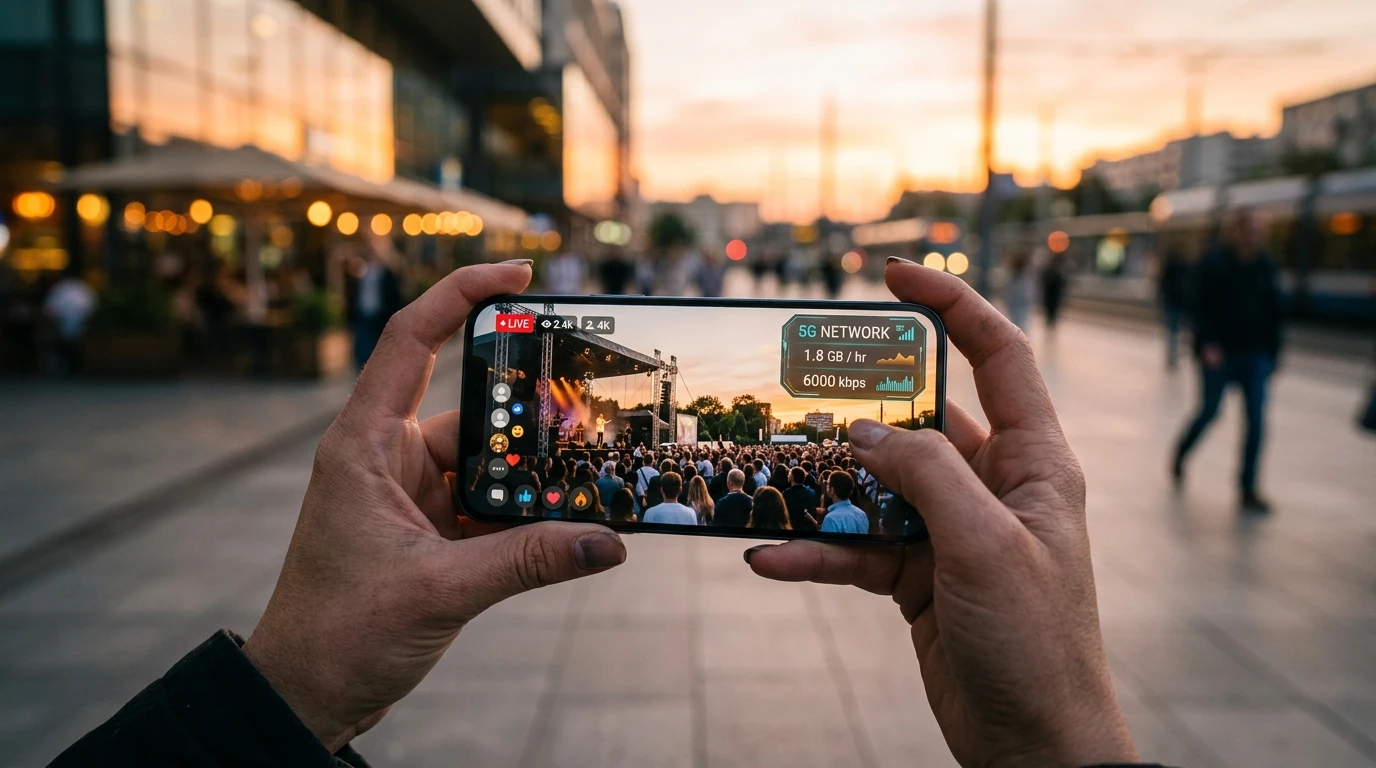
Watching live church services, worship streams, or sports on cellular data? Calculate exact gigabyte consumption for 480p, 720p, 1080p, and 4K broadcasts.
Streaming on the Go: The Hidden Cellular Data Drain
Whether watching an inspiring Sunday sermon during a weekend trip, streaming a worship concert on public transit, or participating in a video conference from your car, video content consumes the vast majority of consumer mobile data plans.
Many mobile users are shocked to receive SMS alerts from their carrier indicating their monthly 5 GB or 10 GB high-speed allowance has been completely exhausted after watching just two or three live broadcasts.
Interactive Cellular Video Data Usage Calculator
Calculate Your Mobile Data Consumption
Estimated Data Consumed: 2.2 GB
Tip: On a 10 GB monthly cellular plan, this session consumes 22% of your total monthly allowance.
Data Consumption Breakdown Across Resolutions
| Quality Setting | Hourly Consumption | Best Use Case |
|---|---|---|
| 480p (Standard Definition) | ~500 MB / hour | Sermons, podcasts, audio-focused listening |
| 720p (High Definition) | ~1.1 GB / hour | Optimal balance for mobile phone displays |
| 1080p (Full High Definition) | ~2.2 GB / hour | Tablets, laptops, high-detail broadcasts |
3 Simple Ways to Slash Video Data Usage
- Lock Resolution to 480p or 720p: By default, YouTube and Facebook apps automatically upscale video to maximum resolution when 5G signal is detected. Manually select 720p in the player settings to cut consumption in half.
- Use Audio-Only Mode for Podcasts: When listening to messages or teachings, utilize audio-only feeds, reducing consumption from 1,500 MB/hr down to just 60 MB/hr.
- Test Carrier Throttling: Many mobile carriers artificially throttle video streams to 480p speeds. Run a cellular test on DCSpeedTest to see your real 4G/5G throughput.