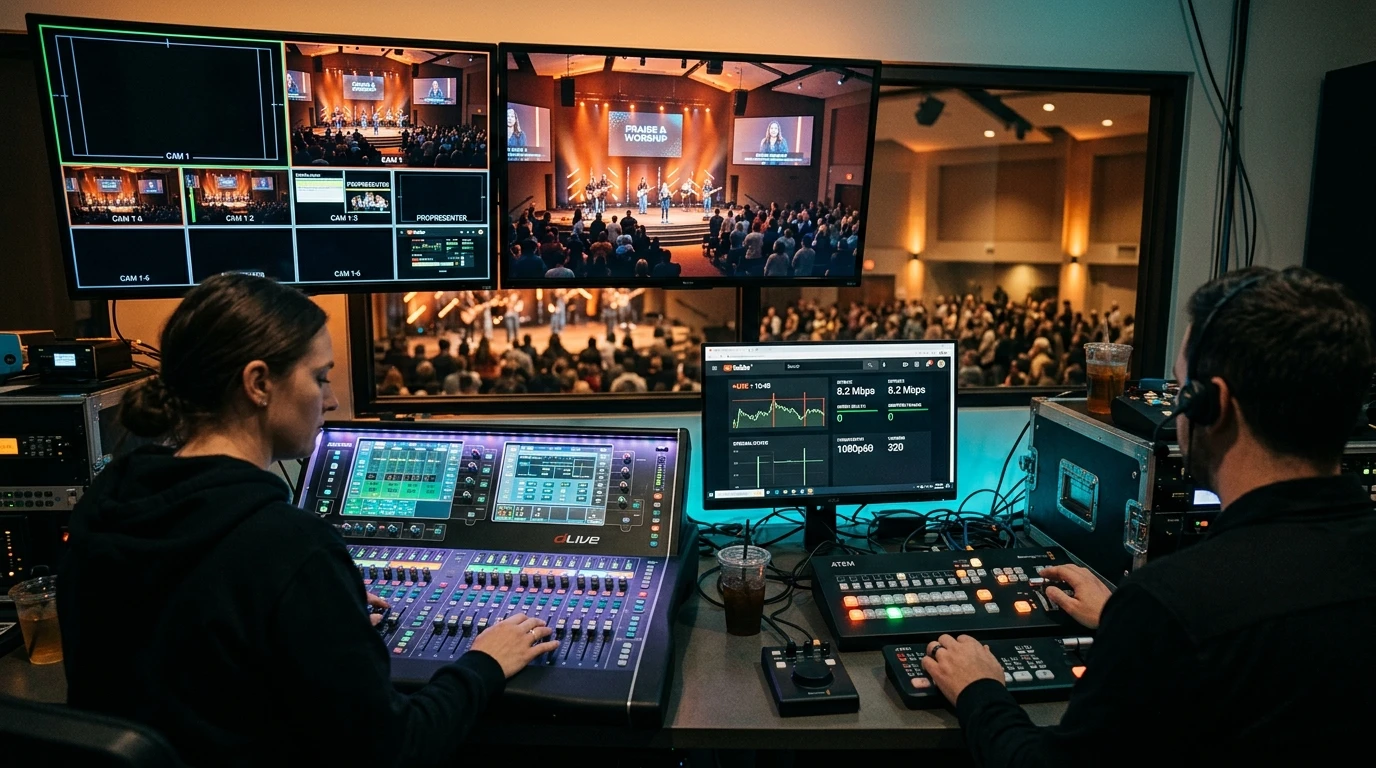
How much upload speed does your church need to live stream on YouTube and Facebook without buffering? Use our interactive bitrate calculator and setup guide.
The Golden Rule of Church Live Streaming: Upload Headroom
Few ministry moments are as critical as Sunday morning worship. When remote members, homebound seniors, and global followers tune in, a buffering stream or dropped broadcast breaks spiritual focus. Many volunteer media teams assume their connection is adequate because 'download speeds are fast', only to watch the YouTube Studio health bar flash orange and red during worship songs.
In live video ingestion, download speed is completely irrelevant; upload throughput and connection headroom are everything.
Interactive Church Streaming Bandwidth Calculator
Use our interactive calculator below to determine the exact upload speed and encoder bitrate your media team should configure:
Live Stream Bitrate & Upload Estimator
Recommended Video Bitrate: 4,500 kbps
Minimum Dedicated Upload Required: 7.5 Mbps (includes 35% headroom)
Standard YouTube & Facebook Live Stream Reference Table
| Target Resolution | Recommended Video Bitrate | Audio Bitrate | Minimum Church Upload |
|---|---|---|---|
| 720p @ 30fps (Standard HD) | 2,500 – 3,500 kbps | 128 – 160 kbps | 5.0 – 6.0 Mbps |
| 1080p @ 30fps (Full HD) | 4,500 – 5,500 kbps | 160 – 192 kbps | 7.5 – 9.0 Mbps |
| 1080p @ 60fps (High Framerate) | 6,500 – 8,000 kbps | 160 – 320 kbps | 11.0 – 13.0 Mbps |
4 Critical Technical Best Practices for Church Media Booths
- Direct Ethernet Line (Never Wi-Fi): As church members enter the sanctuary, hundreds of smartphones actively probe for local Wi-Fi, creating massive 2.4 GHz and 5 GHz radio packet collisions. Always connect the streaming computer or hardware encoder via Cat6 Ethernet cable directly to the router.
- Separate the Guest Wi-Fi Network: Isolate the church broadcast network on a dedicated VLAN or secondary subnet so visitor devices cannot saturate the uplink.
- Enable Constant Bitrate (CBR): Always configure your encoder to CBR (Constant Bitrate) rather than VBR (Variable Bitrate). VBR causes severe transmission latency spikes during sudden loud music or lighting changes.
- Conduct a Pre-Service Speed Diagnostic: 30 minutes before service begins, test your line on DCSpeedTest to verify upload speed, jitter under load, and bufferbloat score.