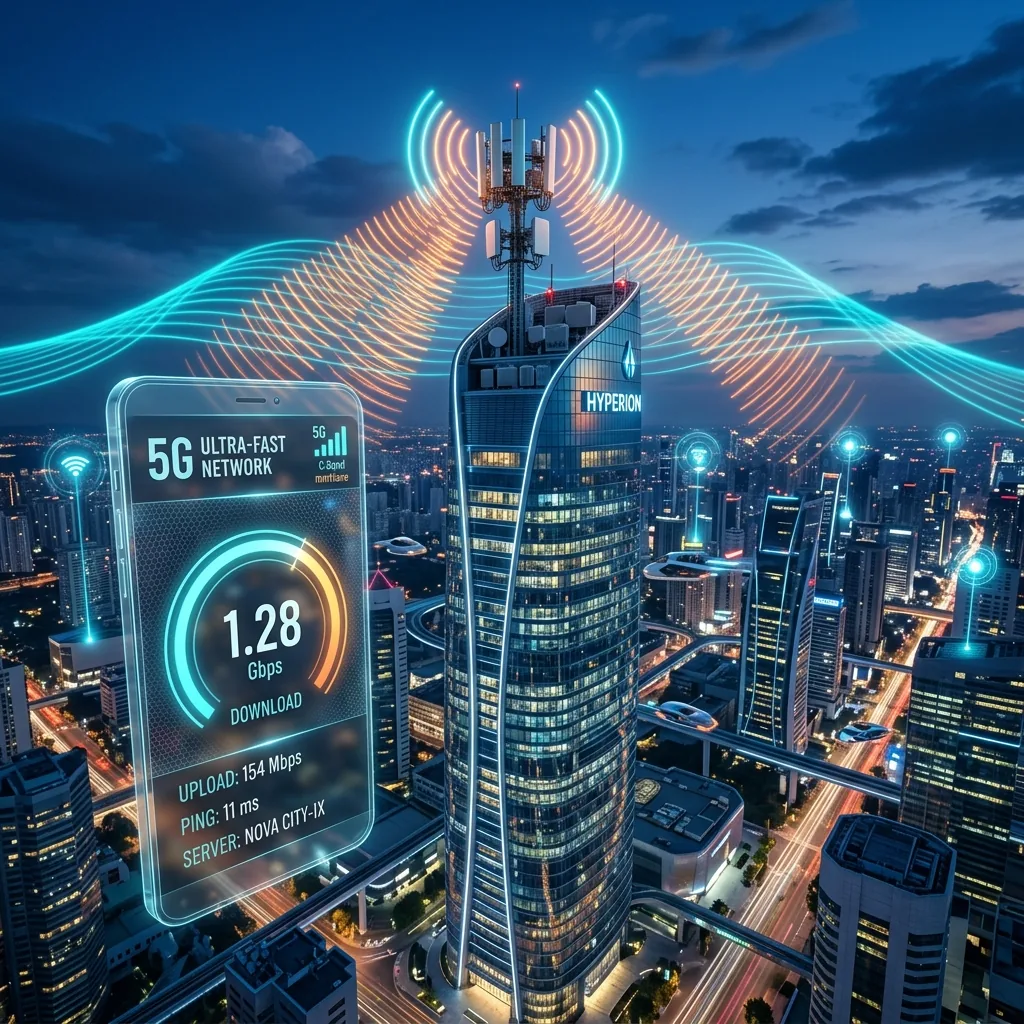
In 2026, 5G is the global standard for mobile connectivity. Carriers promise blazing-fast download speeds that rival residential fiber. Yet, when you run a 5G speed test on your phone, you might see 1,200 Mbps in one spot, and just 15 Mbps when you walk across the street. The name "5G" covers three completely different cellular technologies that behave in vastly different ways. Here is the technical guide to Low-Band, C-Band, and mmWave 5G, why your mobile tests fluctuate so wildly, and how to force faster cellular speeds.
The Three Flavors of 5G Spectrum
Your 5G speed test numbers are determined entirely by the **frequency band** your phone is currently connected to. Think of these bands as lanes on a highway:
1. Low-Band 5G (Sub-6GHz / Nationwide)
Uses frequencies below 1GHz (typically 600MHz to 800MHz). This band has incredible range and can easily penetrate walls, trees, and metal structures. However, it has very narrow channels.
Speed Test Expectation: **35 - 90 Mbps** (Basically slightly optimized 4G LTE).
2. Mid-Band & C-Band 5G (The Sweet Spot)
Uses frequencies in the 2.5GHz to 3.7GHz range (C-band). This is the true global standard for modern 5G. It strikes a perfect balance between solid signal range and high data capacity.
Speed Test Expectation: **250 - 650 Mbps**.
3. High-Band & mmWave 5G (Ultra-Capacity)
Uses extreme millimeter-wave frequencies (24GHz to 40GHz). This band has massive data capacity, but it is physically fragile. The signal is blocked by windows, walls, leaves, and even your own hand holding the phone. It is typically deployed only in open stadiums, crowded tourist spots, and dense urban streets.
Speed Test Expectation: **1,000 - 3,000+ Mbps (Gigabit Speed)**.
Why Your 5G Speed Test Varies So Wildly
If you see a sudden drop in your mobile speed test, your phone is likely executing a **carrier-band handdown**.
Because higher frequencies (like C-band and mmWave) are poor at penetrating objects, the moment you step inside a building, your phone's cellular modem loses the fragile C-band connection and instantly drops back to the robust but slow Low-band 5G. The phone still displays the "5G" logo in your status bar, but you are receiving 10% of the speed.
How to Force Faster 5G Cellular Speeds
- Expose the Cellular Modem Line-of-Sight: If you are running a speed test indoors, stand near a glass window. Better yet, step outside. Removing a single concrete or brick wall from the equation can instantly force your modem to reconnect to a high-capacity C-band node, skyrocketing your speed from 30 Mbps to 400 Mbps.
- Toggle Airplane Mode (The Modem Reset): Cellular modems are designed to be conservative; they will cling to a slow, stable Low-band signal even if a fast Mid-band node becomes available. Toggling Airplane Mode on for 5 seconds and then off forces the modem to scan the radio spectrum from scratch, immediately latching onto the fastest premium band.
- Disable "Low Data Mode" or Carrier Power Saving: Go to your smartphone's cellular data settings and ensure that "5G Standalone" or "5G On" is active, rather than "5G Auto". Many phone operating systems silently restrict your connection to slow bands to preserve battery life.
Conclusion
5G mobile speed testing is the ultimate measure of modern cellular capacity. By understanding the spectrum differences, placing yourself in a clear line-of-sight to the nearest cell tower, and executing a quick modem reset, you can bypass slow carrier fallback limits and capture the true gigabit speeds of the 5G era.