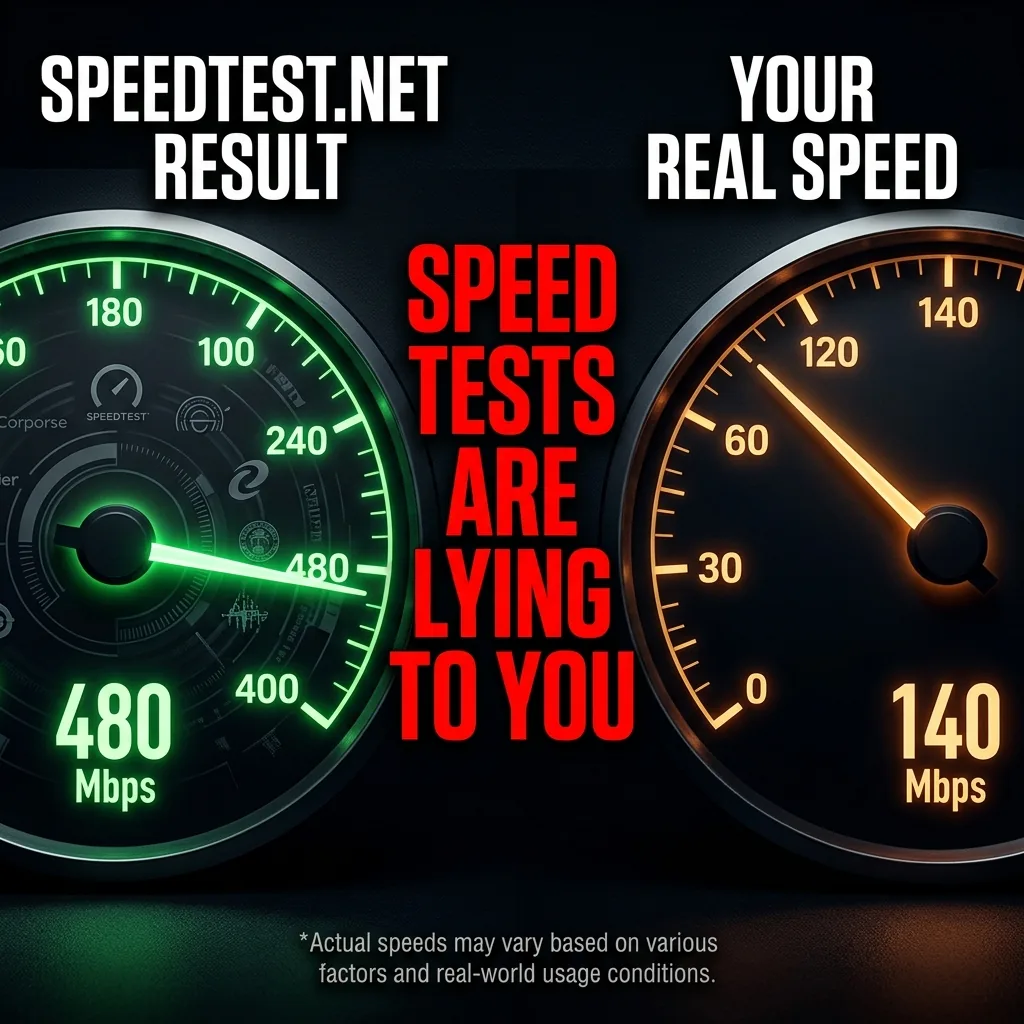
You open a popular speed test site, click "Go," and watch the dial spin up to a glorious 800 Mbps. You feel satisfied. Ten minutes later, a 2GB game update takes an hour to download, and your Netflix stream drops to 480p. How is this possible? Because the speed test you just ran is an illusion. ISPs use three well-documented techniques to ensure popular speed tests show inflated numbers while your real-world performance is dramatically worse. Here is exactly how they do it, and the 4-step protocol to bypass the manipulation.
The Three ISP Speed Test Deception Tactics
1. The "On-Net" Server Illusion
When you click "Test," the testing service automatically connects you to the server with the lowest ping — which 95% of the time is hosted inside your ISP's own network. You are not testing your speed to the broader internet. You are testing the connection from your house to the nearest Comcast or AT&T facility down the street. Real-world traffic — Netflix, Google, Steam servers — routes across the full internet backbone, where the congestion actually lives.
2. Traffic Prioritization (Fast Lanes for Tests)
ISPs know the IP addresses and domain names of major speed testing services. Their routers are configured to grant those packets the highest possible priority. Even when your neighborhood node is congested and everyone's Netflix is buffering, the ISP's equipment will clear the lane specifically for speed test traffic. The test shows a pristine connection while everything else suffers.
3. "PowerBoost" Burst Allowances
Most speed tests last only 10 to 15 seconds. ISPs exploit this window by configuring modems to pull data at a much higher rate than your subscribed plan for the first 20 seconds — a feature Comcast branded "PowerBoost." The test completes while you are still in the burst window, recording a peak average that your connection cannot sustain. Switch to downloading a 500MB file and time it manually to see your real sustained rate.
Speed vs. Capacity: Understanding What You're Actually Testing
Standard tests measure maximum capacity under ideal conditions. Your internet experience is determined by stability under load. Think of it as a highway: a speed test tells you the road has 8 lanes. It does not tell you about potholes (packet loss), inconsistent lane widths (jitter), or what happens during rush hour (peak congestion). Real-world "speed" is how fast you travel when the road is actually being used.
The 4-Step Protocol to Test Your REAL Speed
Step 1: Force an Off-Net Server
In whatever speed testing tool you use, manually select a server that is several states away, hosted by an independent data center or a competing ISP. This forces your traffic to leave your ISP's internal network and traverse the real internet backbone where actual performance issues live. Expect a 20-40% drop from your "on-net" result — that gap is your real-world overhead.
Step 2: Run a Loaded Latency Test
Your ping on an idle network is irrelevant. What matters is your ping when the network is busy. Run a test that simultaneously maxes out your download and upload bandwidth while measuring latency. If your ping jumps from 20ms to 200ms during the test, your real-world performance for gaming and video calls will be terrible — regardless of the Mbps number.
Step 3: Test a Sustained Real-World File Transfer
Download a large file (200MB+) from a neutral, non-ISP-optimized server and time it manually. Divide the file size by the time taken to get your real sustained speed in MB/s (multiply by 8 for Mbps). If your speed test showed 500 Mbps but your file downloaded at 50 Mbps sustained, your PowerBoost burst is 10x your real plan capacity.
Step 4: Run a VPN Bypass Test
Connect to a reputable paid VPN and run your standard speed test again. If your streaming video quality improves, or if specific downloads get faster with the VPN on, your ISP is throttling specific traffic types. The VPN encrypts the packets, preventing the ISP from identifying and throttling them by content type.
Frequently Asked Questions
Which speed testing tools are least likely to be rigged by ISPs?
M-Lab's NDT7 test (accessible at speed.measurementlab.net) is hosted on independent infrastructure and is the most ISP-neutral option available. It uses a single connection (not multi-threaded) and measures from off-net servers. It will typically show 20-30% lower speeds than Speedtest.net, but those numbers more accurately reflect your real browsing and streaming experience.
My speed test shows my full plan speed. Does that mean I'm not being throttled?
Not necessarily. A matching result means your ISP is delivering your contracted plan speed to speed test servers. It says nothing about streaming, gaming, or other traffic types. Run the VPN bypass test described above — if results change while on VPN, throttling is happening on specific services, not on speed tests.