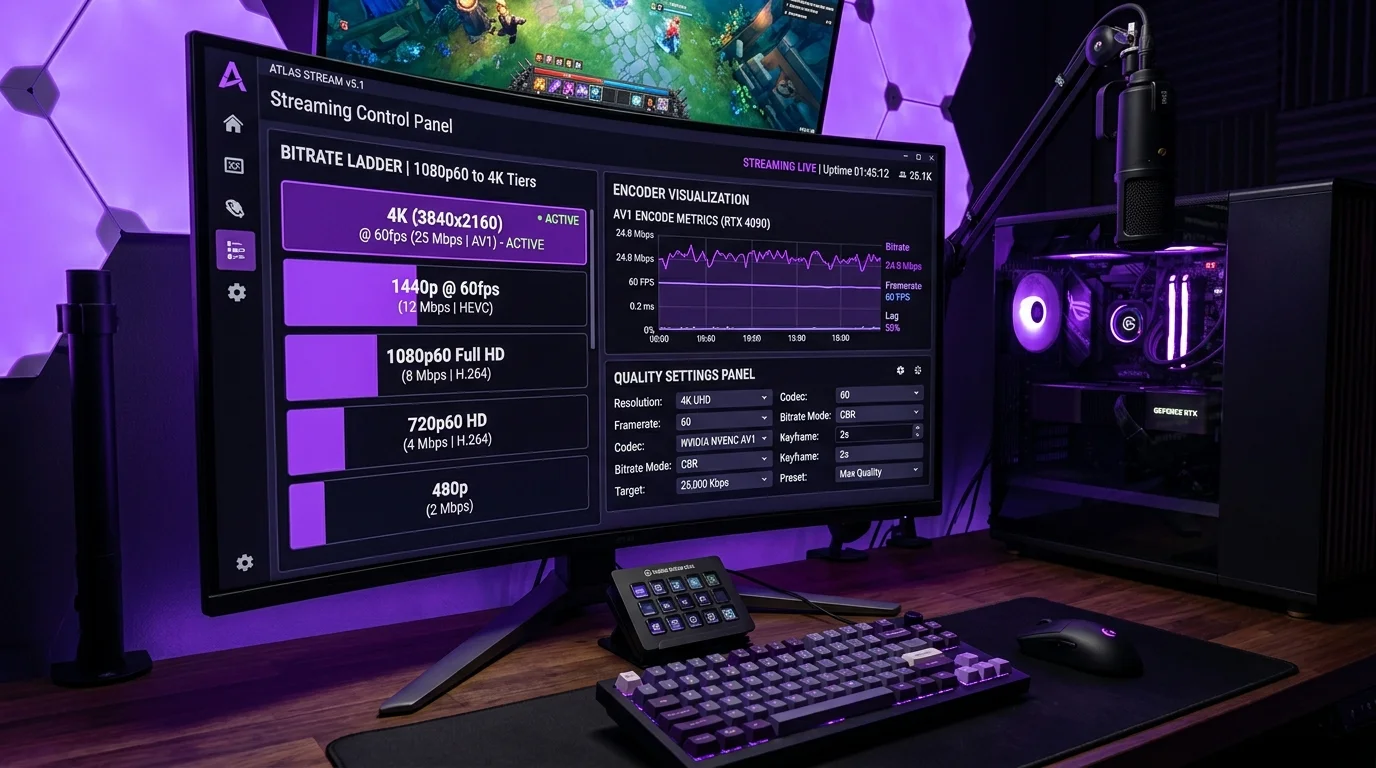
Twitch's Official 2026 Ingest Requirements
Twitch recommends a maximum of 8,000 kbps for video bitrate (up from 6,000 kbps in 2023). Audio adds 160–320 kbps. Factor in protocol overhead and you need approximately 10–11 Mbps stable upload for a top-quality stream — not peak upload, but sustained stable upload.
Upload Speed Requirements by Quality Tier
- 720p 30fps (3,000 kbps video + 160 kbps audio): Minimum 5 Mbps stable upload. Acceptable quality for mobile viewers. Good starting point for streamers with limited upload.
- 1080p 60fps (6,000 kbps video + 320 kbps audio): Minimum 8 Mbps stable upload. Standard quality for desktop viewers. Most Twitch partner streamers use this tier.
- 1080p 60fps Enhanced (8,000 kbps + 320 kbps): Minimum 11 Mbps stable upload. Required for Twitch's Transcoding on all viewers. Recommended for Twitch Partners with affiliate transcodes enabled.
- Multi-track audio + overlays: Add 500 kbps–1 Mbps for each additional audio track or complex overlay scene.
The Critical Distinction: Peak vs Sustained Upload
Your ISP advertises peak upload. Twitch needs sustained upload. A cable connection showing 15 Mbps peak on DCSpeedTest may deliver only 8–10 Mbps continuously during a 3-hour stream session — especially during evening peak hours when other subscribers are active on the same cable node. Our tests showed cable upload dropped an average of 31% during 8–11 PM peak hours. Buffer your requirement: if you need 8 Mbps stable for streaming, you need at least 12 Mbps peak to survive peak-hour congestion safely.
OBS Encoder Settings to Minimize Upload Without Quality Loss
- Use NVENC (NVIDIA) or AMF (AMD) hardware encoding: Hardware encoders produce smaller file sizes at the same visual quality compared to x264 CPU encoding, reducing effective bitrate needed by 15–25%.
- Enable B-frames (NVENC): In OBS → Output → Encoder Settings → B-frames: 2. Significantly improves compression efficiency, especially for static scenes.
- Keyframe interval: 2 seconds: Required by Twitch. Non-compliant keyframe intervals cause VOD chapters to break.
- Tune: zerolatency (x264): Reduces encoder buffering at the cost of slightly larger output. Essential for real-time streaming responsiveness.