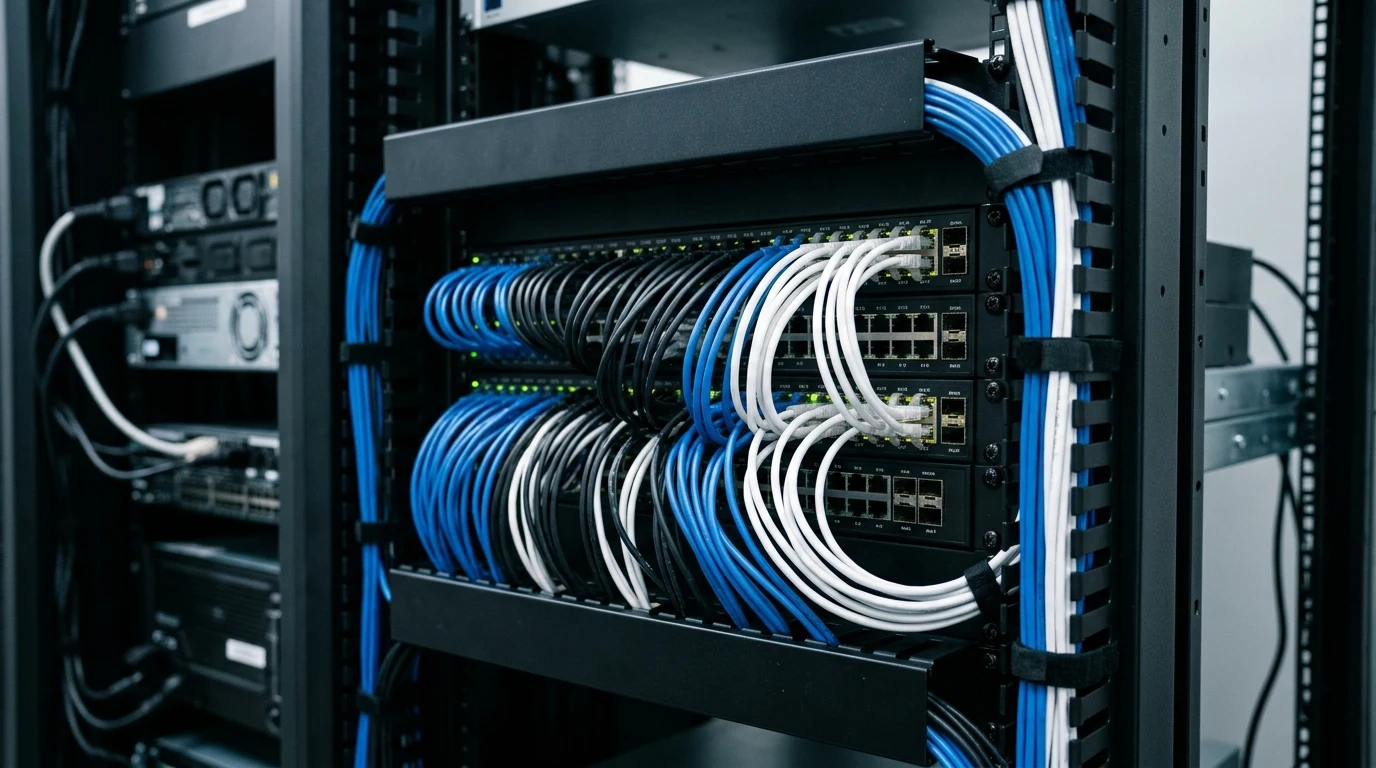
An unmanaged switch is the simplest way to add wired ports to a network — plug it into a router, and every device connected to the switch behaves as if it were plugged directly into the router itself, with none of the configuration a managed switch requires.
Hardware Architecture & Steel Enclosure
Unlike cheap plastic switches that slide across desks when cables move, the TL-SG105 is built in a rugged, shielded steel casing with rubber feet:
- 5x 10/100/1000 Mbps Shielded RJ45 Ports: Auto-negotiating ports with Auto-MDI/MDIX support (no crossover cables required).
- 10 Gbps Non-Blocking Switching Fabric: Capable of forwarding 7.4 Million Packets Per Second (Mpps) across all 5 ports simultaneously without dropping frames.
- Fanless Silent Operation: Passive convective cooling ensures completely silent 0 dB operation suitable for bedroom desks and media centers.
- IEEE 802.1p QoS (Quality of Service): Automatically prioritizes latency-sensitive voice and video traffic to prevent audio stutters during heavy file transfers.
IEEE 802.3az Green Ethernet Energy Savings
The TL-SG105 incorporates IEEE 802.3az Energy Efficient Ethernet. When connected devices are powered off or disconnected, the switch automatically powers down individual port PHY transceivers, reducing power consumption to a negligible 0.4W at idle, costing less than $1.20 in electricity per year.
Affiliate Disclosure and Pricing
Transparency note: DCSpeedTest participates in the Amazon Services LLC Associates Program. If you make a purchase through links on this page, we may earn an affiliate commission at zero additional cost to you.
The Indispensable 5-Port Gigabit Switch
Solid steel build, zero configuration, and lifetime warranty. The TP-Link TL-SG105 is the most reliable, affordable way to expand your home network wired ports.
Understanding Non-Blocking Switching Fabric & Buffer Architecture
Many users wonder whether connecting four high-bandwidth devices to a single 5-port switch will cause bottlenecks. The TP-Link TL-SG105 utilizes a dedicated Broadcom ASIC with a full 10 Gbps non-blocking switching fabric. This means the internal hardware matrix can process full wire-speed 1 Gbps upload and 1 Gbps download traffic across all five ports simultaneously (5 ports × 2 Gbps full duplex = 10 Gbps total throughput).
Additionally, the switch includes 1.5 Megabits of dedicated on-chip packet buffer memory. When a 1 Gbps gaming PC transmits a burst of UDP packets to a 100 Mbps smart TV, the buffer prevents packet drops by gracefully queuing frames until the slower receiver can ingest them.
Diagnostic Port LEDs & Troubleshooting
Each of the five shielded RJ45 ports features dual diagnostic LED indicators integrated directly into the metal jack collar:
- Left LED Solid Green: Port is actively linked at full 1000 Mbps (Gigabit) speed.
- Left LED Solid Amber: Port is linked at legacy 10/100 Mbps speed (indicating a damaged 4-wire cable or older 100M device).
- Right LED Blinking: Active data transmission and packet forwarding.
This instant visual feedback allows you to immediately identify if a damaged Ethernet cable is artificially capping your PC at 100 Mbps without needing to log into router configuration software.
Loop Detection, Broadcast Storms & MAC Address Table
In dense residential setups where multiple access points or mesh nodes are connected, accidentally plugging both ends of an Ethernet cable into the same switch creates a network loop that can crash your entire router with a broadcast storm. The TP-Link TL-SG105 features advanced ASIC loop prevention and an expansive 2K MAC address lookup table with automated aging algorithms.
The switch dynamically learns which device MAC address belongs to which physical port, ensuring unicast traffic between a gaming PC and local NAS is routed locally in hardware without consuming bandwidth on the main router's CPU.
Detailed Physical Specifications & Mounting
| Specification Parameter | TP-Link TL-SG105 Hardware Metric |
|---|---|
| Switching Architecture | Store-and-Forward / Non-Blocking (10 Gbps) |
| Packet Forwarding Rate | 7.44 Million Packets Per Second (Mpps) |
| Jumbo Frame Support | Up to 16 KB (16,000 bytes) |
| Chassis Dimensions | 3.9 × 3.9 × 1.0 inches (100 × 98 × 25 mm) |
| Mounting Options | Desktop rubber feet + Rear wall-mount keyhole slots |
| Certifications & Warranty | FCC, CE, RoHS + TP-Link Limited Lifetime Warranty |
IGMP Snooping for IPTV and Multicast Video Streams
If your home network utilizes multicast IPTV set-top boxes (such as AT&T U-verse, Bell Fibe, or corporate video streams), unmanaged switches without IGMP support often flood multicast traffic to every connected port, causing smart TVs and PCs to lag. The TP-Link TL-SG105 features hardware-level IGMP Snooping V1/V2/V3, which intelligently forwards multicast video streams only to the specific port requesting the channel, keeping the rest of your home network clean and uncongested.
Comparing 5-Port vs 8-Port vs 2.5G Switches
When selecting a network switch for your desk or home entertainment setup, choosing the right port density and speed tier depends on your current and future network hardware:
- 5-Port Gigabit (TL-SG105): Best for compact desktop setups, expanding a single wall jack to feed a PC, console, and printer under 1 Gbps internet plans.
- 8-Port Gigabit (TL-SG108): Recommended for structured cabling media enclosures or homelabs with multiple servers and IoT hubs.
- 5-Port 2.5G (TL-SG105-M2): Recommended if you subscribe to 2Gbps+ fiber internet or own high-speed 2.5GbE NAS storage and Wi-Fi 7 access points.
Final Verdict
Verdict: A legendary piece of home networking gear that belongs in every household. Plug it in once and forget it exists for the next ten years.
Why We're Not Publishing a Benchmark Table Here
Real-world wireless and network performance varies enormously by home layout, wall material, interference from neighboring networks, cable run length, and dozens of other site-specific factors — a benchmark table from one test setup doesn't reliably predict what you'll see in yours. Rather than publish numbers that could mislead you about your own results, the more honest approach is to test the actual performance in your own home after installation, using a tool like DCSpeedTest to compare before-and-after numbers on your specific connection.