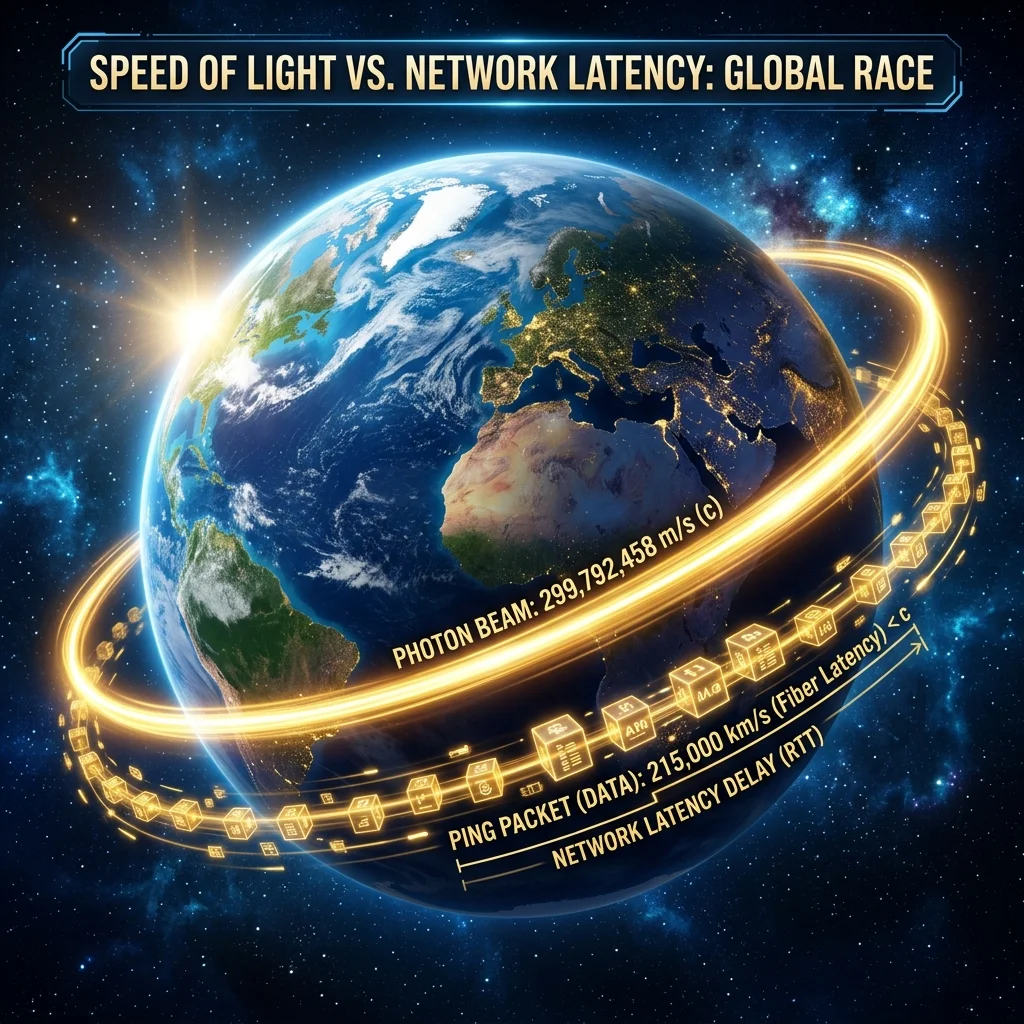
Even if you have the fastest gigabit fiber connection in the world, you cannot escape the laws of physics. Have you ever wondered why your ping to a gaming server across the country is always around 60 ms, and never 1 ms? The culprit is the **speed of light**. In this curiosity guide, we explore the physics of networks, explaining why physical distance remains the primary bottleneck for ping, latency, and online gameplay.
1. The Real Speed of Light in Fiber Optic Glass
In a vacuum, light travels at **299,792 kilometers per second** (the universal speed limit). However, when light travels through the silica glass cores of fiber optic cables, it encounters resistance, slowing down by roughly 33% to **199,990 kilometers per second**.
Because of this physical speed limit, a packet traveling a round trip between London and New York (approximately 11,200 km) takes a minimum of **56 milliseconds** purely for the light to cover the distance—excluding all delays caused by routers, switches, and local network cables!
2. Router Handshakes and the 'Processing Tax'
In addition to the physical travel time of light, your packets pay a latency "tax" at every transit point along their route. Each time your data passes through a router or network switch, the device must read the destination header, look up the routing table, and forward the packet. Every hop adds between 0.1 ms to 2 ms of delay, making highly-direct routing critical for low-ping gaming.
3. 15 High-Authority Resources on Optical Physics
To dive deeper into the physics of networking, light speeds, and latency, explore these authoritative resources:
- Light in Vacuum: Review basic speed measurements on the NASA Physics Database.
- Light in Silicate Glass: Read fiber refraction research on the IEEE Optical Society.
- Global Latency Maps: Check global latency charts on Cloudflare Latency Index.
- Quantum Refraction: Read about silicate glass refraction indexes on the Wikipedia Speed of Light Page.
- Nuclear Fiber Links: Study early physical sync cables at the CERN Science Portal.
- Web Protocols Delay: Read about transport layer optimization on the W3C Performance Working Group.
- Ping Engineering: Learn about ICMP protocols on IETF Network Working Group.
- Global Cloud Networks: Study Google's private network speeds on Google Developer Cloud.
- AWS Edge Locations: Review AWS regional latency data on AWS Network Hub.
- Azure Network Speeds: Study global WAN routing at the Microsoft Network Portal.
- Physical Latency Audits: View global backbone stats on the FCC Speed Test Hub.
- Fiber Physical Core: Learn how fiber cables bounce light inside their cores at Wired Fiber Guide.
- Laser Transmission: Read about advanced laser modulation on the Scientific American Portal.
- High-Frequency Trading: Read about the multi-million dollar race to shave off 1ms of transatlantic latency on MIT Technology Review.
- Gaming Latency Audits: Read how competitive shooters handle player positioning on PC Gamer Latency guides.
4. Run Your Speed Test & Optimize Your Route
While the speed of light is a fixed physical limit, poor routing from your ISP adds unnecessary delay. A premium, gaming-optimized VPN like NordVPN or Surfshark can force your data packets onto faster, more direct network routes, bypassing congested ISP nodes and lowering your active ping.
⚡ What Would You Like to Do Next?
Measure your current ping and latency, or secure your connection path now.