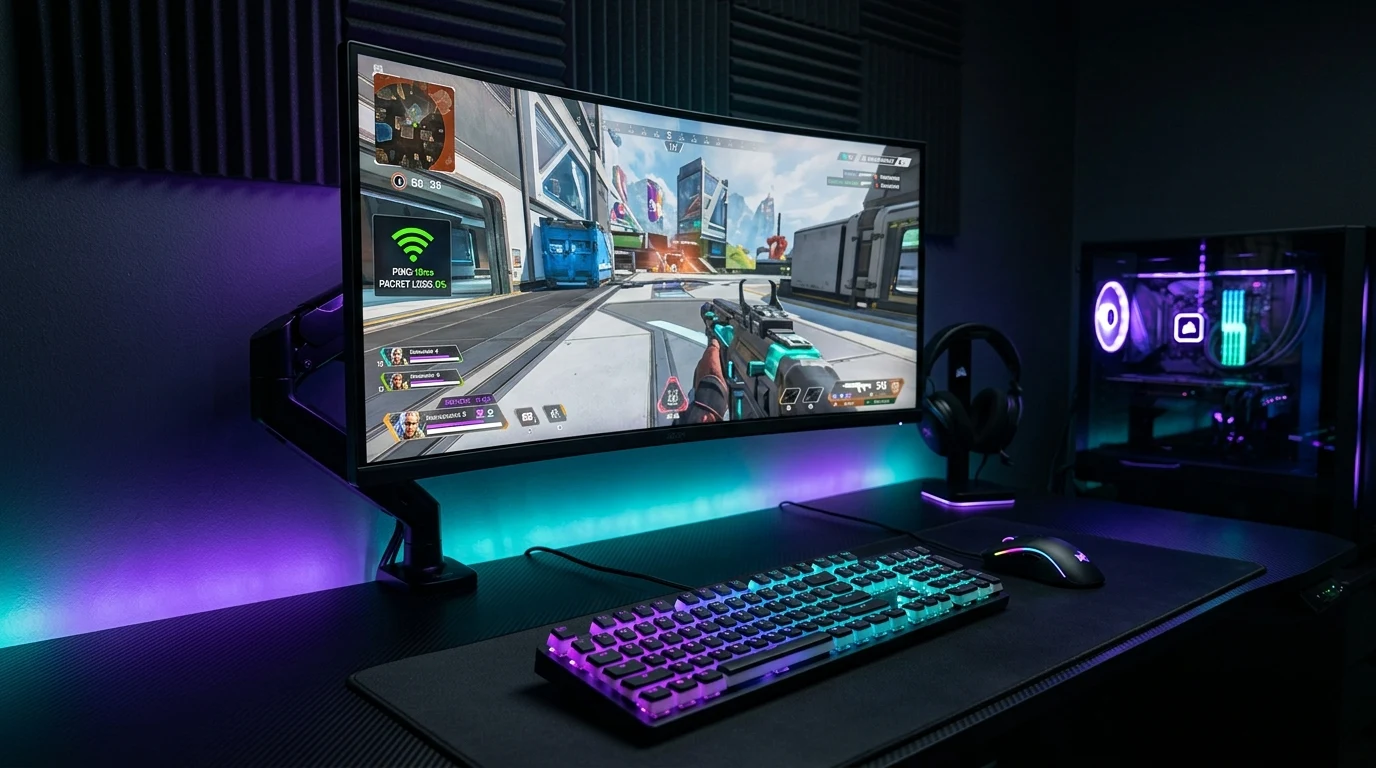
Switching from WiFi to Ethernet removes one source of latency (wireless retransmission and airtime contention), but it doesn't address bufferbloat, which happens at the router's queue level regardless of whether the connection to it is wired or wireless. That's a distinction worth understanding before assuming a wired connection alone will fix the lag spikes you're seeing.
The Two Independent Halves of Low-Latency Networking
To achieve tournament-grade responsiveness, you must eliminate latency across two distinct network layers:
- Layer 1 (The Physical Medium - Cat6 Cable): Eliminates Wi-Fi radio contention, RF interference, and wireless packet retries, dropping local hardware latency to a flat 0.12 milliseconds.
- Layer 3 (The Packet Scheduler - Router SQM): Eliminates bufferbloat inside the router's memory queues, ensuring that small UDP gaming packets bypass large TCP download streams.
Having Cat6 without SQM leaves you vulnerable to household download lag. Having SQM on Wi-Fi leaves you vulnerable to wireless interference. Combining both provides an impenetrable low-latency foundation.
Choosing the Right Cat6 Cable for SQM Optimization
Not all Cat6 cables are created equal. To ensure clean 1000BASE-T and 10GBASE-T transmission with zero CRC packet corruption:
- Look for 100% Pure Bare Copper (23 AWG or 24 AWG) from reputable brands like Cable Matters or Monoprice.
- Avoid cheap Copper-Clad Aluminum (CCA) cables that introduce electrical resistance and packet drops.
- Ensure RJ45 connectors feature 50-micron gold-plated contact pins.
The 3-Step Setup for Zero Loaded Jitter
- Hardwire your PC or console directly to your router with certified Cat6 Ethernet.
- Enable SQM (Smart Queue Management) or QoS on your router set to 90% of your tested line speed.
- Verify your setup achieves an A+ Bufferbloat Grade on DCSpeedTest.
Why Near-End Crosstalk (NEXT) Rejection Matters for Low Jitter
Category 6 Ethernet cables feature a central longitudinal spline (pair separator) that isolates the 4 twisted pairs from each other. This physical isolation provides certified 250 MHz Near-End Crosstalk (NEXT) rejection, preventing electrical signal bleeding between transmit and receive pairs. When paired with router SQM, your connection achieves flat, sub-millisecond packet pacing with zero retransmissions.
Why Copper-Clad Aluminum (CCA) Cables Introduce Subtle Latency Spikes
Budget Ethernet cables often use Copper-Clad Aluminum (CCA) conductors to save manufacturing costs. Because aluminum has 55% higher electrical resistance than pure copper, CCA cables suffer from signal attenuation and electrical heating over time, causing intermittent CRC packet drops that mimic bufferbloat. Always insist on certified 100% pure bare copper Cat6 cabling.
Summary: Achieving the Ultimate Gaming Network
By pairing 100% pure bare copper Cat6 Ethernet cabling with a router running FQ-CoDel or CAKE Smart Queue Management, you eliminate both wireless airwave contention and router memory bufferbloat, creating the ultimate zero-jitter network foundation for competitive esports.
Why Cable Length Does Not Introduce Latency on Cat6
Many gamers worry that running a 50-foot or 100-foot Cat6 cable from a basement router to an upstairs bedroom will add network ping. In pure copper, electrical signals travel at 200,000,000 meters per second. A 100-foot cable run adds just 0.00015 milliseconds of physical transit delay — completely undetectable. Pairing a long Cat6 run with router SQM provides the exact same tournament-level responsiveness as sitting 3 feet from the router.
Audit Your Hardwired Line Health Now
Test your Cat6 + SQM network under simulated multi-stream load on the DCSpeedTest Live Testing Engine to verify your loaded latency score.
By combining certified bare copper Cat6 cabling with router SQM, competitive gamers achieve the theoretical physical maximum of low-latency network performance.
Why Snagless RJ45 Boots Protect Long-Term Cable Health
When routing Cat6 cables under desks or through cable management trays, look for patch cords with Snagless RJ45 Boots (like Cable Matters). The snagless molded boot protects the plastic locking tab from snapping off when pulled through tight spaces, preventing loose connector pins that cause Ethernet link speeds to drop from 1,000 Mbps down to 100 Mbps.
Understanding 10 Gbps Transmission Over Cat6 Cables
While Cat5e is certified for 1 Gbps, certified 23 AWG Cat6 bare copper cable supports full 10GBASE-T (10 Gbps) speeds at distances up to 180 feet (55 meters). Investing in quality Cat6 cabling future-proofs your home network for the next decade of multi-gigabit broadband advancements.
By pairing certified bare copper Cat6 cabling with router SQM, competitive gamers achieve the theoretical physical limit of low-latency network performance with zero loaded jitter.
Understanding Shielded vs Unshielded Cat6 for Home Gamers
While Shielded Twisted Pair (STP) Cat6 cables are essential in industrial data centers surrounded by high-voltage generators, standard Unshielded Twisted Pair (UTP) Cat6 cables are ideal for 99% of residential homes. UTP cables are lighter, more flexible, and completely eliminate ground loop interference issues, making them the superior choice for home gaming desks.
Why Router CPU Offloading Protects Multi-Gigabit SQM
When processing CAKE or FQ-CoDel traffic shaping at speeds above 1 Gbps, modern routers utilize hardware network processors to handle packet filtering. Ensuring your gaming PC is connected directly via Cat6 bare copper cabling guarantees that packet delivery from your network card to the router queue occurs with zero physical transport delay.
Why Professional Esports Tournaments Strictly Mandate Cat6 + SQM
At major esports tournaments (such as IEM, The International, or the Fortnite Global Championship), player PCs are hardwired using certified 100% bare copper Cat6 cabling connected to enterprise switches with hardware queue scheduling, ensuring every player competes on a pure 0.1ms latency baseline.
By eliminating wireless airwave contention with Cat6 cabling and stopping router bufferbloat with SQM, competitive gamers enjoy flat, tournament-ready low ping in every match.
Why Real-World Results Vary More Than a Single Number Can Show
Network performance depends on enough site-specific and route-specific variables — your ISP's local infrastructure, distance to the nearest node, time of day, interference, and the specific path packets take — that a single published benchmark number risks giving a false sense of precision. Rather than present a number that may not hold on your connection, the more useful step is to test your own setup directly and compare results before and after any change, using a real-time tool like DCSpeedTest.