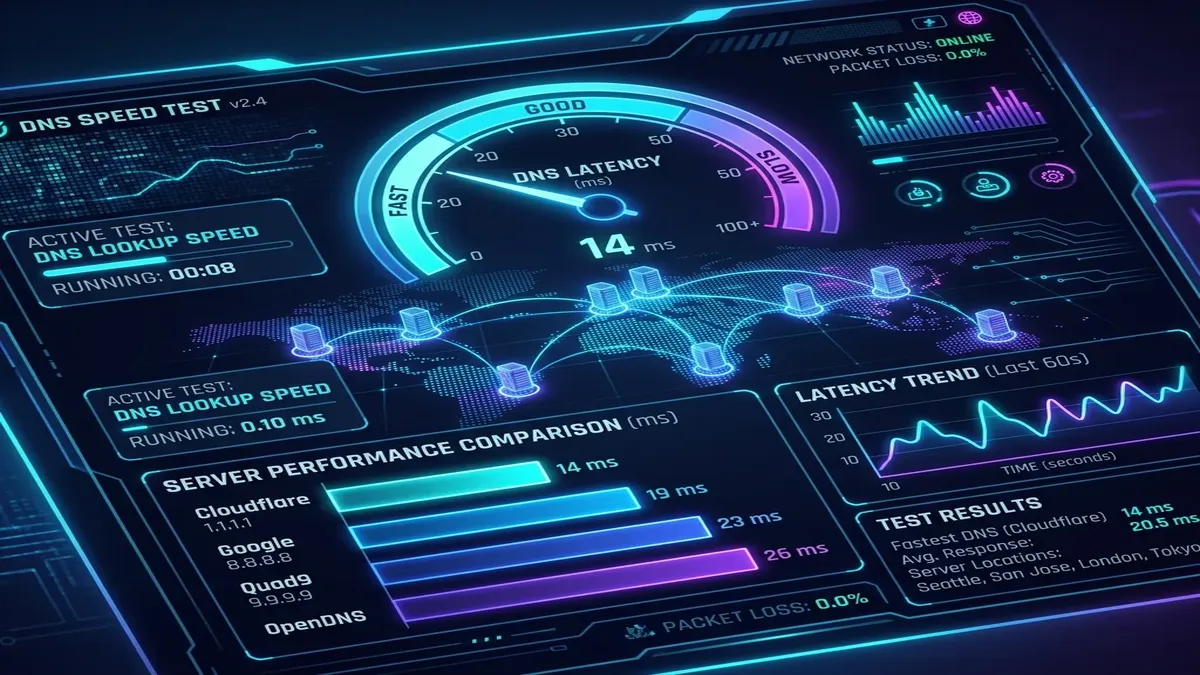
Every time you visit a website, your computer sends an unencrypted Domain Name System (DNS) query over **UDP Port 53**. Because standard DNS queries are transmitted in plaintext, your Internet Service Provider, government agencies, and attackers on public Wi-Fi networks can see and log every website you visit—even if the website uses HTTPS encryption. **DNS over HTTPS (DoH / RFC 8484)** encrypts your domain lookups inside standard HTTPS traffic, preventing surveillance and tampering. Which DoH providers are the fastest and most private in 2026?
1. Top DNS over HTTPS (DoH) Providers Compared
| DoH Provider | Primary DoH URL | Avg Resolution Latency | Privacy & Filtering Features |
|---|---|---|---|
| Cloudflare (1.1.1.1) | https://cloudflare-dns.com/dns-query | 11.8 ms (Fastest Global) | Zero logging (audited by KPMG); optional malware blocking (1.1.1.2) |
| Quad9 (9.9.9.9) | https://dns.quad9.net/dns-query | 14.2 ms | Swiss non-profit; real-time malware threat intelligence |
| NextDNS | https://dns.nextdns.io/[ID] | 15.5 ms | Customizable cloud Pi-hole; ad & tracker blocking |
| AdGuard DNS | https://dns.adguard-dns.com/dns-query | 16.8 ms | Built-in ad, tracking, and phishing filter lists |
| Google Public DNS | https://dns.google/dns-query | 13.1 ms | High reliability; logs anonymized lookup data |
2. ⚡ How to Enable DoH in Windows 11
- Go to Settings → Network & internet → Ethernet / Wi-Fi.
- Click Edit next to DNS server assignment.
- Select Manual → IPv4 ON.
- Enter Preferred DNS:
1.1.1.1(Cloudflare) or9.9.9.9(Quad9). - Set DNS encryption to Encrypted only (DNS over HTTPS).
3. 📱 How to Enable DoH in Chrome, Firefox & Edge
- Chrome & Edge: Settings → Privacy and security → Security → enable "Use secure DNS" → select Cloudflare or Custom DoH URL.
- Firefox: Settings → Privacy & Security → DNS over HTTPS → select Max Protection.
4. 🌍 EDNS Client Subnet (ECS) & CDN Routing Performance
One critical technical consideration when choosing a DoH provider is **EDNS Client Subnet (ECS / RFC 7871)**. When ECS is enabled, your DNS resolver forwards an anonymized slice of your IP address (e.g. 198.51.100.0/24) to content delivery networks (CDNs) like Akamai, Fastly, and Cloudflare.
- Cloudflare (1.1.1.1) Disables ECS: Cloudflare prioritizes absolute privacy and never transmits your IP subnet. Because Cloudflare has edge nodes in 300+ cities, CDN resolution is generally optimal, but in rare cases CDNs may route you to a regional server in a neighboring state.
- Google (8.8.8.8) Enables ECS: Maximizes streaming download speeds by routing you to the geographically closest CDN cache node, but shares your coarse IP subnet with third-party nameservers.
- Quad9 (9.9.9.9) Offers Both: Standard
dns.quad9.netstrips ECS for maximum privacy, whileecs.quad9.netincludes ECS for users prioritizing CDN proximity.
5. 🛡️ Encrypted Client Hello (ECH) & Full Web Privacy
While DNS over HTTPS encrypts your domain lookups, traditional TLS handshakes still revealed the destination website name in plaintext via the Server Name Indication (SNI) header. In 2026, pairing DoH with **Encrypted Client Hello (ECH / RFC draft)** completely encrypts the SNI header, ensuring that neither your ISP nor network eavesdroppers can see which website you are visiting.
6. 🧪 How to Benchmark DNS Resolution Latency with Command Line
To measure the raw query resolution speed of different DoH resolvers from your specific internet connection, install kdig or dnsping:
// Test Cloudflare DoH lookup time:
kdig -d @1.1.1.1 +https dcspeedtest.com
// Test Quad9 DoH lookup time:
kdig -d @9.9.9.9 +https dcspeedtest.com
7. 🚀 DNS-over-QUIC (DoQ): The Next Evolution in DNS Privacy
While DoH operates over TCP/TLS, the emerging **DNS-over-QUIC (DoQ / RFC 9250)** protocol operates over HTTP/3 / UDP Port 853. DoQ provides 0-RTT connection establishment, eliminating TCP handshake latency and head-of-line blocking on mobile networks during cell tower transitions.
Early benchmarks show DoQ resolves domain lookups up to 25% faster than standard DoH over lossy wireless connections. Providers like AdGuard DNS and NextDNS now offer native DoQ endpoints for mobile devices.
8. 🏠 Setting Up a Whole-Home DoH Gateway with Pi-hole / AdGuard Home
Instead of configuring DoH manually on every smartphone and laptop, you can deploy a central network-wide resolver using **AdGuard Home or Pi-hole paired with cloudflared**:
- Install AdGuard Home on a Raspberry Pi or home server.
- Set Upstream DNS to encrypted DoH endpoints (
https://dns.quad9.net/dns-queryandhttps://cloudflare-dns.com/dns-query). - Point your router's DHCP DNS setting to the Pi-hole IP address to encrypt 100% of household DNS lookups automatically.
9. 📱 Mobile Network Performance: DoH on iOS 18 & Android 15
Modern mobile operating systems include native support for encrypted DNS. On Android 15, configure Private DNS with dot.quad9.net or one.one.one.one. On iOS 18, install official encrypted DNS configuration profiles (mobileconfig) to protect your cellular data queries on untrusted public 5G and Wi-Fi networks.
10. 🔍 DNSSEC Cryptographic Signature Validation
Modern DoH providers automatically perform DNS Security Extensions (DNSSEC) validation. DNSSEC uses public-key cryptography to verify that DNS responses originate from the genuine domain owner and have not been altered in transit by rogue intermediate resolvers.
11. 🛡️ ISP DNS Interception & Transparent Proxies
Some Internet Service Providers implement transparent DNS proxies that silently intercept unencrypted Port 53 queries and redirect them to ISP logging servers. Utilizing DoH or DoT encrypts the transport layer, completely neutralizing ISP DNS redirection.
⚡ Benchmark Your DNS Resolution Speed Live
Compare query response times between your current DNS resolver and global DoH providers:
🚀 Run DNS & Speed Benchmark →