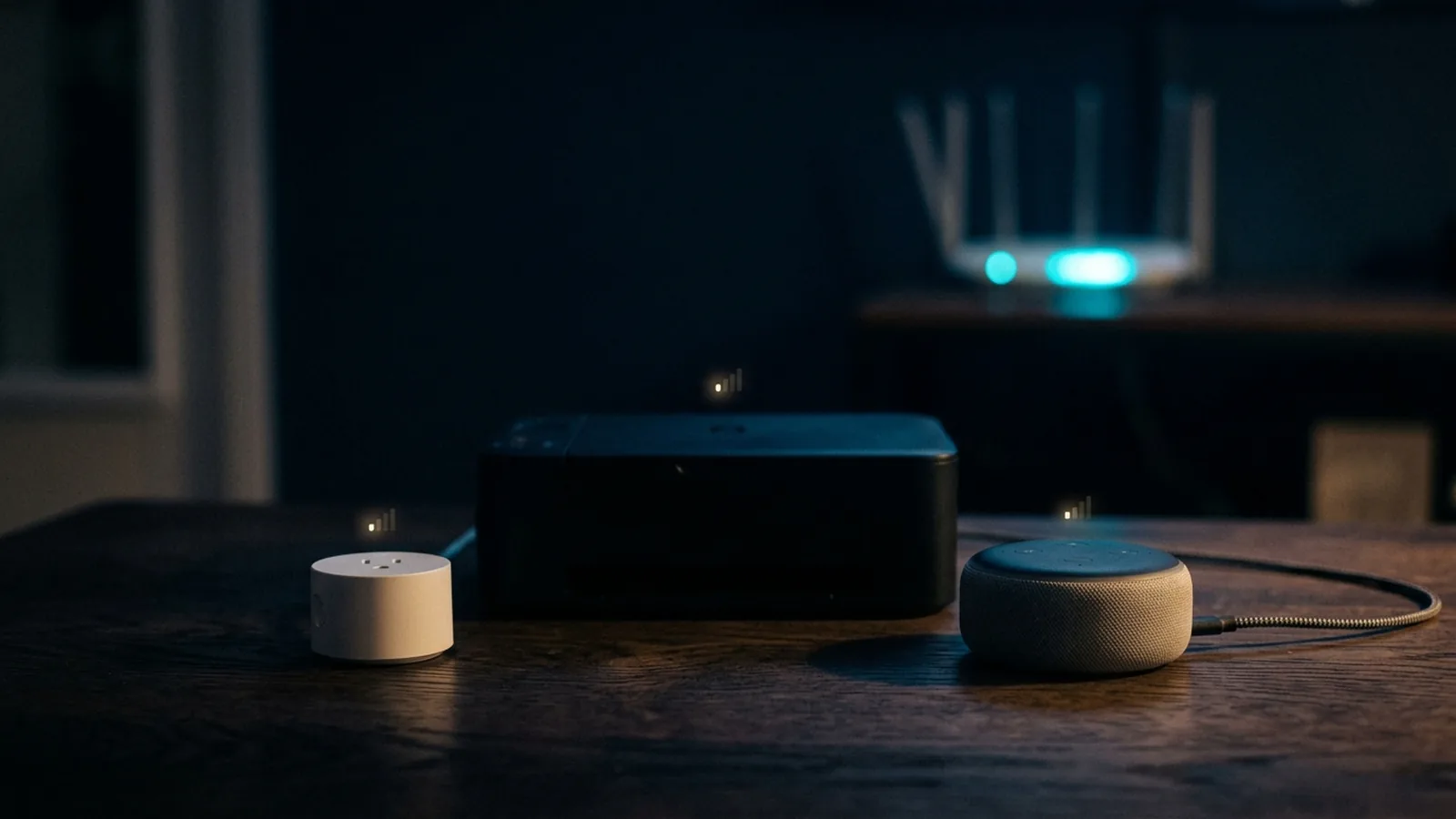
If it feels like your printer, your smart plugs, or your smart TV drop off Wi-Fi far more often than your phone or laptop ever does, that's not a coincidence or bad luck — it comes down to real, consistent differences in how cheap and low-power devices implement their wireless radios.
Why Cheap IoT Devices Are the Worst Offenders
Smart plugs, budget smart bulbs, and similar low-cost IoT devices are usually built around the cheapest Wi-Fi radio chipset that meets a bare minimum spec — typically a single-antenna, 2.4GHz-only design running an older 802.11 b/g/n standard, even in products sold new today. That combination means weaker range, more susceptibility to interference, and none of the beamforming or multi-antenna tricks that modern phones and routers use to maintain a stable connection. Manufacturers make this tradeoff because the radio is a small fraction of a $15 smart plug's cost, and most buyers never notice the radio quality until connectivity becomes unreliable.
Why Printers Are Notoriously Flaky
Printer Wi-Fi problems are so common they're practically a genre of their own, and there's a real technical reason: printers spend most of their time in a deep sleep or low-power state to save energy, and waking the Wi-Fi radio back up cleanly and consistently is a part of the process manufacturers historically haven't prioritized. The result is a device that can appear "offline" on the network simply because it powered down its radio between print jobs, rather than because anything is actually wrong with your Wi-Fi.
Why Older or Budget Smart TVs Struggle
Smart TVs are a mixed bag — flagship models from the last couple of years generally have solid Wi-Fi hardware, since streaming 4K content requires it. But budget models, and TVs more than a few years old, often ship with the same cost-cut single-band 2.4GHz radios as cheap IoT devices, which struggle in a busy home with dozens of 2.4GHz devices competing for the same limited spectrum.
What Actually Helps
A few concrete fixes based on the root cause, rather than a generic "restart everything" approach:
- Put budget IoT devices on their own 2.4GHz-only guest network or VLAN — this isolates their weaker radios and lighter security from your main devices, and stops them from competing directly with higher-priority traffic like video calls.
- Keep problem devices close to an access point — a single-antenna radio has much less margin for distance or obstructions than a modern phone or laptop, so range that's "fine" for your phone may not be fine for a smart plug in the next room.
- Update firmware where it exists — printer and smart-TV wireless stability bugs do get patched over time, and it's one of the few fixes that directly addresses the sleep/wake radio issue rather than working around it.
Our Take
It's tempting to blame your router every time a smart plug drops offline, but in most cases the router is doing its job fine — the weak link is a cheap, single-antenna radio on the device itself that was never built for the same reliability bar as your phone. Isolating those devices onto their own network segment fixes more real-world flakiness than any router setting change.
Game Consoles Are a Special Case
Modern game consoles generally ship with solid, multi-antenna Wi-Fi hardware — the reliability problems that do show up are usually less about the radio chipset and more about consoles being placed inside enclosed entertainment center cabinets, which blocks line of sight to the router and traps heat. Wired Ethernet remains the more reliable fix for a console specifically, both because it sidesteps the Wi-Fi radio entirely and because consoles rarely move once set up, unlike a phone or laptop that needs to roam around a home.
How to Tell the Difference Between a Radio Problem and a Placement Problem
Before assuming a device has a fundamentally weak radio, it's worth testing it in a different location — right next to the router, if possible. If moving it close to the router fixes the dropouts entirely, the issue was likely obstruction or distance, not a fundamentally weak chipset. If the same device still struggles even sitting right next to the router with a clear line of sight, that's a stronger signal the radio hardware itself is the limiting factor, and network segmentation or a wired connection (where possible) is the more durable fix rather than repeated repositioning.
Is This Getting Better Over Time?
Slowly. As Wi-Fi 6 and Wi-Fi 6E chipsets become cheaper to manufacture at scale, more budget IoT devices are shipping with meaningfully better radios than they would have a few years ago. But the underlying economic incentive — a $15 smart plug will always have a smaller radio budget than a $1,000 phone — isn't going away, so treating cheap connected devices as inherently less reliable on Wi-Fi, and planning your network around that assumption, remains the more realistic approach than expecting the problem to disappear on its own.