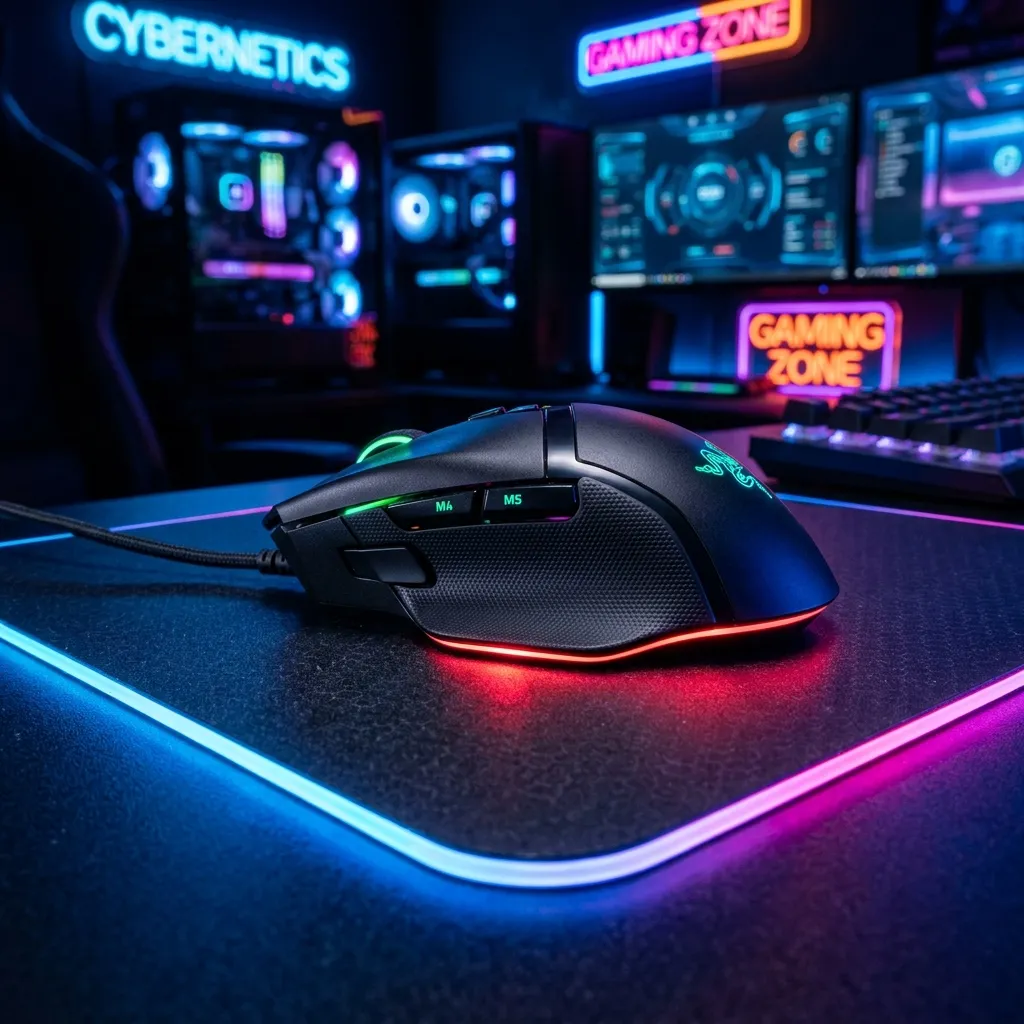
The DPI Myth
Marketing departments love big numbers. "32,000 DPI!" But nobody plays at 32,000 DPI. Most pros play at 400 or 800 DPI.
Enter IPS (Inches Per Second)
IPS measures how fast you can physically swipe the mouse before the sensor loses tracking and "spins out" (looks at the floor). Competitive flick shots require high IPS.
A good sensor (like the PAW3395 found in most 2026 top-tier mice) has an IPS of 650+. This means you can move your hand faster than a humanly possible speed (approx 16.5 meters/second) and it will still track pixel-perfectly.
Polling Rate Consistency
It's not just about 4000Hz or 8000Hz polling. It's about stability. A stable 1000Hz is better than an unstable 4000Hz that stutters your CPU.
The Practical Difference at Your Desk
In real gameplay, neither IPS nor DPI directly determines whether you win or lose — your muscle memory and aim technique matter far more. What IPS and DPI affect is the ceiling of what's physically possible: a mouse that can't track your fastest flicks will produce micro-corrections and stuttering in your cursor movement that no amount of aim training can compensate for. For most players gaming at 1080p with a mid-size mousepad, any modern gaming mouse with 400+ IPS and 800 DPI is more than sufficient.
Frequently Asked Questions
What DPI setting should I use for gaming?
Most competitive FPS players use 400-800 DPI paired with a large mousepad that allows for wide arm movements. Higher DPI settings amplify small tremors in your hand, reducing precision at the cost of faster cursor travel. Lower DPI forces slower, more deliberate movements that many players find easier to control for precise aiming. Experiment within this range to find what feels natural at your specific sensitivity setting.
Does mouse IPS affect internet speed tests?
No — IPS (Inches Per Second) is a purely hardware specification measuring how fast the mouse sensor can track physical movement. It has no connection to your internet connection or network latency. What does affect your speed test UI experience is your monitor's refresh rate and response time, which determine how smoothly the test's real-time graph updates as data comes in.
Sensor Quality vs Marketing Numbers
A mouse's maximum advertised DPI is rarely the relevant spec — sensor accuracy and consistency at the DPI range players actually use (400-1600) matters far more than a sensor's untested theoretical ceiling at 30,000+ DPI, a number essentially no one plays at.
Lift-Off Distance: An Overlooked Spec
For players who lift and reposition their mouse frequently (common in low-sensitivity FPS play), lift-off distance — how high the mouse can be raised before the sensor stops tracking — affects precision as much as IPS or polling rate, and varies meaningfully between sensor models.
Cable Drag and Its Effect on Precision
A stiff or heavy mouse cable can introduce inconsistent resistance during fast movements, effectively working against the sensor's tracking precision regardless of IPS rating — a lightweight paracord-style cable or a wireless mouse with a low-latency dongle removes this variable entirely for players chasing maximum consistency.