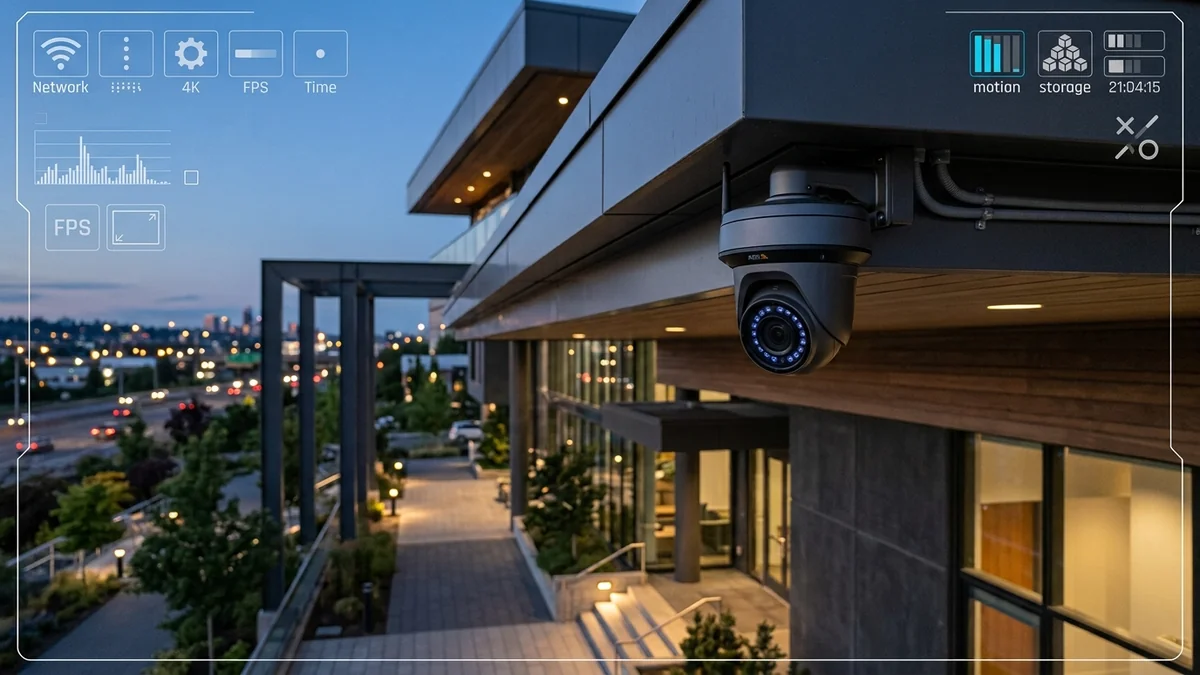
Smart home security has exploded in popularity. Homeowners replace old doorbell buzzers and cloudy 720p cameras with high-resolution 4K (8 Megapixel) Ultra HD security cameras (such as Reolink, Ring Pro 4K, Google Nest Cam, or Lorex systems). You mount four or six 4K cameras around your property to capture crisp license plates and facial details. But two weeks later, your home internet feels sluggish, your work Zoom calls drop frames, and you receive an alert from your ISP: 'You have exceeded your 1.2 TB monthly data limit and will be billed $50 in overage fees.' How much bandwidth does a 4K camera actually consume, and how can you deploy comprehensive 4K surveillance without choking your broadband connection? Here is the video engineering math.
The Video Bitrate Equation: Codecs and Frame Rates
A camera's bandwidth consumption is determined by three variables: Resolution (Pixels), Frame Rate (FPS), and Compression Codec (H.264 vs H.265/HEVC).
- 4K Resolution ($3840 imes 2160$ = 8.3 Million Pixels): Contains four times more pixel data than standard 1080p Full HD.
- H.264 (Legacy AVC Codec): Requires approximately 10 to 14 Mbps of continuous upstream bandwidth per camera for clear 4K at 20 FPS.
- H.265 (HEVC Modern Codec): Uses advanced variable-sized coding tree units (CTUs) to achieve identical visual quality at 4 to 7 Mbps (a 50% bandwidth reduction).
Bandwidth & Monthly Data Consumption Matrix
Below is the mathematical data calculation for continuous (24/7/365) video recording across different security camera resolutions:
| Camera Resolution & Codec | Continuous Upload Bitrate | Daily Data Upload (24 Hours) | Monthly Data Upload (30 Days) | ISP 1.2 TB Data Cap Status |
|---|---|---|---|---|
| 1080p Full HD (H.264 @ 15 FPS) | 2.0 Mbps | 21.6 GB / day | 648 GB / month | 54% of Cap (1 Camera) |
| 2K / 4MP Quad HD (H.265 @ 20 FPS) | 3.5 Mbps | 37.8 GB / day | 1,134 GB / month | 94% of Cap (1 Camera) |
| 4K Ultra HD (H.265 Modern @ 20 FPS) | 6.0 Mbps | 64.8 GB / day | 1,944 GB (1.94 TB) / mo | EXCEEDS 1.2 TB CAP (+62%) |
| 4K Ultra HD (H.264 Legacy @ 25 FPS) | 12.0 Mbps | 129.6 GB / day | 3,888 GB (3.88 TB) / mo | EXCEEDS CAP (324% of limit!) |
| Four 4K Cameras (H.265 Continuous) | 24.0 Mbps | 259.2 GB / day | 7,776 GB (7.77 TB) / mo | Massive $200+ ISP Overage Fees |
Why Continuous Cloud Cameras Destroy Asymmetrical Cable Internet
If you have a standard cable internet plan (e.g. 500 Mbps download / 20 Mbps upload), connecting four continuous cloud cameras demanding 24 Mbps upload will 100% saturate your upstream bandwidth 24 hours a day.
This causes severe upstream bufferbloat and TCP ACK starvation, dropping your downstream browsing speeds to a crawl and ruining online gaming and video calls for everyone in the house.
The 3 Pro Solutions to Run 4K Cameras Safely
- Deploy Local NVR Storage (Network Video Recorder): Keep all high-bitrate 4K video streams strictly inside your local home network. Cameras stream to an on-premise NVR hard drive over local Ethernet, consuming 0.0 Mbps of internet upload except when you actively view the live feed on your phone.
- Switch from Continuous to Event-Based Cloud Recording: Configure cameras to stream only when their onboard AI detects human, vehicle, or pet motion. This slashes cloud upload consumption by 90%, consuming less than 150 GB per month.
- Upgrade to Symmetrical Gigabit Fiber: If continuous cloud backups are mandatory, switching to symmetrical FTTH fiber (e.g. 500/500 Mbps or 1,000/1,000 Mbps with unlimited data) provides limitless upload capacity and zero data cap penalties.
Variable Bitrate (VBR) vs Constant Bitrate (CBR)
In security camera configuration menus, you can choose between Variable Bitrate (VBR) and Constant Bitrate (CBR). Setting cameras to VBR allows the camera to drop its upload bitrate to 0.5 Mbps when a scene is static (like a dark driveway at night), bursting to 6 Mbps only when motion occurs, saving over 60% of monthly internet upload data.
Smart Encoding Enhancements (Smart Codec / H.265+)
Leading camera manufacturers include proprietary smart encoding algorithms (such as Hikvision H.265+, Dahua Smart H.265+, and Axis Zipstream). These technologies extract stationary background pixels and transmit only moving foreground objects, compressing a 4K stream down to an ultra-efficient 2.0 to 2.5 Mbps without sacrificing forensic detail.
Configuring Bandwidth Pools for Home Surveillance
If continuous cloud recording is required, configuring a dedicated Bandwidth Limit Pool on your router ensures that surveillance cameras cannot consume more than 20% of your total internet upload speed. This guarantees that work computers and gaming consoles maintain dedicated upstream headroom at all times.
Summary of Smart Surveillance Bandwidth Management
In summary: use H.265 compression, deploy local NVR storage, switch to event-based cloud recording, and configure dedicated router upload limits. These steps allow you to enjoy high-definition 4K surveillance without blowing through data caps or slowing down household internet.
Why Edge AI Processing Reduces Cloud Upload Demands
Modern 4K security cameras feature onboard neural processing units (NPUs) that analyze video streams locally on the camera hardware. Because facial recognition and package detection occur on-device, only high-priority event metadata is uploaded to the cloud, saving massive bandwidth.
Final Security Camera Bandwidth Checklist
Deploying H.265 compression, local NVR hard drive storage, and event-based cloud uploads ensures your 4K surveillance system provides 24/7 security without impacting your everyday internet experience.