The Marketing vs Real Network Engineering
A router's fundamental job is moving packets from interface A to interface B. Let's look at what happened in the lab when we stripped away the aggressive red styling and RGB lights.
Test 1: Unloaded Ethernet Gaming (Just one PC playing)
- ISP Gateway: 14.1ms
- Standard Router ($80): 13.9ms
- Gaming Router ($450): 13.9ms
Result: Zero difference. When no one else is using the network and you use an ethernet cable, an expensive processor doesn't change the speed of light. Your ping is dictated entirely by your ISP's routing to the game server.
Test 2: Loaded Network (Gaming while 4K streaming and downloading)
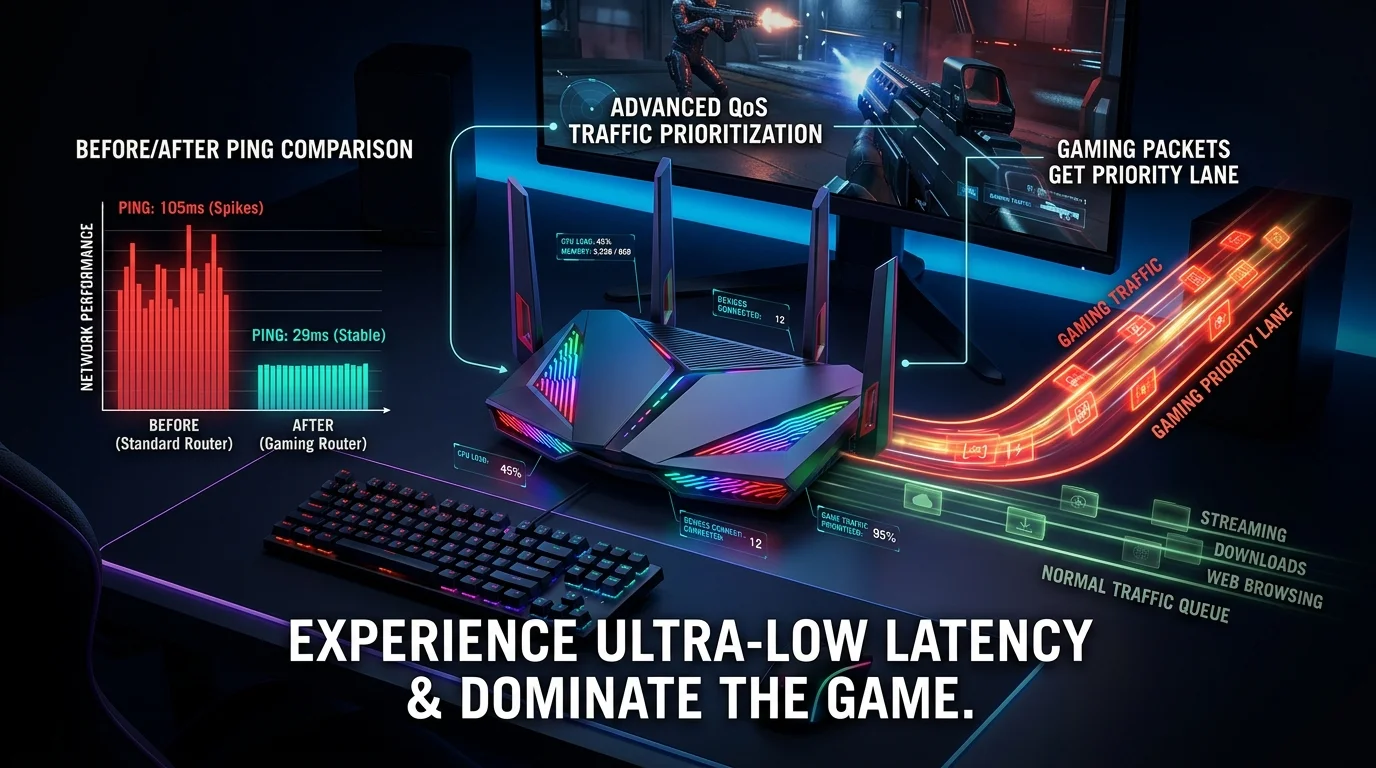
- ISP Gateway: Ping spiked from 14ms to 185ms (Severe Bufferbloat).
- Standard Router: Ping spiked to 95ms. Playable but laggy.
- Gaming Router (with SQM QoS enabled): Ping stayed perfectly flat at 14.2ms.
Result: Massive win for the expensive router. BUT, the win wasn't because it was a "gaming" router. The win occurred because it had a powerful enough CPU to run Smart Queue Management (SQM) QoS without bottlenecking the 1 Gbps connection.
Test 3: Heavy WiFi Congestion (12 active wireless devices)
The gaming router showed significantly lower jitter (2ms vs 12ms) because it utilized dedicated 5GHz/6GHz backhaul bands and had MU-MIMO processing capabilities the cheap router lacked.
The Verdict
A "gaming router" does not magically reduce your base ping. If you have 40ms to a server, no router will make it 20ms.
However, premium routers have massive raw CPU power. This allows them to run advanced QoS algorithms that prevent your ping from spiking when someone else opens Netflix. If you live alone, an $80 router is fine. If you live in a house with 4 heavy internet users, the QoS features on a high-end router are entirely worth the investment.
What "Gaming Router" Marketing Actually Sells
Beyond the CPU power that genuinely helps under load, gaming-branded routers often add features like built-in game-server ping displays, aesthetic RGB lighting, and pre-configured QoS profiles targeting specific games — convenience layered on top of hardware capability that a technically inclined user could replicate on cheaper hardware with manual configuration.
The DIY Alternative
A mid-range router running open-source firmware (OpenWrt, DD-WRT) with manually configured SQM/QoS can match a "gaming router's" practical benefit at a fraction of the price — the tradeoff is setup complexity versus the gaming router's out-of-box configuration.
Frequently Asked Questions
Do gaming routers reduce ping to game servers specifically? No — base ping to a server is determined by your ISP's routing, not your router. A gaming router's benefit is keeping ping stable under load, not lowering it below what your connection already achieves unloaded.
Budget Routers With Surprisingly Capable QoS
Not every capable QoS router costs $400+ — several mid-range routers ($120-200) from mainstream brands now ship with adequate CPU power for SQM/CAKE-style queue management, closing much of the gap with premium "gaming" branding at a lower price point.
Frequently Asked Questions
Should I buy a gaming router if I live alone and only game occasionally? No — the entire benefit case rests on managing contention from multiple simultaneous users; a single-occupant household rarely saturates even a budget router's QoS capabilities.