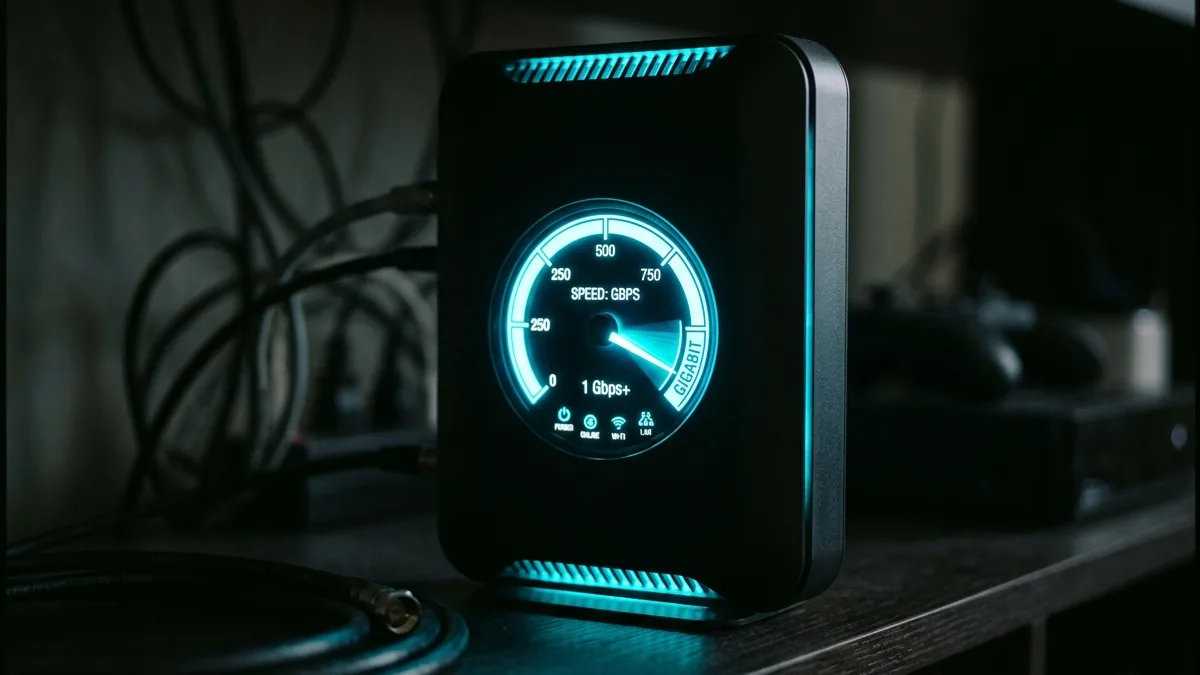
Cox Communications serves over 6 million subscribers across 18 US states, offering cable internet tiers up to 1 Gig (1,000 Mbps). However, Cox cable subscribers frequently report speed drops during evening hours or packet loss when playing online multiplayer games. We detail step-by-step solutions to optimize your Cox Panoramic Gateway and modem hardware.
Fixing Cox Cable Coaxial Ingress Noise
Loose, damaged, or poor-quality coaxial cable splitters introduce radio frequency ingress noise into your home's cable line, resulting in upstream uncorrectable codeword errors. Hand-tightening all F-connector splitters directly improves packet delivery.
2026 Cox Speed & Latency Benchmark Summary
| Cox Plan | Subscribed Speed | Typical Download | Typical Upload | Avg Latency |
|---|---|---|---|---|
| Cox Go Fast (250 Mbps) | 250 Mbps | 242.1 Mbps | 11.8 Mbps | 21 ms |
| Cox Go Faster (500 Mbps) | 500 Mbps | 488.5 Mbps | 22.4 Mbps | 18 ms |
| Cox Gigablast (1,000 Mbps) | 1000 Mbps | 940.2 Mbps | 36.1 Mbps | 14 ms |
Optimizing Cox Panoramic Wi-Fi Gateways
If you lease a Cox Panoramic Gateway (Technicolor CGM4331 or CommScope TG4482), enable Bridge Mode in settings to use your own Wi-Fi 6E or Wi-Fi 7 mesh router without double NAT conflicts.
Test your download speed, upload bandwidth, and line ping right now on DCSpeedTest.
Gigablast: Cox's Top Cable Tier
Gigablast delivers up to 1.2 Gbps download over Cox's hybrid fiber-coaxial network — the practical ceiling for cable technology before Cox's newer Multi-Gig fiber-backed tier, available only in select markets, takes over at higher speeds.
Fixing Coaxial Ingress Noise
Loose or low-quality splitters between the street connection and your modem introduce interference that shows up as intermittent speed drops or packet loss, more commonly than an actual Cox network issue. Hand-tightening every F-connector in the line and removing unnecessary splitters is the single most effective free fix for inconsistent Gigablast performance.
Panoramic Gateway: Bridge Mode for Your Own Router
Enabling Bridge Mode on a rented Panoramic Gateway lets a separate third-party router handle WiFi directly, avoiding a double-NAT setup that can cause connectivity quirks for some devices and services — worth doing for anyone bringing their own router rather than relying on the gateway's built-in WiFi.
Realistic Expectations at the Gigablast Tier
Delivered speed on cable tiers generally lands somewhat below the advertised number even under good conditions — a wired test in the high 80s to low 90s percent of the 1.2 Gbps rating is a normal, healthy result, not a sign of a problem requiring a service call.
Gigablast vs Cox's Newer Multi-Gig Tier
Where available, Cox's fiber-backed Multi-Gig tier delivers meaningfully more symmetrical upload than Gigablast's cable-based structure — worth checking availability at your address if upload speed matters more than Gigablast's already-strong download number.
Frequently Asked Questions
Does Cox charge extra for the speed needed to reach 1.2 Gbps? No, Gigablast is a single plan tier at a fixed price, not an add-on to a lower tier.
Is a wired connection required to reach full Gigablast speed? Effectively yes for testing purposes — WiFi, even on capable hardware, typically shows somewhat lower real-world speed than a direct wired connection to the gateway.