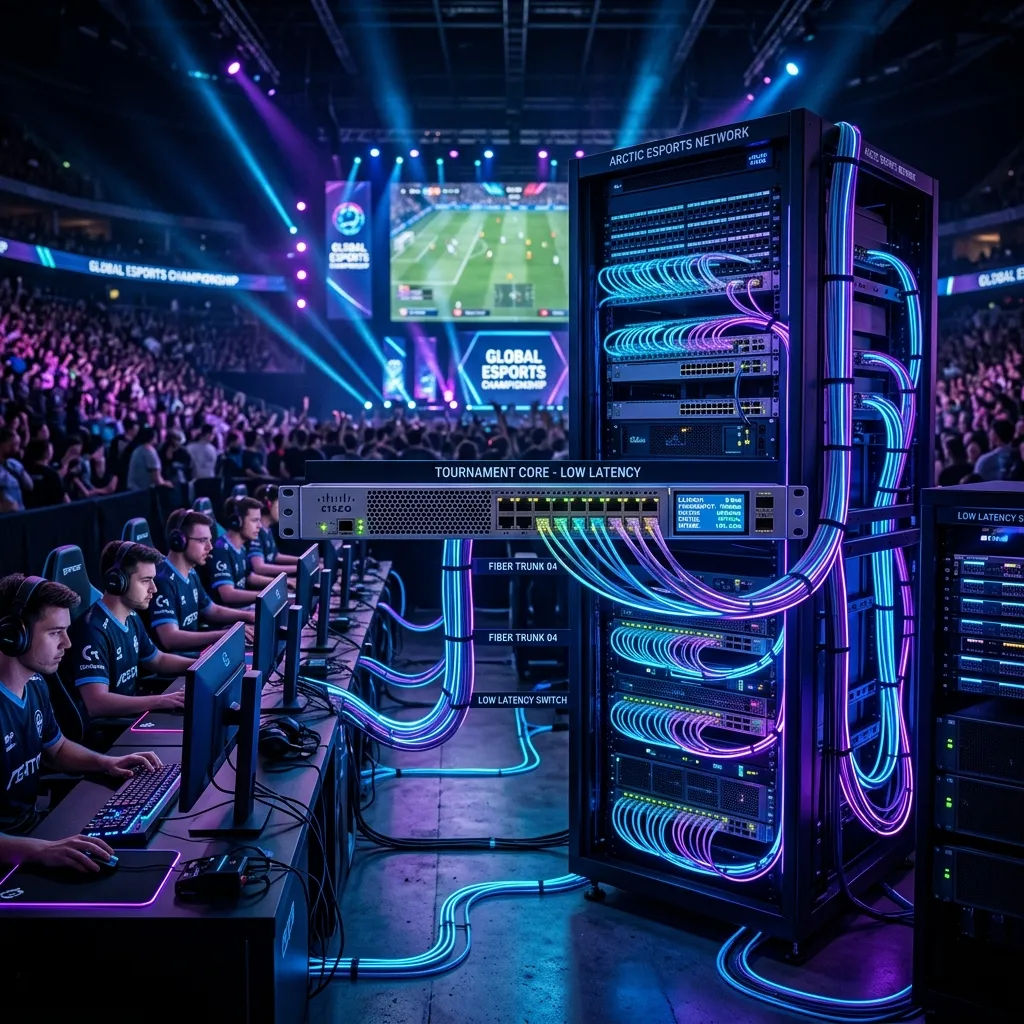
Behind the Curtain: LAN Event Infrastructure
They don't use the venue's WiFi. They bring in dedicated fiber lines, local servers, and enterprise-grade switching gear. Every major esports event is essentially a private data center built in a weekend.
The Network Architecture
At a major tournament like The International or Worlds, the network team typically deploys:
- Dedicated Fiber Lines: A separate ISP connection that doesn't share bandwidth with the venue's operations. Often 10Gbps symmetric.
- Local Game Servers: The game servers run on-site, in the same room. This keeps player-to-server ping under 1ms.
- Enterprise Switches: Cisco Catalyst or Arista switches with microsecond switching latency. No consumer-grade routers allowed.
- Redundancy: Every connection has a backup. If one switch fails, traffic automatically routes to the spare within milliseconds.
Why Can't You Have This at Home?
The biggest factor isn't equipment — it's server proximity. At a LAN event, the server is 10 feet away. At home, it's 500+ miles away. No amount of hardware can fight the speed of light across fiber.
What You CAN Learn From Pros
Despite the server proximity advantage, there are takeaways for your home setup:
- Wired connections only: Every pro player uses Ethernet. Zero exceptions.
- Minimize network hops: Connect directly to your router, not through switches or powerline adapters.
- Dedicate bandwidth: During competitive sessions, no one else should be using the network heavily.
- Monitor your connection: Pros constantly monitor ping and packet loss. You should too.
The Cost of a Pro LAN Setup
A typical LAN event network costs $50,000-$200,000 to deploy. That said, you can achieve 90% of the benefit with a $200 router, a $5 Cat6 cable, and a fiber connection. The last 10% is just geography.