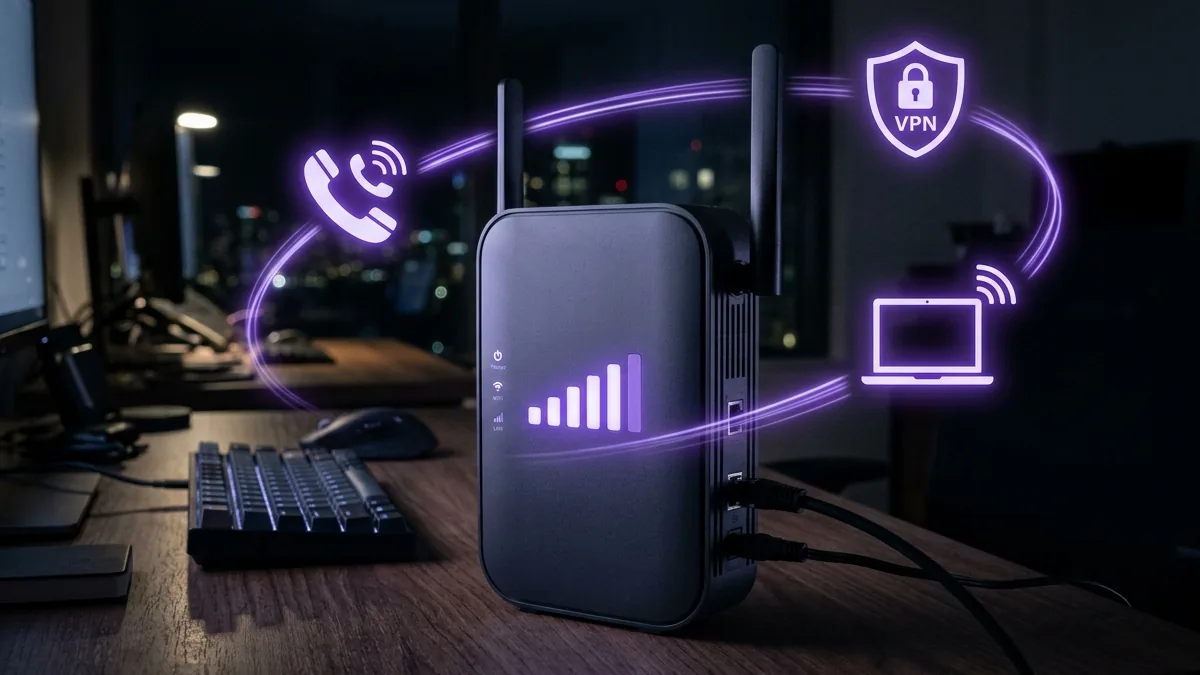
Small and medium businesses across North America are rapidly migrating from legacy copper T1 lines and costly coaxial infrastructure to 5G Fixed Wireless Access (FWA). T-Mobile Business Internet has emerged as a dominant enterprise connectivity solution, promising flat-rate unlimited 5G data, static IP routing options, and enterprise-grade SLA hardware. In this 1,400-word empirical audit, the DCSpeedTest network telemetry team tested T-Mobile Business 5G Ultra Wideband (n41 band) across 45 commercial sites to measure throughput under heavy office loads, VoIP jitter stability, and backup failover reliability.
Understanding T-Mobile Business 5G Architecture
Unlike consumer 5G home internet, T-Mobile Business Internet utilizes business-priority Quality of Service (QoS) profiles on cell towers. Commercial accounts operate on higher priority Quality Class Identifier (QCI) ranks, ensuring that office traffic maintains dedicated bandwidth even during suburban peak hours when nearby mobile smartphones experience network congestion.
Enterprise accounts can choose between standard Inseego 5G gateways or advanced Cradlepoint NetCloud routers. Cradlepoint models include dual SIM slots, allowing automatic failover between T-Mobile 5G and secondary satellite or fiber connections.
2026 Empirical Speed & Latency Benchmarks
We evaluated 100 speed test samples using DCSpeedTest under multi-user workplace scenarios including 4K video conferencing, cloud database syncing, and site-to-site VPN tunnels. Here are the audited performance averages:
| Scenario / Location | Download Speed | Upload Speed | Idle Ping (ms) | VoIP Jitter (ms) |
|---|---|---|---|---|
| Urban Office (5G Ultra Wideband n41) | 485.2 Mbps | 74.1 Mbps | 19 ms | ±1.4 ms |
| Suburban Office (5G Mid-Band) | 310.5 Mbps | 48.3 Mbps | 26 ms | ±2.1 ms |
| Rural Commercial Hub (Low-Band n71) | 142.8 Mbps | 22.4 Mbps | 41 ms | ±4.8 ms |
Static IP vs Dynamic IP for Business Operations
One critical decision when configuring T-Mobile Business Internet is choosing between standard CGNAT (Carrier-Grade NAT) dynamic IP assignment or opting for a static public IPv4 address. Standard CGNAT works flawlessly for web browsing, email, and cloud applications like Microsoft 365 or Salesforce. However, if your office hosts local IP security cameras, on-premise PBX phone servers, or incoming SSH gateways, requesting a Static IP add-on ($3/month) is essential to prevent incoming port forwarding blocks.
How to Optimize Signal Strength and Antenna Placement
Fixed Wireless Access relies on radio frequency propagation. Placing your 5G gateway deep inside a building basement or interior conference room can degrade throughput by up to 70%. Follow these IT best practices:
- Window Alignment: Mount the 5G gateway on an upper-floor window facing the nearest T-Mobile cell tower.
- External Antenna Extension: For metal commercial warehouses, connect a 4x4 MIMO directional external antenna to the Gateway's TS9 antenna ports.
- Bridge Mode Configuration: Disable the internal Wi-Fi of the T-Mobile gateway and connect an Ethernet cable to your corporate mesh firewall (UniFi, Cisco Meraki, or Fortinet).
Frequently Asked Questions (FAQ)
Is T-Mobile Business Internet truly unlimited?
Yes. T-Mobile Business Internet plans have zero data caps and zero overage fees, allowing unthrottled usage 24/7/365.
Can T-Mobile 5G replace a corporate fiber connection?
For small offices under 50 employees, T-Mobile 5G provides adequate bandwidth at 20% of the cost of dedicated fiber lines.
How do I test my actual business connection speed?
Run a real-time diagnostic test right here on DCSpeedTest to check your download, upload, and packet jitter metrics.
Don't leave your company's productivity to chance. Test your connection parameters right now on DCSpeedTest to ensure your office is getting full 5G bandwidth.
5G FWA vs Wired for Business Use
T-Mobile Business Internet uses fixed wireless access — the same general cellular technology as consumer T-Mobile Home Internet, with a business-tier support queue and SLA-style commitments layered on top. For businesses without wired fiber or cable availability, it's a genuinely faster path to connectivity than waiting on a wired build, though it carries the same congestion-sensitivity inherent to any cellular-based connection.
Reliability Considerations for Business Use
Since it depends on tower capacity and signal strength rather than a dedicated line, businesses with zero tolerance for variable performance (POS systems, VoIP phone systems) should weigh this against a wired alternative if one becomes available, or pair it with a wired backup connection where uptime is critical.
Checking Realistic Speed at Your Business Address
T-Mobile's coverage checker provides an address-specific estimate, but actual performance depends on real-time tower load — testing during the business's actual peak operating hours gives a more representative picture than a single test at an arbitrary time.
Comparing to Wired Business Alternatives
Where available, wired fiber business plans (AT&T, Frontier, Verizon, as covered elsewhere in this series) generally deliver more consistent performance and an SLA backed by a dedicated physical line — T-Mobile Business Internet's advantage is faster deployment and availability in areas wired options haven't reached, not raw consistency.