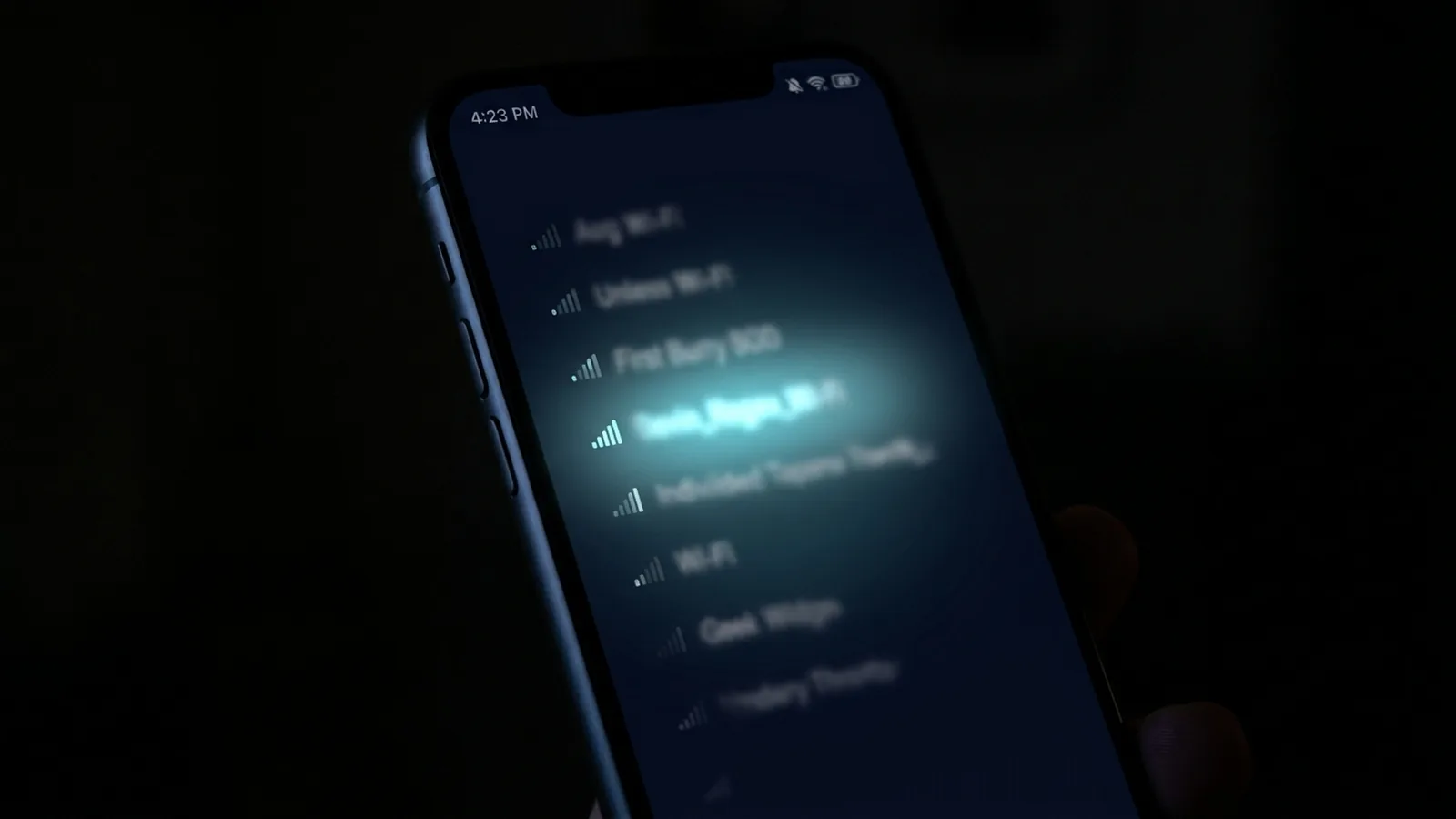
Every Wi-Fi network broadcasts its name — the SSID — to any device within range, by default, constantly. That's how your phone finds your network in the first place. But that same broadcast is visible to everyone else's phone too, which means your network name is quietly public information whether you've thought about it or not.
What the Name Itself Can Reveal
Default router names often leak information without you realizing it — many ISP-provided routers ship with an SSID that includes the manufacturer or ISP name and a partial serial number or MAC-derived string. That's not catastrophic on its own, but it does tell anyone scanning nearby networks which ISP and often which router model you're using, which narrows down what known vulnerabilities or default credentials might apply if that specific router has ever had a disclosed security issue.
What It Doesn't Reveal
To be clear about the actual scope: your SSID alone doesn't expose your Wi-Fi password, doesn't give anyone access to your network, and doesn't reveal what devices you own or what you're doing online. Seeing a network name in a phone's Wi-Fi list is not the same as being able to connect to it or see any traffic on it — a properly secured network (WPA2 or WPA3 with a strong password) keeps the SSID visibility from translating into any real access.
The Personal-Name Problem
A more common real-world issue than router-model leakage: people naming their network something personally identifying — a full name, an apartment number, a name plus "5G" or similar. In a dense apartment building or shared parking area, that turns an anonymous list of nearby networks into a name-to-unit directory for anyone who wants to correlate it, which is a minor but real privacy tradeoff for something as simple as a network name.
What Actually Matters More Than the Name
The security that actually protects you isn't the network name — it's the password and encryption protocol. A few things worth checking that matter far more than what you called your network:
- Use WPA3 if your router supports it (WPA2 is still acceptable, but WPA3 closes several known weaknesses).
- Use a genuinely long, random password rather than a short memorable one — this is what actually prevents unauthorized access, not the network name.
- Disable WPS (Wi-Fi Protected Setup) if you don't actively use it — it has a well-documented history of PIN-guessing vulnerabilities that bypass a strong password entirely.
A Reasonable Middle Ground
You don't need to obsess over your network name, but a sensible default is: avoid anything personally identifying (your name, apartment number, phone number), avoid broadcasting the exact router model if you can rename it, and put your actual security effort into password strength and encryption settings instead — that's where the real protection lives.
Our Take
Network name visibility is a minor, mostly cosmetic privacy detail compared to password strength and encryption — but it's a free five-minute fix, and there's no good reason to leave a personally identifying name broadcasting to every phone in range when a generic one costs nothing to set instead.
What About Guest Networks?
A separate guest network broadcasts its own SSID too, and the same general guidance applies — avoid personally identifying names, and don't assume a "guest" label itself provides any security. What actually matters for a guest network is whether it's properly isolated from your main network (so a guest device, or a compromised IoT gadget placed on the guest network, can't see or reach your main devices), which is a router configuration setting separate from anything about the network's name.
The Bigger Picture on Wi-Fi Visibility
It's worth remembering that visibility isn't unique to your own network — every phone walking down a street or through an apartment building is constantly seeing dozens of SSIDs from networks that aren't theirs, and that's simply how Wi-Fi discovery works by design, not a flaw specific to your setup. The practical takeaway isn't to panic about visibility itself, but to make sure the two things that do matter — password strength and encryption — are actually solid, since those are what determine whether that visibility ever translates into real access.
A Quick Naming Checklist
If you're renaming your network anyway, a reasonable approach: pick something generic and forgettable rather than clever or identifying — a random word or short phrase unrelated to your name, address, or router brand works fine. There's no security benefit to an elaborate or unusual name over a simple one; the goal is just avoiding anything that personally identifies you or hands away useful information for free, not creating an unguessable name, since guessing the name was never the actual attack vector to begin with.
One more practical note: if you ever do rename your network, remember that all your devices will briefly disconnect and need to rejoin with the new name — a minor inconvenience worth doing once rather than a reason to avoid it.