It's Not Just Your Fingers
You're trying to break your record on a typing speed test, but it feels... sticky. You type a letter, and it appears milliseconds later. That is input lag.
The Scanout Cycle
On a 60Hz monitor, the screen updates every 16.6ms. If you are a fast typist (120+ WPM), you are striking keys faster than the screen can refresh. Upgrading to a 144Hz monitor can actually boost your typing speed test score by providing faster visual feedback.
The Full Latency Stack
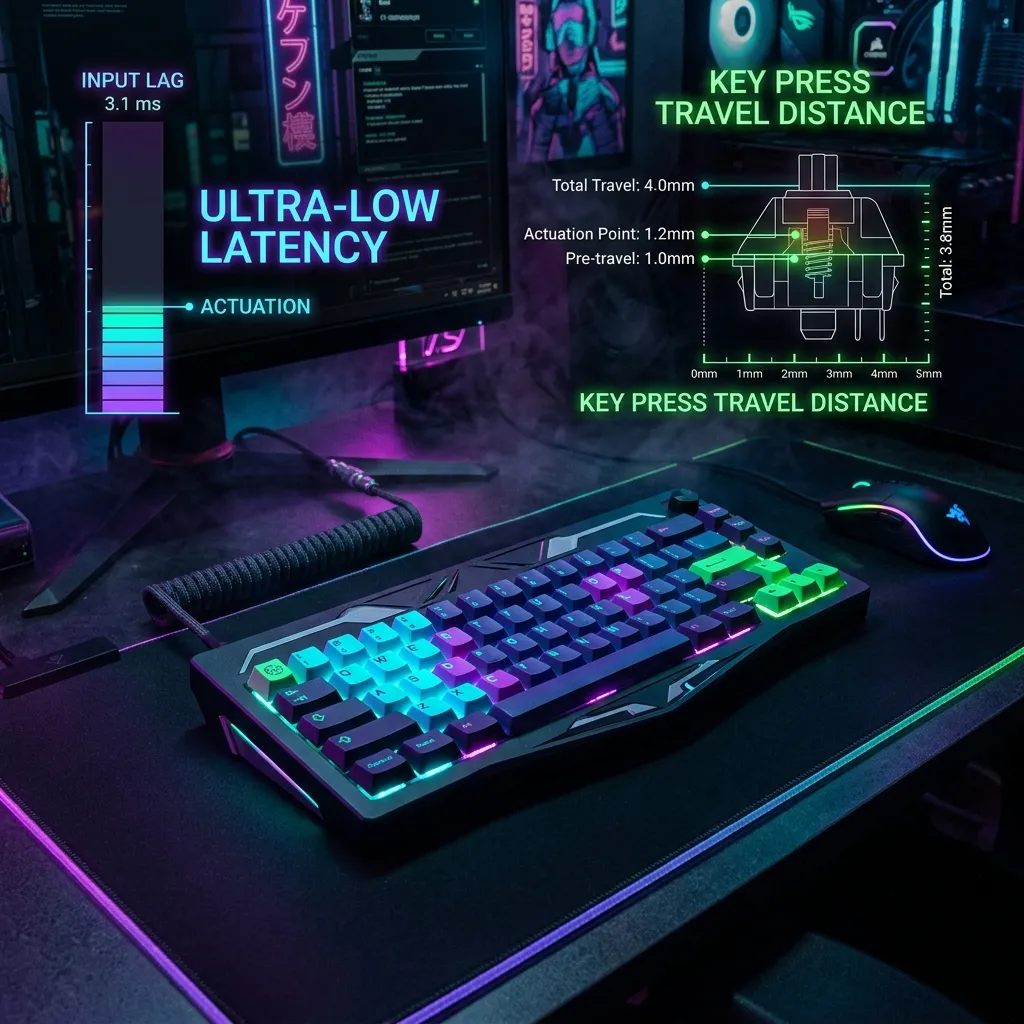
Input lag on a typing test isn't one delay — it's a chain of small ones stacking up: your keyboard's polling rate (how often it reports to your PC, typically 1-8ms), USB processing, the OS input buffer, the browser's rendering pipeline, and finally your monitor's pixel response time. Each link adds 1-5ms. On a sluggish setup, that chain can total 30-40ms — enough to make your own typing feel disconnected from what you see, even though every keystroke registered correctly.
The Cheapest Fix First
Before buying new hardware, check whether your browser has hardware acceleration enabled and close any tabs running animations or video — both compete for the same rendering pipeline that's drawing your typed characters. This single change often removes more perceived lag than a $150 monitor upgrade.
Frequently Asked Questions
Can a slow internet connection affect a typing speed test?
Only indirectly. Most typing tests run entirely in your browser without sending each keystroke to a server, so raw connection speed isn't the bottleneck — but a slow or unstable connection can delay the page from loading the test text or submitting your final score, which feels like lag even though your typing itself wasn't affected.
Does a higher refresh rate monitor really improve typing scores?
Yes, modestly. Going from 60Hz to 144Hz cuts the maximum visual feedback delay roughly in half — from about 16.6ms to 6.9ms. For most typists this won't change your raw WPM, but it does make the experience feel noticeably more responsive, which can reduce the small hesitations that come from "waiting to see" your last keystroke land.
Software-Side Lag: Often Bigger Than Hardware
A browser tab with dozens of extensions running, or a system under heavy background load (antivirus scan, cloud sync), can introduce more input delay than any hardware bottleneck — closing unnecessary background processes before a serious typing test attempt often matters more than any single hardware upgrade.
Keyboard Polling Rate: What It Actually Changes
A keyboard's polling rate determines how often it reports keystrokes to the PC — higher polling rates (1000Hz vs the older 125Hz standard) reduce the theoretical maximum delay between a keypress and its registration, though for most typists well below competitive-gaming reaction speeds, this difference isn't perceptible.
Testing on a Wired vs Wireless Keyboard
Wireless keyboards (Bluetooth or 2.4GHz dongle) introduce additional latency beyond a wired connection, typically small but measurable — for anyone chasing a competitive typing score specifically, testing whether switching to a wired keyboard changes results is a cheap experiment before any other hardware purchase.