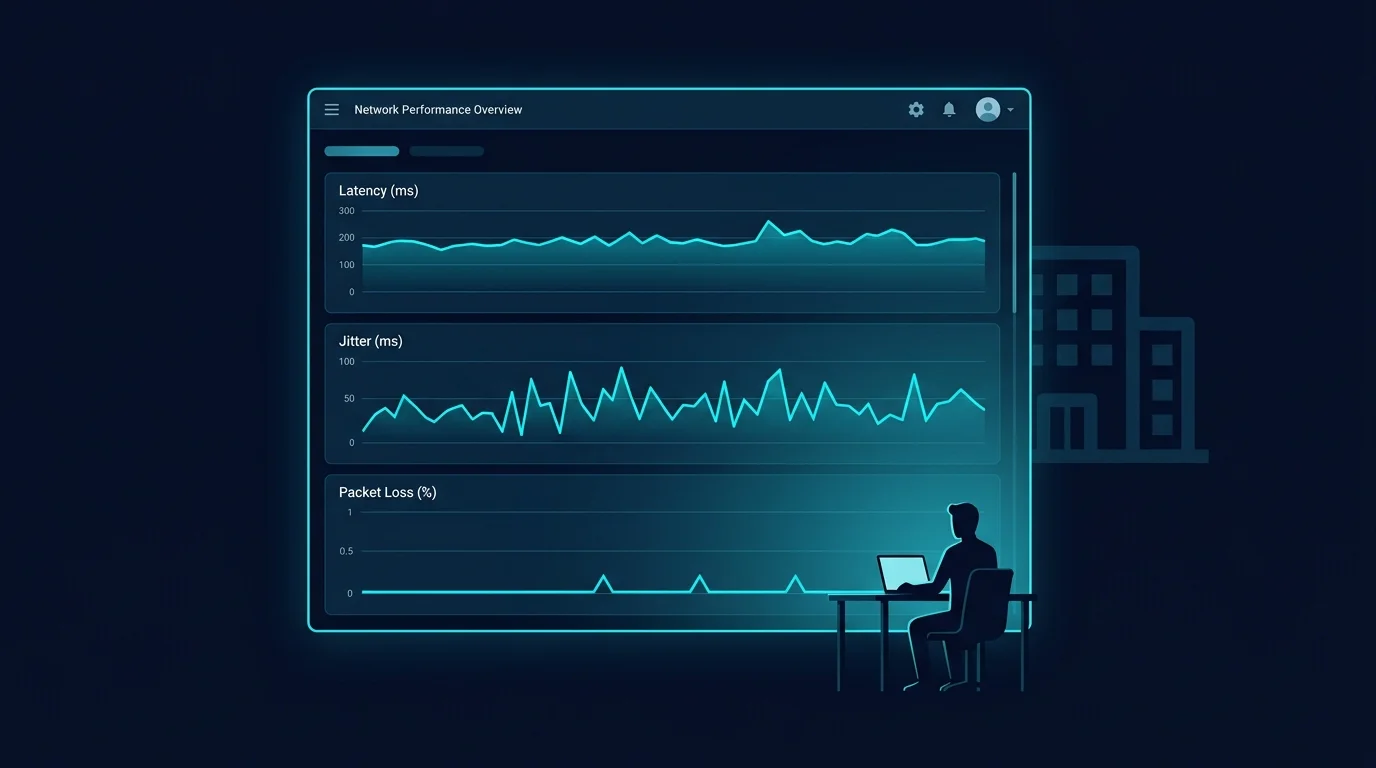
Microsoft Teams does report detailed call quality data to an organization's IT administrators, through a real, documented feature called the Call Quality Dashboard (CQD). It's worth understanding what it actually shows, because the honest answer is more nuanced than either "nothing is tracked" or "your boss watches every call."
What the Call Quality Dashboard Actually Reports
CQD is a genuine, Microsoft-documented administrative tool built specifically for network and IT teams to diagnose organization-wide call quality issues. It reports technical network metrics — packet loss, jitter, round-trip latency, audio/video stream quality scores — aggregated primarily at the organization and location level, designed to help IT identify systemic problems like a specific office location or network segment causing poor call quality across many users.
What It Is Actually Designed For
The tool's stated purpose, and its primary real-world use, is infrastructure diagnosis: identifying whether a specific office's network, a particular ISP link, or a misconfigured piece of network equipment is causing call quality problems across many users, so IT can fix the underlying infrastructure rather than treating each complaint individually. It's built as a fleet-level diagnostic tool, not a per-employee surveillance feature, and Microsoft's own documentation frames it that way.
Does It Show Individual, Named Employee Data?
Microsoft's Call Quality Dashboard has both organization-wide aggregate views and more granular per-user detail views, and which level of detail a given organization's admins actually use, review, or have configured varies by that organization's own IT setup and policies. This isn't something DCSpeedTest can state generically for every workplace — the honest answer depends on your specific employer's Microsoft 365 configuration and internal policy, which your organization's IT or HR department is the accurate source for, not general web content.
What This Means Practically
The underlying network conditions that cause call lag are genuinely, technically visible to IT admins at some level of detail through this dashboard — that part is real and documented. What that data is actually used for, and how closely any specific individual's calls are reviewed, depends entirely on that organization's own practices, which vary widely and aren't something a general article can honestly generalize about.
What You Can Control Regardless
- Genuinely fixing your own connection (wired connection, SQM/CAKE, addressing bufferbloat) improves your actual call experience regardless of what any dashboard shows anyone.
- If call quality is a recurring issue, it's often more useful to proactively mention it to IT with specifics (times, frequency, your own test results) than to hope it goes unnoticed — since the data suggesting a problem may already be visible to them anyway.
Frequently Asked Questions
Can IT admins see the content of my calls through this dashboard?
No — the Call Quality Dashboard is documented as reporting network performance metrics (packet loss, jitter, latency), not call content, audio, or video recordings.
Does this apply to personal Microsoft Teams accounts, not just work ones?
The Call Quality Dashboard is an organizational admin feature tied to a Microsoft 365/Teams business or enterprise deployment — it's specifically an IT administration tool for managed organizational accounts, not a feature of personal consumer Teams use.
Should I be worried about this?
It's reasonable to simply be aware it exists as a genuine feature, the same way it's reasonable to be aware that most corporate laptops and networks are managed and monitored to some degree — checking your specific employer's IT policy is the accurate way to know what applies to you.
How This Compares to Other Video Platforms
Teams isn't unusual in having this kind of administrative reporting — Zoom, Google Meet, and most enterprise video platforms offer comparable admin-level quality dashboards as a standard feature for business and enterprise tiers, since organizations managing many users and locations generally need some way to diagnose systemic network issues. This is industry-standard enterprise IT tooling, not something specific to or unusual about Microsoft Teams.
If you're specifically concerned about this on a personal, non-work device, the most direct fix is simply not using your employer's managed Microsoft 365/Teams account for anything you'd want to keep private — a personal account on your own device and network sits entirely outside your employer's Call Quality Dashboard and any other administrative visibility tied to their tenant.
What to Do If Call Quality Genuinely Affects Your Work
If poor call quality is a recurring, documented problem affecting your ability to do your job, raising it proactively with IT — with specific dates, times, and if possible your own independent speed test results from those moments — is generally more productive than working around it silently. IT teams responsible for the infrastructure behind the Call Quality Dashboard are, in most organizations, specifically tasked with fixing exactly this kind of systemic issue when it's reported with concrete detail.
The most productive framing is treating the dashboard as a shared diagnostic resource rather than a surveillance concern — the data it collects exists primarily to help fix the exact network problems that cause frustrating calls in the first place, which benefits everyone using that infrastructure, not just the administrators reviewing it.