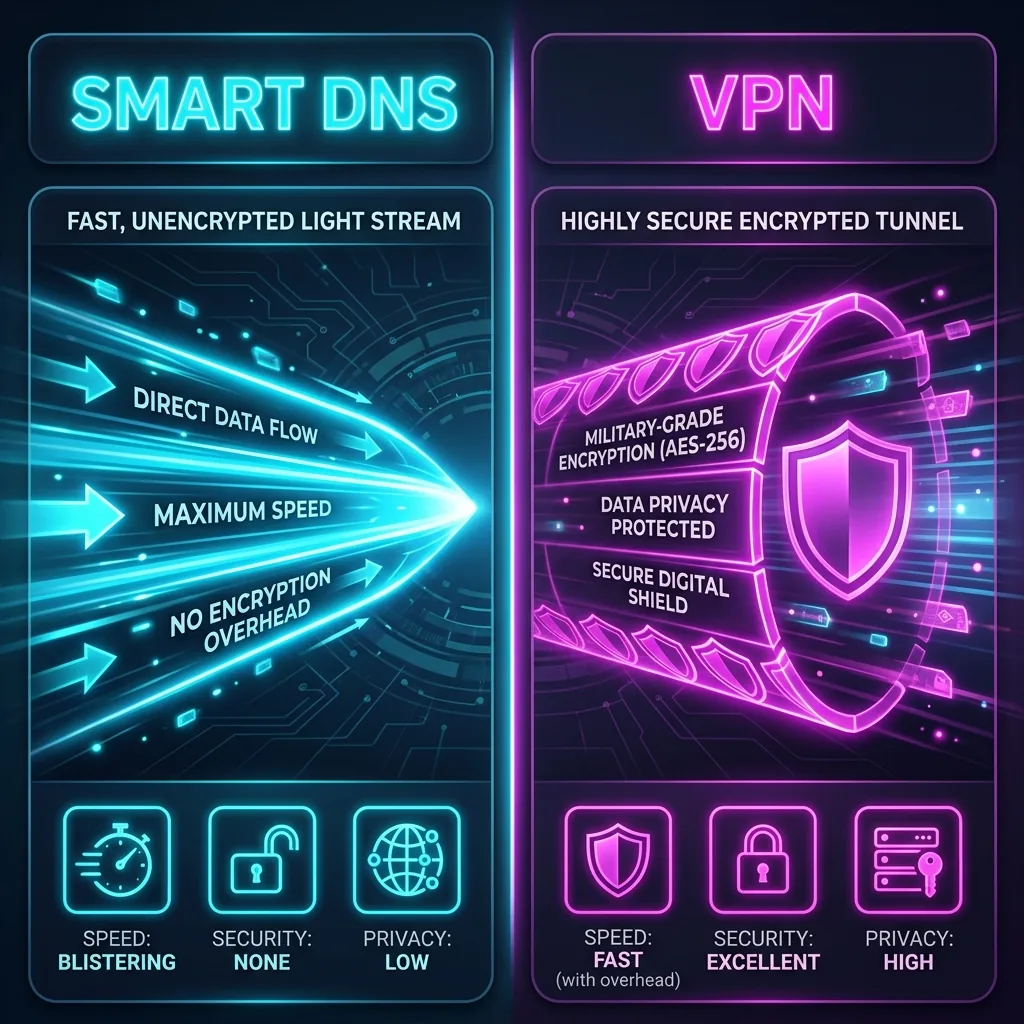
Streaming platforms utilize geographical restrictions to comply with international licensing deals. If you want to access libraries from another country, you have two primary options: a **VPN** or a **Smart DNS**. Let's benchmark the performance, encryption, and unblocking capabilities of both technologies.
1. The Technology: Encrypted Tunnels vs. Smart DNS Redirects
A **VPN** encrypts your entire internet traffic and tunnels it through an intermediate server. Because of this high-level encryption, your ISP and the streaming service cannot see your actual location, but the processing overhead reduces your connection speed by 5% to 15%.
A **Smart DNS** does not encrypt your traffic or hide your IP address. Instead, it only intercepts and redirects your DNS queries related to geoblocked services. Because it doesn't encrypt data, it delivers **100% of your raw internet speeds**, which is ideal for 4K streaming.
2. 🔬 Try the Interactive Speed & Privacy Telemetry Auditor
Toggle between Smart DNS and VPN modes to see the dynamic impact on connection speed preservation, encryption standards, and data security profiles!
📺 Telemetry Protocol Auditor
3. Why VPNs Are Much More Reliable Against Netflix Blocks
While Smart DNS provides faster speeds, it is easily detected by advanced proxy checkers. Because streaming platforms like Netflix monitor concurrent streams per IP, they can block the publicly exposed IP addresses utilized by Smart DNS hosts. Premium VPNs invest millions in massive, rotating residential IP pools, letting them bypass blocks that shut down Smart DNS services completely.
🛒 Available on Amazon
This is an affiliate link — if you buy through it, DCSpeedTest may earn a small commission at no extra cost to you. Price, stock, and any discount shown are set by Amazon directly and can change at any time.
🛒 Click & Add Premium VPN to Amazon Cart (Lock in Discount)4. The Winner: The Double Setup
If you are unblocking geo-restrictions on a device that does not support native VPN software (like a Samsung Smart TV, Apple TV, or PlayStation 5), **Smart DNS is the clear winner** due to its easy configuration and zero speed degradation. However, for PCs, mobile devices, and securing your personal privacy against ISP bandwidth throttling, **a premium VPN is the essential choice** for modern online security.