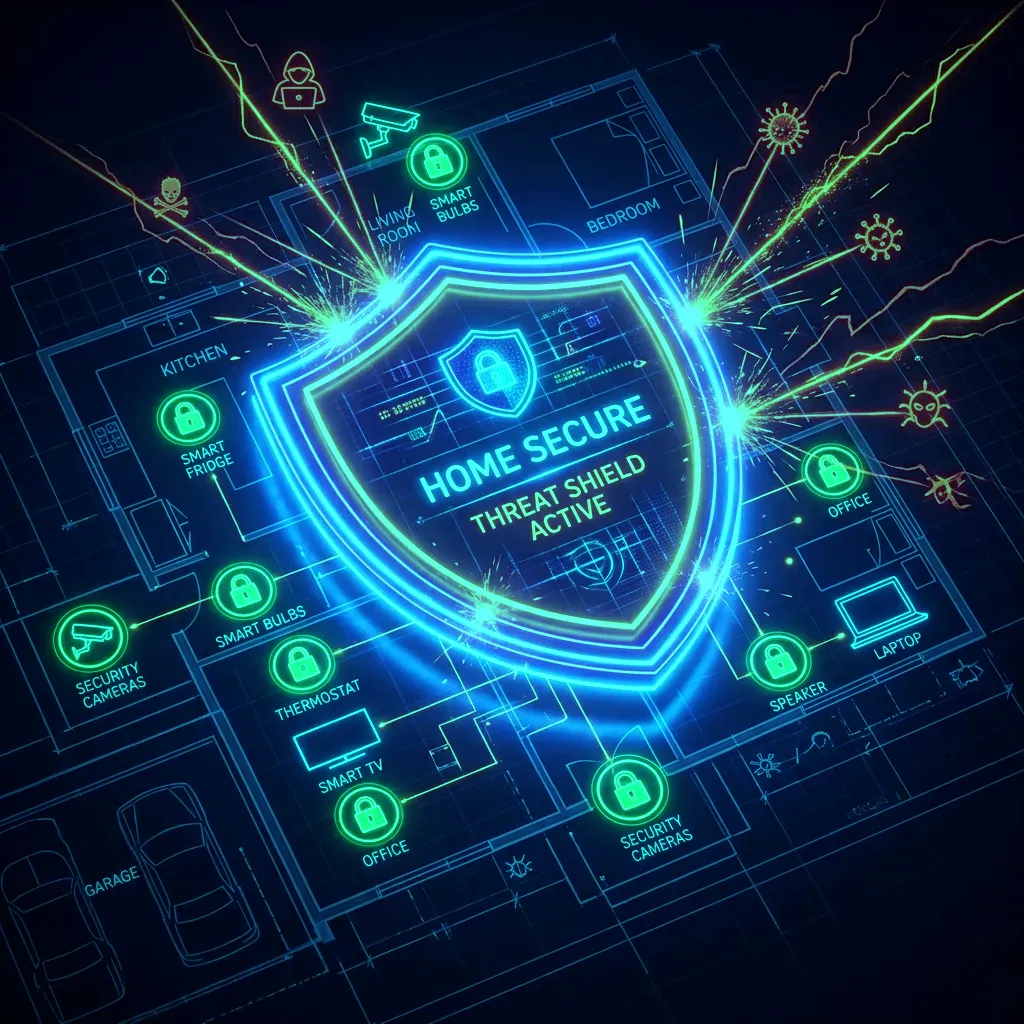
Why IoT Isolation Matters
A compromised IoT device on your main network can scan and attack every other device: your NAS drive, your work laptop, your camera system. In 2025, the Mirai successor "HailMary" botnet compromised 2.1 million IoT devices — primarily smart TVs, IP cameras, and NAS drives — across residential networks. Isolation confines the damage: a compromised smart bulb on an isolated network cannot reach your banking computer.
Method 1: Router Guest Network (Simplest — Any Router)
Every modern router has a "Guest Network" feature designed for visitors. This network is isolated from your main network by default — devices on the guest network cannot communicate with devices on the main network. Repurpose this for IoT:
- Enable Guest Network in your router's admin panel (usually under Wireless → Guest Network).
- Enable "AP Isolation" or "Client Isolation" if available — prevents IoT devices communicating with each other.
- Connect all smart home devices (TV, cameras, smart speakers, thermostats, doorbells) to the Guest Network.
- Keep your PCs, phones, and NAS on the main network.
Limitation: Guest network devices cannot be accessed from your main network for local control (some smart home apps require local network access). If local control is needed, use VLAN instead.
Method 2: VLAN Segmentation (For Advanced Routers — Asus, OpenWrt, Ubiquiti)
- Create a new VLAN (e.g., VLAN 20) in your router's LAN settings.
- Create a new WiFi SSID assigned to VLAN 20 — name it "SmartHome" or similar.
- Configure firewall rules: VLAN 20 can access WAN (internet) but cannot route to LAN (VLAN 1). This allows IoT internet connectivity while blocking LAN access.
- Optionally add a rule allowing specific devices on VLAN 1 (your phone) to initiate connections to VLAN 20 devices — enabling local smart home app control without full bidirectional access.
Devices That Should Always Be Isolated
- Any IP camera or video doorbell (Ring, Nest, Eufy, Reolink)
- Smart TVs (all major brands harvest viewing data)
- Smart speakers (Amazon Echo, Google Home)
- All cheap no-brand IoT devices (plugs, bulbs, sensors)
- Gaming consoles (unnecessary internet exposure; isolate from work devices)