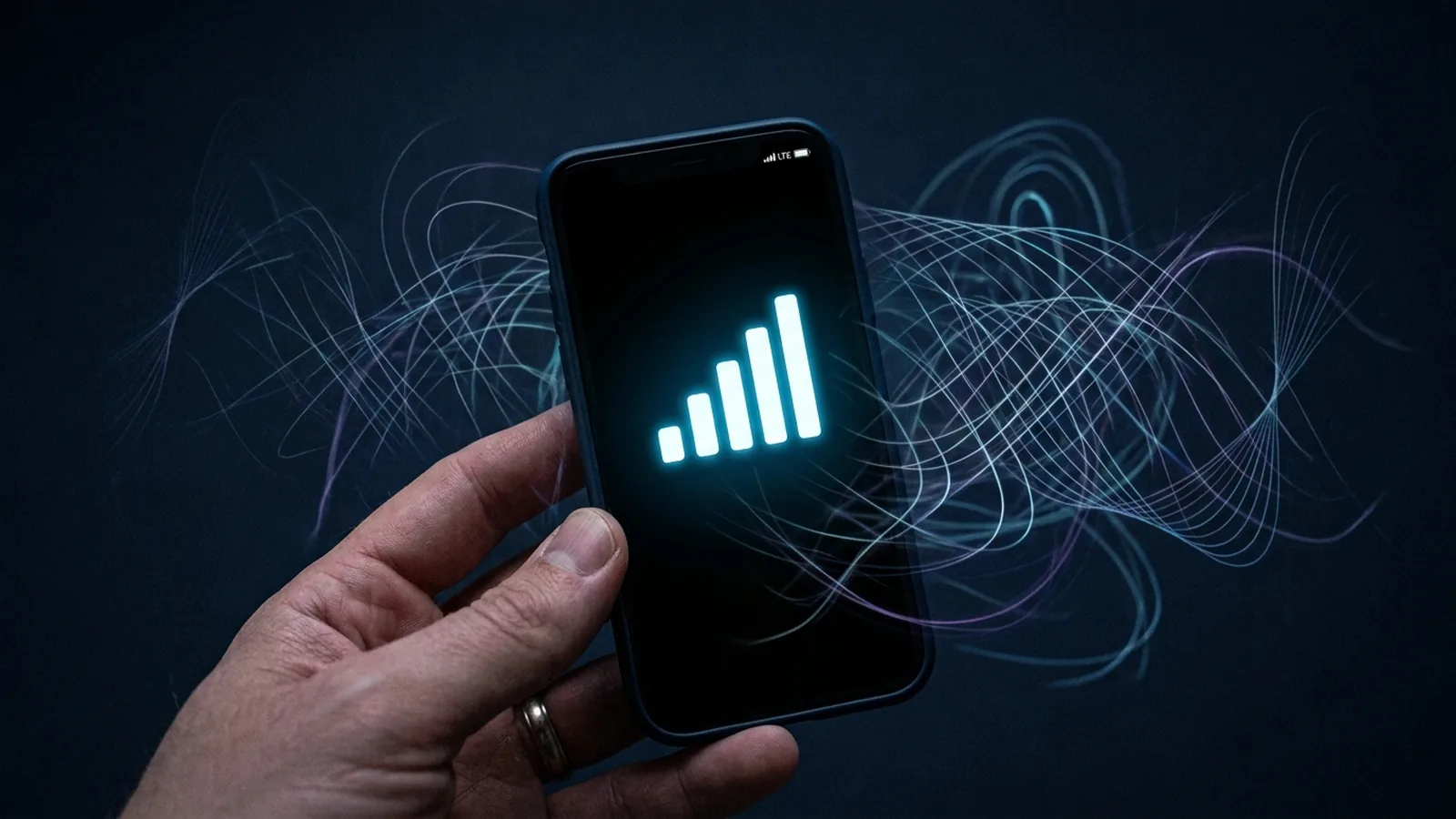
Your phone shows five full Wi-Fi bars. The video still stutters. This isn't a glitch or your imagination — it's because the signal bar on your phone is measuring something that has almost nothing to do with why video buffers.
What the Signal Bar Actually Measures
Those bars represent RSSI (Received Signal Strength Indicator) — essentially, how loud the Wi-Fi signal is when it reaches your device, measured in decibel-milliwatts (dBm). A strong RSSI just means your device can clearly hear the router shouting. It says nothing about whether that signal is clean, whether other devices are talking over it, or whether the airwaves around you are congested.
What Actually Causes Buffering: Interference and Contention
Video streaming, video calls, and online gaming are all sensitive to a completely different set of problems that a signal bar doesn't show at all:
- Channel interference — Wi-Fi shares unlicensed spectrum with neighboring routers, Bluetooth devices, some cordless phones, and even microwave ovens on the 2.4GHz band. A loud, clean signal can still be constantly stepped on by overlapping traffic from a neighbor's router on the same channel.
- Airtime contention — Wi-Fi is a shared medium: only one device can transmit on a given channel at a time. A house full of smart devices all "talking" intermittently eats into the airtime available for your video stream, even if every individual device has a strong signal.
- SNR (Signal-to-Noise Ratio) — a more useful number than raw signal strength, SNR measures how much stronger your signal is than the background noise floor. A phone can report full bars while sitting right next to a noisy environment that drags SNR down enough to cause packet loss.
Why This Matters More for Video and Calls Than for Loading a Webpage
Loading a webpage tolerates brief interruptions easily — your browser just waits and retries. Streaming video and live video calls don't have that luxury: they need a steady, low-jitter stream of data arriving on time, and a Wi-Fi environment that's technically "connected" but constantly interrupted by interference or contention will stutter video long before it would ever cause a webpage to visibly fail to load. That's the exact gap between "signal is present" and "signal is usable."
How to Actually Diagnose the Real Problem
Instead of relying on the bars, a few more useful checks: run a Wi-Fi analyzer app to see how many nearby networks are crowding your channel, try switching your router to a less congested channel (5GHz and 6GHz bands generally have far less neighbor interference than 2.4GHz), and move closer to the router temporarily to see if the problem disappears — if it does, you're likely dealing with a genuine range/obstruction issue rather than interference. If moving closer doesn't help, congestion or interference is the more likely culprit, not distance.
Our Take
Signal bars exist because they're simple to display, not because they're the most useful number for diagnosing a real streaming problem. If your bars are full and things still buffer, stop staring at the signal icon — the actual answer is almost always in channel congestion or interference, not signal strength.
A Simple Analogy That Makes This Click
Think of signal strength like the volume of someone's voice across a crowded room. You can hear them perfectly clearly (strong signal) — but if twenty other people are also shouting at the same time (interference and contention), you still can't follow the conversation smoothly, even though the volume was never the problem. Wi-Fi works the same way: a loud, strong connection to your router doesn't guarantee a clean channel to actually move your data through.
Why This Confuses So Many People
Most operating systems and phones only expose the signal-bar number by default, precisely because it's the simplest single value to display — SNR, channel utilization percentage, and interference levels all require a dedicated Wi-Fi analyzer app to see, and most people never install one. That's a real usability gap: the one number everyone sees is the one that correlates least with the specific problem (buffering, stutter) that actually bothers people day to day.
When Distance Actually Is the Problem
To be fair to signal strength as a metric, it does matter — just not in isolation. If you're several rooms away from the router with walls and floors in between, RSSI genuinely drops low enough to cause real packet loss on its own, independent of any interference. The distinction that matters is: full bars plus buffering points to interference/contention, while weak bars plus buffering points to genuine range and obstruction issues that a Wi-Fi extender or mesh node placement fix would actually solve.
A Quick Test You Can Run Right Now
Stand right next to your router with full bars showing, and run a video call or stream a video. If it's still choppy even at close range with a strong signal, interference or contention on that channel is almost certainly the cause, not distance. Then try switching your router to the 5GHz band if your device supports it — 5GHz has a shorter range than 2.4GHz but dramatically less competition from neighboring networks and household devices, and that tradeoff often fixes exactly this kind of "full bars, still buffering" problem within minutes.