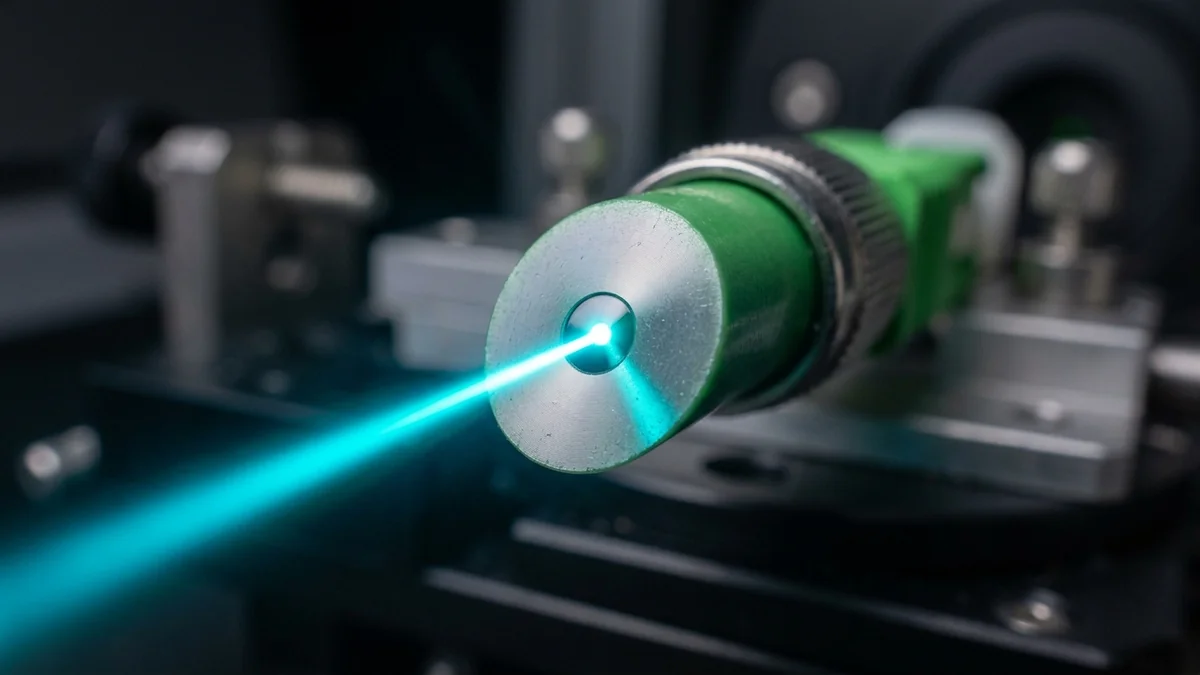
You are moving your optical fiber ONT modem to a new desk. You unplug that thin yellow patch cable with the green plastic connector. Out of curiosity, you touch the small ceramic tip with your finger, blow on it like an old Nintendo cartridge, and plug it back into the modem. You run a speed test on DCSpeedTest and are shocked: your 1,000 Mbps fiber connection has crashed down to 85 Mbps, and the optical modem's status light flickers amber. How can an invisible speck of dust or natural skin oil completely destroy a multi-gigabit broadband connection? Here is the microscopic optical physics of End-Face Contamination, Optical Return Loss (ORL), and Cleanroom Maintenance.
The Scale of the Problem: A 9-Micron Glass Core
To understand why fiber connectors are so sensitive, you must understand scale. In residential Single-Mode Fiber (OS2), the light-carrying Core is only 9 micrometers ($9\mu ext{m}$) in diameter.
Let us compare the size of common microscopic particles to a single-mode fiber core:
- Single-Mode Fiber Core: $9\mu ext{m}$ (The entire data pipe).
- Average Human Hair: $75\mu ext{m}$ (8 times larger than the core).
- Speck of Household Dust: $10\mu ext{m}$ to $40\mu ext{m}$ (Completely covers the core).
- Fingerprint Oil Smear: $15\mu ext{m}$ film (Diffuses and burns into glass).
What Contamination Does: Optical Return Loss (ORL) & Laser Burning
When you plug a dirty connector into a modem transceiver, the microscopic dirt is crushed under 15,000 PSI of mechanical spring pressure between the two ceramic ferrules:
| Contamination Type | Physical Effect at 1310/1550nm Laser | Optical Insertion Loss (dB) | Impact on Gigabit Broadband |
|---|---|---|---|
| Pristine Clean End-Face | 100% total light transmission | < 0.10 dB (Negligible) | 1,000 Mbps Full Line Rate |
| Single 10-Micron Dust Speck | Directly occludes central core | 3.5 dB to 8.0 dB Loss | Speed drops to 100-300 Mbps |
| Fingerprint Oil Smear | Refracts laser; creates reflection | 5.0 dB to 12.0 dB Loss | Severe packet loss / Modems desync |
| Crushed Debris Pit / Scratch | Permanent physical glass fracture | > 20.0 dB (Blackout) | Red LOS Light (Dead Connection) |
Worse, high-powered optical transmitter lasers (emitting up to +10 dBm of infrared energy) can heat trapped organic skin oils, baking carbon deposits permanently onto the glass core and destroying the connector permanently.
The Difference Between Green SC/APC and Blue SC/UPC
Residential FTTH fiber broadband uses Green SC/APC (Angled Physical Contact) connectors. The ceramic ferrule is polished at an exact 8-degree angle. When light reflects off the angled glass junction, the reflected photons bounce harmlessly out into the cladding rather than traveling backwards into the transmitting laser, delivering industry-leading > 65 dB Optical Return Loss.
How to Safely Handle and Clean Home Fiber
- Never Touch the Ceramic Ferrule Tip: Always handle fiber patch cords by the green plastic connector housing only.
- Never Blow on a Fiber Connector: Human breath contains saliva aerosols that create a sticky microscopic residue across the glass.
- Use a 'One-Click' 2.5mm Fiber Cleaning Pen: If you unplug a fiber cable, insert the tip into a $12 One-Click SC/APC Cleaning Pen. A spring-loaded mechanism advances lint-free anti-static micro-fabric, scrubbing the 9-micron core clean in 0.5 seconds.
- Keep Dust Caps On: Whenever a fiber cable or ONT port is disconnected, immediately push on the protective rubber dust cap.
Understanding Optical Power Budget (dBm)
Residential FTTH GPON operates within a tight Optical Power Budget (typically between -8 dBm and -27 dBm). A clean link runs at a healthy -16 dBm. Introducing a 6 dB dirty connector loss plunges signal down to -22 dBm, right on the threshold of optical receiver bit errors.
How to Inspect an Optical Connector with a Fiberscope
Telecommunications technicians use 200x / 400x digital inspection microscopes (fiberscopes) to inspect the 9-micron core before mating connectors, guaranteeing zero scratches, pits, or oil deposits.
The Golden Rule of Fiber Optic Handling: Always Inspect and Clean
Fiber optic infrastructure delivers incredible gigabit performance, but demands clean handling. Keeping protective dust caps installed and using dry click-pen cleaners ensures pristine optical throughput for years to come.
Protecting delicate optical connectors from microscopic contamination guarantees your gigabit fiber connection maintains maximum speed and reliability.
Why This Is Easy to Overlook as a Cause
A dirty or scratched fiber connector rarely causes a total outage — instead it typically shows up as intermittent slowdowns or elevated error rates that come and go, which makes it easy to blame on the ISP, WiFi, or "the internet being weird" rather than a physical connector that needs cleaning. If a connection has been stable for a long time and then develops inconsistent symptoms after any physical disturbance — a move, a reorganized closet, a pet or vacuum bumping the ONT — a dirty connector is worth ruling out before assuming a more complex network problem — a $15 one-click cleaner pen is cheap insurance against a service call that ends up being a five-minute fix.