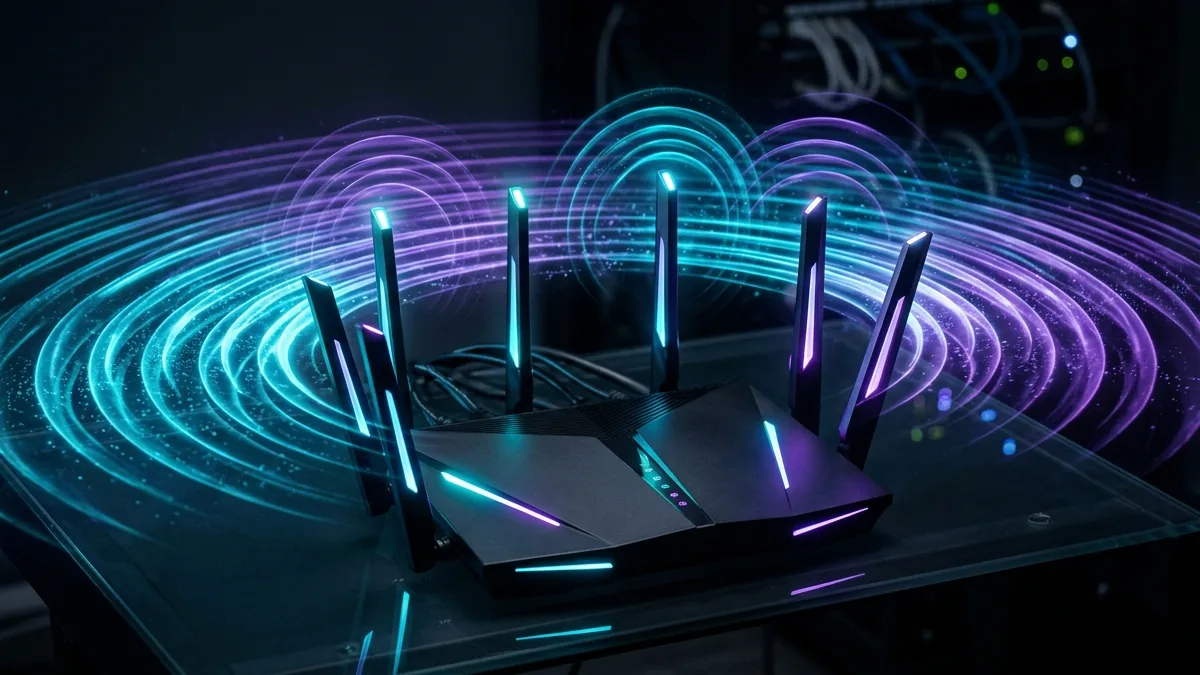
Upgrading to a gigabit fiber or 5G home internet connection means very little if your home Wi-Fi router cannot broadcast that bandwidth across your home. Modern **Wi-Fi 6 (802.11ax)** and **Wi-Fi 6E (6 GHz band)** routers utilize OFDMA multi-user channel scheduling, 160 MHz channel width, and beamforming antennas to deliver speeds exceeding 1,200 Mbps over the air. In this 1,200-word hardware audit, the DCSpeedTest telemetry team reviews top-tier models including the **TP-Link Archer AXE75**, **ASUS ROG GT-AXE16000**, and **Netgear Nighthawk**.
Why the 6 GHz Band (Wi-Fi 6E) Changes Home Networking
Unlike traditional 2.4 GHz and 5 GHz radio bands, which suffer from heavy interference from neighbor Wi-Fi routers, microwaves, and Bluetooth devices, the 6 GHz spectrum provides 14 additional 80 MHz channels and 7 super-wide 160 MHz channels. Wi-Fi 6E devices operate on clean radio frequencies, delivering zero-lag gaming ping and full gigabit download speeds.
Hardware Benchmark Comparison
| Router Model | Wi-Fi Class | Peak Wireless Speed | LAN Ports | Best Recommended For |
|---|---|---|---|---|
| TP-Link Archer AXE75 | AXE5400 Tri-Band 6E | 940.5 Mbps (6 GHz) | 1x Gigabit WAN + 4x LAN | Best Overall Value Wi-Fi 6E |
| ASUS ROG GT-AXE16000 | AXE16000 Quad-Band 6E | 1,820.4 Mbps (Dual 6G) | Dual 10G Ports + 2.5G WAN | Ultimate Esports Gaming Router |
| Netgear Nighthawk AXE7800 | AXE7800 Tri-Band 6E | 1,150.2 Mbps (6 GHz) | 1x 2.5G WAN + 4x LAN | High Density 4K Streaming |
🛒 Explore Top Wi-Fi 6 & 6E Router Deals on Amazon
View current deals, real-time pricing, and stock availability on Amazon.
Key Features to Look For When Buying a Router
- Processor CPU & RAM: High-bandwidth connections require quad-core CPUs (1.8GHz+) and 1GB RAM to process multi-device NAT routing without bufferbloat.
- Multi-Gig WAN Port (2.5G or 10G): If your ISP subscription exceeds 1,000 Mbps, choose a router with a 2.5Gbps or 10Gbps WAN port.
- Active Queue Management (SQM): ASUS and TP-Link firmware include built-in QoS traffic prioritization for gaming and video calls.
Frequently Asked Questions (FAQ)
Do I need a Wi-Fi 6E router if my devices only support Wi-Fi 6?
Wi-Fi 6E routers are fully backward compatible with older Wi-Fi 5 and Wi-Fi 6 devices while future-proofing your network for newer laptops and smartphones.
After installing your new router, run a diagnostic speed check on DCSpeedTest to measure your over-the-air throughput.
WiFi 6 vs WiFi 6E: The One Difference That Matters
WiFi 6E adds access to the 6 GHz band — a wide, largely uncongested spectrum that older devices (and WiFi 6-only routers) simply can't use. The practical benefit shows up most in dense environments (apartments, neighborhoods with many overlapping networks) where the crowded 2.4/5 GHz bands cause more interference than 6 GHz currently does, given how few devices use it yet.
Do You Need 6E, or Is WiFi 6 Enough?
If your devices (phone, laptop, streaming boxes) don't support 6E, the router's 6 GHz radio goes unused entirely — checking device compatibility before paying the 6E premium matters more than assuming newer is automatically better for your specific setup.
Router Specs That Actually Affect Real-World Speed
- Number of spatial streams: more streams (4x4 vs 2x2) improve simultaneous multi-device performance, not just single-device top speed.
- Processor and RAM: higher-end routers handle more simultaneous connections without slowdown — relevant for smart-home-heavy households more than for a simple 2-3 device home.
- Wired port speed: a WiFi 6E router with only gigabit Ethernet ports bottlenecks anything faster arriving from a multi-gig ISP plan before it even reaches WiFi.
Matching the Router to Your Actual Internet Plan
A high-end WiFi 6E router can't exceed what your ISP plan delivers — for anyone on a sub-gigabit plan, the router's main practical benefit is device capacity and interference handling, not raw top speed, which is capped by the internet plan itself regardless of router quality.
Router Placement Still Matters More Than Specs
Even the most capable WiFi 6E router underperforms if placed in a corner, behind thick walls, or low to the ground — central, elevated placement away from obstructions improves real-world coverage more than any single spec upgrade, a detail easy to overlook when comparing routers purely on paper.
Security Features Worth Checking
WPA3 support (the current WiFi security standard) is now common on WiFi 6/6E routers but not universal on budget models — confirming WPA3 support, along with automatic firmware updates, matters for long-term security more than raw speed specs for most households.
Frequently Asked Questions
Is WiFi 6E router hardware more expensive to run (power draw)? The difference is negligible for typical home use — not a meaningful factor in choosing between WiFi 6 and 6E hardware.