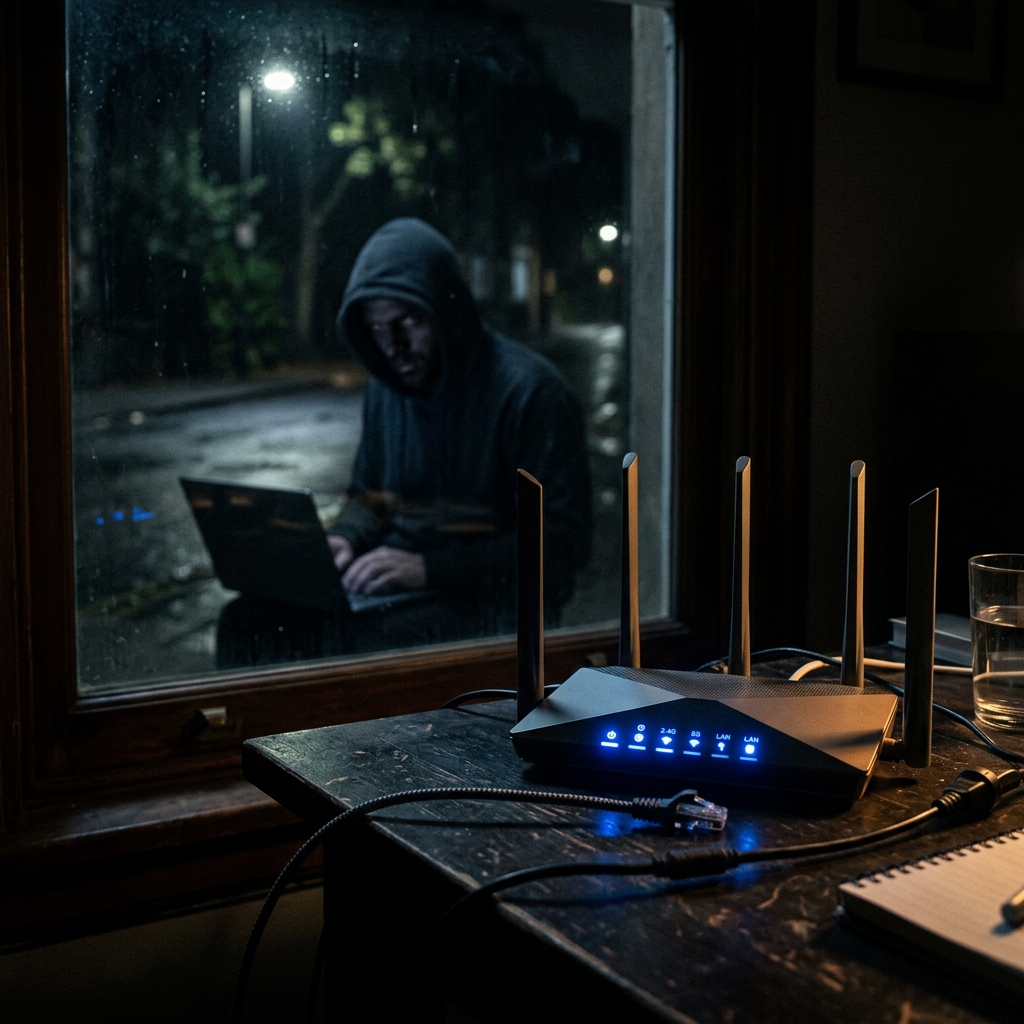
You set a strong WiFi password. You feel secure. The problem: your WiFi password only controls who connects to your router. Everything that leaves your router — every game you play, every site you visit, every message you send — travels across infrastructure you do not control and is visible to people you never consented to share it with.
What Your WiFi Password Actually Does
A WPA3 WiFi password (the current standard) does exactly one thing well: it prevents unauthorized devices from connecting to your local network. Your neighbor cannot use your internet connection. Someone sitting outside your apartment cannot join your WiFi. That is the complete scope of what your password protects.
What it does NOT protect:
- ❌ What your ISP sees (everything that passes through their network)
- ❌ What websites and game servers log about your connection
- ❌ Man-in-the-middle attacks on your router's internet connection
- ❌ Data sold by your ISP to third parties
- ❌ Government surveillance requests to your ISP
- ❌ Traffic monitoring by your router's manufacturer (many collect data by default)
The 5 Real Threats to Your Home Network (And What Stops Each)
Threat 1: Your ISP Monitoring Everything
What happens: Every packet from every device on your network passes through your ISP's infrastructure. They can see which sites you visit, which games you play, how long sessions last, and what servers you connect to — all in real time.
What stops it: End-to-end encryption via VPN. With NordVPN active, your ISP sees only encrypted packets going to NordVPN's server. Nothing else is readable.
WiFi password protection level: 0%
Threat 2: Public WiFi Eavesdropping
What happens: On public WiFi (coffee shops, airports, hotels, gaming cafes), other users on the same network can intercept your traffic. Modern attacks use tools that require minimal technical skill — a smartphone app can capture unencrypted data from everyone on a shared network.
What stops it: HTTPS encrypts web content (most sites use it), but gaming traffic and many apps do not use HTTPS. A VPN encrypts everything from your device, regardless of the application.
WiFi password protection level: 0% (you cannot set the password on public networks)
Threat 3: Router Firmware Vulnerabilities
What happens: Most home routers run outdated firmware with known security vulnerabilities. Attackers who breach your router can intercept all traffic, redirect you to fake websites, and monitor all devices on your network — without knowing your WiFi password (they bypass it entirely).
What stops it: Keep router firmware updated (check manufacturer website monthly). Use a router from a reputable manufacturer with active security updates. Consider replacing routers older than 3-4 years.
WiFi password protection level: 0%
Threat 4: DNS Leaking Your Browsing History
What happens: Even with HTTPS, every website visit starts with a DNS lookup — your device asking a server "what is the IP address of this website?" By default, this lookup goes to your ISP's DNS server, unencrypted, giving them a complete record of every domain you visit even if they cannot read the content.
What stops it: Use an encrypted DNS provider (Cloudflare 1.1.1.1 with DNS over HTTPS, or Google 8.8.8.8 with DoH). Or use a VPN — NordVPN routes all DNS queries through its own encrypted servers, preventing ISP DNS logging entirely.
WiFi password protection level: 0%
Threat 5: Smart Device Surveillance
What happens: Smart TVs, game consoles, smart speakers (Alexa, Google Home), and IoT devices continuously send usage data back to their manufacturers. Samsung TVs collect viewing data by default. Xbox collects gameplay telemetry. This happens on your secured home WiFi, behind your password-protected router — your password cannot stop it because these devices are authorized on your network.
What stops it: Review privacy settings on each device. Create a separate IoT VLAN (Virtual LAN) on your router if it supports it — isolating smart devices from your gaming PC and sensitive devices. A VPN router can selectively route device traffic through the VPN.
WiFi password protection level: 0%
The Actual Security Stack for Gamers in 2026
| Protection Layer | What It Stops | Difficulty | Cost |
|---|---|---|---|
| Strong WPA3 Password | Unauthorized local network access | Easy | Free |
| Updated Router Firmware | Known router vulnerabilities | Easy | Free |
| DNS over HTTPS (1.1.1.1) | ISP DNS logging | Easy | Free |
| NordVPN | ISP monitoring, throttling, public WiFi attacks, IP exposure | Very Easy | $3.39/month |
| 2FA on all gaming accounts | Account takeovers even if password is leaked | Easy | Free |
| Separate IoT network | Smart device lateral attacks | Medium | Free (if router supports) |
How to Set Up DNS over HTTPS (3 Minutes)
On Windows 11:
- Settings → Network & Internet → WiFi → Hardware Properties
- Scroll to DNS server assignment → Edit
- Set to Manual → IPv4 → Preferred DNS: 1.1.1.1, Alternate: 1.0.0.1
- Enable "DNS over HTTPS" toggle for both servers
- Save — your DNS queries are now encrypted
On your router (protects all devices):
- Log into your router admin panel (usually 192.168.1.1)
- Find DNS settings (usually under WAN or Internet settings)
- Change primary DNS to 1.1.1.1 and secondary to 8.8.8.8
- If your router supports it, enable DoH mode
Run a Speed Test to See If Your Setup Is Working
After applying these security measures, confirm everything is working correctly: run DCSpeedTest.com. A healthy, secure connection should show your normal speeds. If speeds have dropped significantly after any security change, check that your VPN is using the NordLynx protocol (lowest overhead) and your DNS changes were applied correctly.
Frequently Asked Questions
Is WPA3 WiFi enough to protect my home network?
WPA3 is the strongest WiFi encryption standard available and absolutely should be used. But it only protects the wireless link between your devices and your router. Everything beyond your router — between your home and the internet — is outside WPA3's scope. You need additional layers (VPN, encrypted DNS) for complete protection.
Can someone hack my WiFi even with a strong password?
A strong WPA3 password is effectively uncrackable by brute force. However, hackers bypass passwords through router vulnerabilities (attacking the router's admin interface), phishing (tricking you into connecting to a fake network), and physical access. Keep firmware updated and never use the default router admin password.
Does my gaming console need VPN protection?
Yes, for IP protection specifically. Gaming consoles expose your IP address in game lobbies, making them targets for DDoS attacks. The easiest solution: install NordVPN on your router — every device on your network, including consoles, gets automatic VPN protection without needing to install anything on the console itself.
Will VPN protection slow down my gaming on home WiFi?
NordVPN with NordLynx protocol adds under 3% speed overhead and under 5ms to ping. On a typical home connection, this is imperceptible. Run a speed test with and without NordVPN to confirm your specific connection's performance — most users see no gaming performance difference.