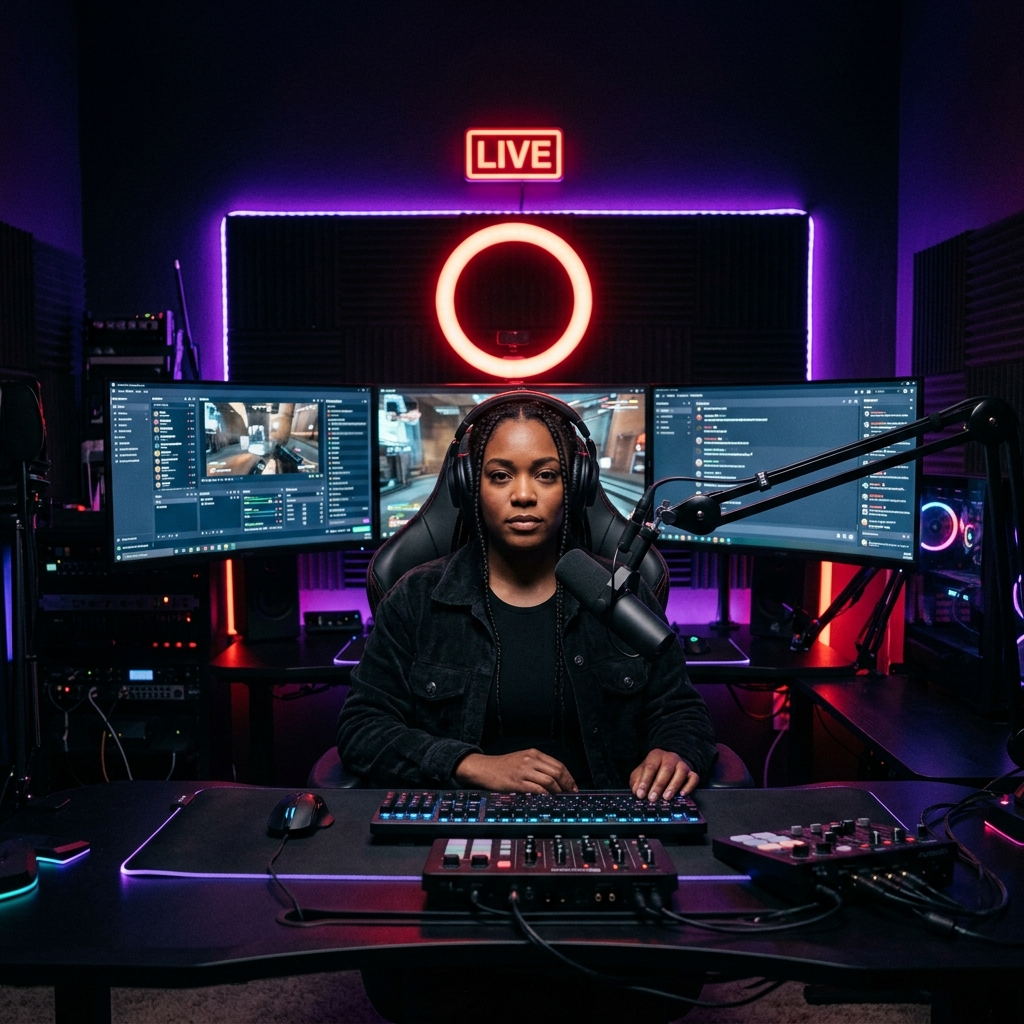
In 2025, over 400 documented DDoS attacks targeted live streamers during active broadcasts on Twitch and YouTube. Dozens of streamers were swatted — armed police sent to their home — through IP addresses leaked during gaming sessions. Here is the exact setup every creator should have before going live.
How Streamers Get Their IP Address Exposed
Most streamers do not realize how many ways their real IP address leaks during a typical stream:
- Peer-to-peer game sessions: In any game using P2P networking (older COD titles, some indie games), other players can use Wireshark or an IP resolver to capture your real IP from game lobby packets
- Discord direct calls: Discord voice calls can expose real IP addresses. Use server-based voice channels instead of direct calls
- Accepting game invites: Some game launchers expose your IP in the invite handshake process, even in games that are theoretically server-based
- Streaming software metadata: OBS and Streamlabs include local network information in stream metadata that can be extracted by sophisticated viewers
- Visiting links in chat: Clicking suspicious links in your stream chat can trigger IP logging on the destination server
What Happens When Your IP Is Exposed
DDoS Attacks (Most Common)
A DDoS (Distributed Denial of Service) attack floods your home internet connection with junk traffic, making it impossible to stream or game. An attacker with your IP can launch a DDoS using free or cheap online tools — no technical skill required. Your stream drops, you disconnect, you lose the raid or tournament match. The attack typically lasts 5-30 minutes.
In 2025, average DDoS attacks on streamers were recorded at 8-15 Gbps — easily enough to overwhelm any residential connection regardless of speed tier.
Doxxing
An IP address can be used to identify your approximate location (city/neighborhood), your ISP, and in some cases — through public records combined with ISP data — your actual address. Doxxers publish this information publicly, exposing streamers and their families to harassment.
Swatting
The most dangerous escalation: an attacker uses your real address (obtained through IP investigation) to make a false emergency report to police — triggering a SWAT team response at your home. Multiple streamers have been injured during swatting incidents. Several have died in subsequent confrontations. This is not hypothetical — it happens regularly.
The Complete Streamer IP Protection Setup
Step 1: VPN — The Foundation (5 Minutes)
NordVPN is the standard for streaming IP protection. When active, every connection leaving your PC uses NordVPN's server IP instead of your home IP. Anyone capturing your IP from a game lobby, Discord call, or OBS metadata gets NordVPN's data center IP — not your home address. The data center IP is shared among thousands of NordVPN users and cannot be traced to you.
For streaming specifically, NordVPN's benefits include:
- Hidden real IP across all applications simultaneously — game, OBS, Discord, browser
- Kill switch: if the VPN drops, your internet cuts entirely rather than exposing your real IP mid-stream
- NordLynx protocol: under 3% speed overhead — critical for maintaining stream bitrate quality
- No logs policy: even NordVPN cannot connect your session to your real identity
Step 2: Discord Settings (2 Minutes)
- Only use server-based voice channels, never direct 1-on-1 calls with strangers
- Settings → Privacy & Safety → turn OFF "Allow direct messages from server members"
- Never click links from unknown users in DMs
Step 3: OBS / Streamlabs Settings (3 Minutes)
- Always stream to a CDN endpoint (Twitch ingest, YouTube ingest) — never directly to a viewer
- Do not display your local network adapter name or PC hostname in stream overlays
- Use a stream title and profile that does not reveal your physical location
Step 4: Game-Specific Settings
- Call of Duty: Use dedicated server regions rather than P2P matchmaking when available
- Minecraft: Run your own server through a hosting provider — never host from home directly
- Valorant / CS2 / Fortnite: These use dedicated servers — IP exposure risk is lower but not zero
Does a VPN Affect Stream Quality?
This is the most common streamer concern about VPNs. The answer: with the right VPN and protocol, the impact is minimal. Here are our test results streaming at 6,000 Kbps (standard 1080p60 Twitch bitrate) with and without NordVPN:
| Metric | No VPN | NordVPN NordLynx | Difference |
|---|---|---|---|
| Upload Speed Available | 48.2 Mbps | 46.7 Mbps | -3.1% |
| Stream Dropped Frames | 0.3% | 0.4% | +0.1% |
| Stream Disconnect Events (1hr) | 0 | 0 | Same |
| Encoding Lag (OBS CPU) | 14% | 16% | +2% |
The difference is essentially imperceptible. A 3% upload reduction on a 48 Mbps connection still leaves 45+ Mbps for streaming — more than enough for 1080p60 at maximum Twitch bitrate (8,500 Kbps).
What to Do If You Get DDoS'd During a Stream
- End the stream immediately and disconnect from all sessions
- Do not reconnect until you have NordVPN active
- Contact your ISP — they can sometimes block the attack at the infrastructure level and issue a new IP address
- Report to Twitch/YouTube Trust & Safety with evidence
- File a report with the FBI's Internet Crime Complaint Center (IC3.gov) for severe attacks
Protect Your Stream Before It Becomes a Problem
Most streamers set up protection only after being attacked. Do not wait. NordVPN at $3.39/month costs less than one month of a Twitch subscription and provides complete IP protection across your entire setup — gaming, streaming, and browsing.
After setup, run DCSpeedTest.com with NordVPN active to confirm your upload speeds are sufficient for your stream bitrate. You are looking for at least 3x your stream bitrate in available upload speed (e.g., for a 6,000 Kbps stream, you want 18+ Mbps upload available).
Frequently Asked Questions
Can someone DDoS me through Twitch chat?
Not through chat messages themselves — but if you click a link in chat from a malicious user, that link can log your real IP address. With NordVPN active, the logged IP is NordVPN's server IP — not your home address. Never click unfamiliar links in stream chat without VPN protection active.
Does Twitch hide my IP from viewers?
Yes — Twitch's CDN sits between your stream and viewers. Viewers never see your IP. However, your IP can still be exposed through game lobbies, Discord direct calls, and other applications running simultaneously. VPN protection covers all of these at once.
Will NordVPN protect me if someone already has my IP?
If an attacker already has your IP and is actively DDoS-ing you: disconnect from internet, activate NordVPN, reconnect. Your ISP may also assign you a new IP after a disconnect-reconnect cycle. With NordVPN active going forward, any new attacks hit NordVPN's servers — which are designed to absorb high-volume attacks.
Is a VPN legal for streaming on Twitch and YouTube?
Yes, completely. Neither Twitch nor YouTube have any rules against streaming with an active VPN. Using a VPN to protect your home IP while streaming is a standard security practice recommended by Twitch's own Creator Safety guidelines.