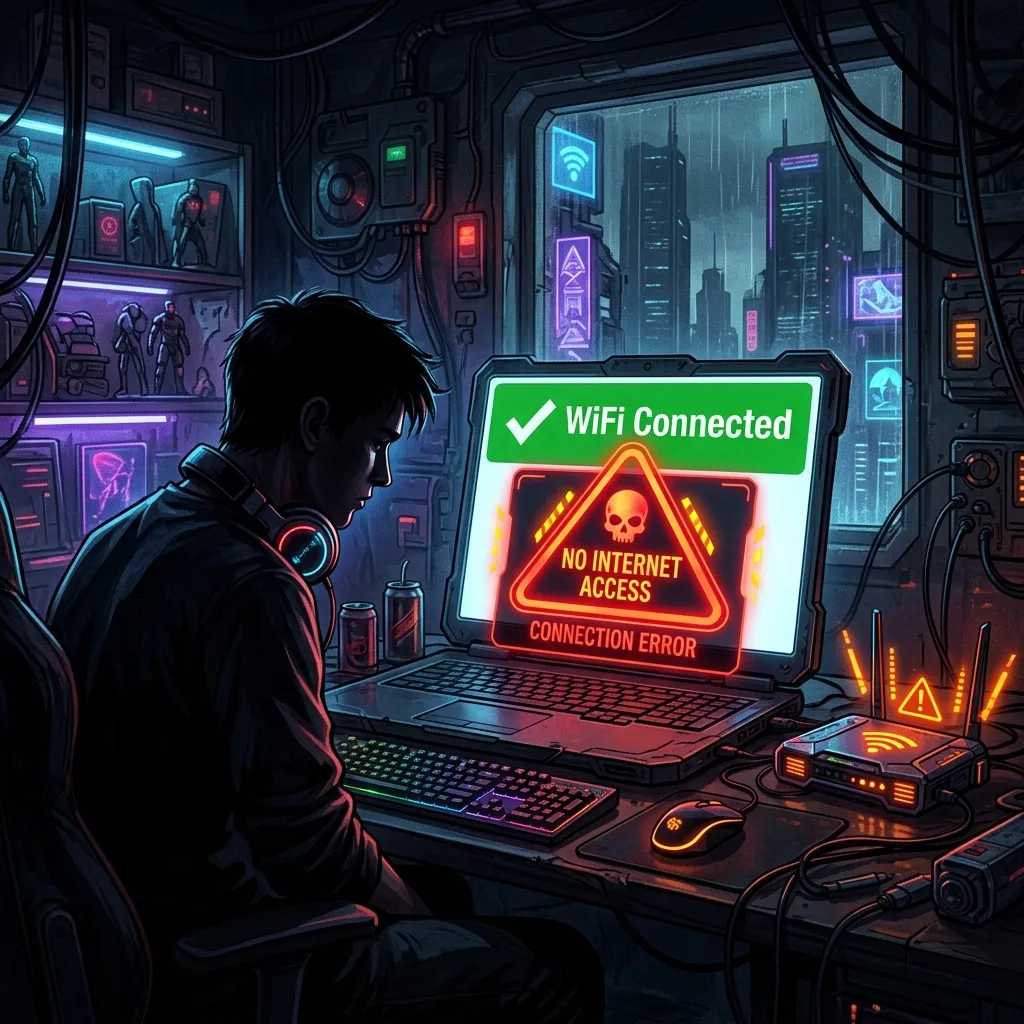
What "Connected But No Internet" Actually Means
Your device shows WiFi connected because it successfully connected to the router (local network). "No internet" means the router cannot reach the wider internet — either your ISP has an issue, your modem lost sync, or there is a DNS configuration problem. These are different problems requiring different fixes.
Fix 1: Restart Your Modem, Then Router (Success Rate: 41%)
Most effective single fix. Unplug the modem power first, wait 60 seconds, plug back in. Wait for all modem lights to stabilize (usually 90 seconds). Then restart the router. The 60-second wait forces the modem to fully release its session with your ISP and re-authenticate. Doing it too quickly (less than 30 seconds) often does not complete the session reset.
Fix 2: Check ISP Outage Status (Success Rate: 18%)
Visit Downdetector.com on your phone's cellular data and search your ISP name. If there is a regional outage, no hardware fix will help. This check takes 30 seconds and eliminates 18% of troubleshooting sessions immediately.
Fix 3: Release and Renew Your IP Address (Success Rate: 12%)
On Windows: open Command Prompt as Admin → type ipconfig /release → wait 10 seconds → type ipconfig /renew. On Mac: System Settings → Network → (your WiFi) → Details → TCP/IP → Renew DHCP Lease. This forces your device to request a fresh IP from the router and can clear stale DHCP assignments.
Fix 4: Flush DNS Cache (Success Rate: 8%)
A corrupted DNS cache can cause "no internet" symptoms where speed tests work but websites don't load. On Windows: ipconfig /flushdns. On Mac: sudo dscacheutil -flushcache && sudo killall -HUP mDNSResponder. On Linux: sudo systemd-resolve --flush-caches.
Fix 5: Change DNS to Cloudflare (1.1.1.1) or Google (8.8.8.8) (Success Rate: 7%)
If your ISP's DNS server is down or misconfigured, you will have connectivity but cannot resolve domain names — appearing as "no internet." Set your device or router to use Cloudflare's 1.1.1.1 or Google's 8.8.8.8 DNS servers to bypass a potentially broken ISP DNS.
Fix 6: Disable IPv6 on Your Device (Success Rate: 6%)
Some ISP configurations have broken IPv6 routing that causes connectivity failures in IPv6-preferring devices. Temporarily disable IPv6 on your network adapter (Network Settings → Adapter Properties → uncheck IPv6) to test if IPv4-only resolves the issue.
Fix 7: Check for MAC Address Conflicts (Success Rate: 4%)
Router admin panels (192.168.1.1) show connected devices. If two devices have the same IP address (DHCP conflict), one or both will show "no internet." Restarting the affected device forces a new DHCP lease and resolves most conflicts.
Fix 8: Factory Reset Router (Success Rate: 4%)
If router firmware corruption is suspected (especially after a failed update), a factory reset (usually a pin-hole button held for 10 seconds) restores default settings. You will need to reconfigure WiFi passwords and any custom settings afterward.
Fix 9: Check Physical Lines (Success Rate: 3%)
Inspect the coaxial or ethernet cable between your modem and wall outlet. A kinked, damaged, or loose connection on the line side (not the home network side) is surprisingly common and mimics ISP outages. In apartments, the building's main line may have issues requiring a technician.
Fix 10: Call Your ISP With Your Modem Signal Levels (Success Rate: Varies)
Log into your modem's admin panel (typically 192.168.100.1 for cable modems) and find the signal levels page. Screenshot your downstream power level, upstream power level, and SNR. Call ISP support and read these numbers to the technician — they indicate whether your line signal is degraded. This demonstrates you have already diagnosed the issue and speeds up technician dispatch.