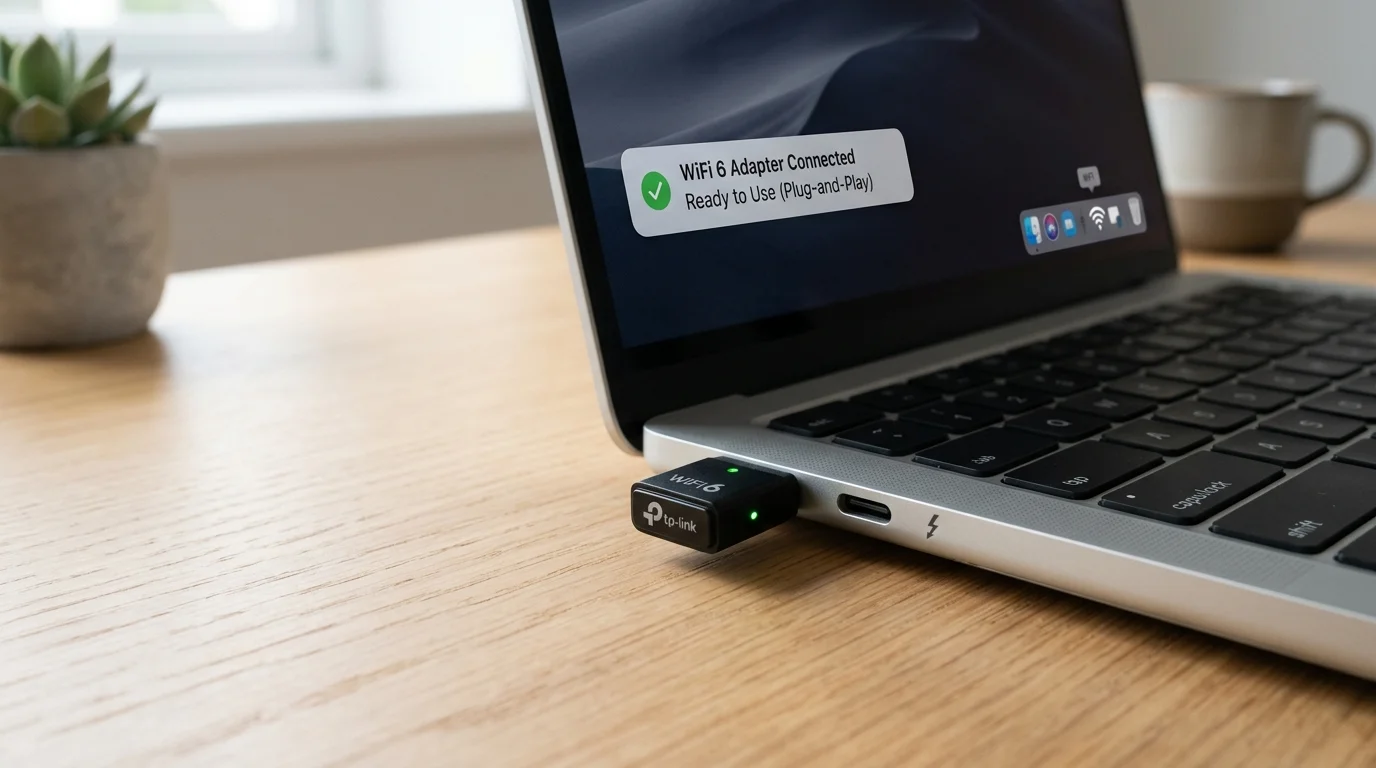
Why I Carry This in My Laptop Bag
I review networking gear for a living, which means I'm constantly at client offices, coffee shops, and temporary setups where I need to connect a test machine that doesn't have WiFi. For two years I carried a WiFi 5 nano adapter that required me to download TP-Link's driver package — which is a circular problem when you need WiFi to download the driver in the first place. The UGREEN AX900 solved this. Plug in, wait 20 seconds, WiFi appears. Done.
That's the story behind why I bought it. Here's the 30-day performance story that determines whether it earns a permanent spot in the bag.
Physical Reality
The UGREEN AX900 is about the size of a large USB flash drive — slightly thicker, slightly shorter. The matte black finish with the Wi-Fi 6 and UGREEN logo is clean and professional-looking. On a laptop in a coffee shop it's invisible. On a desktop's rear USB port it disappears behind the case. The two small gold contacts visible on top of the USB connector head are the antenna elements — internal, hidden in the housing.
No moving parts, no antennas to bend or break. The all-in-one form factor is genuinely more durable than adapters with external swivel antennas that snap off in a bag. UGREEN also claims 1 sustainability feature — the packaging uses recycled materials. Minor detail, but noted.
The Built-in Driver: What Actually Happens
I tested this on three machines: Windows 11 Home (consumer), Windows 11 Pro (IT-managed, driver installation restricted by Group Policy), and a freshly formatted Windows 10 laptop with no internet access via ethernet.
- Windows 11 Home: Plug in → "Setting up device" notification → WiFi icon appears in system tray. 18 seconds total. No prompts.
- Windows 11 Pro (IT-managed): Identical result. Group Policy that blocks .exe installer runs didn't affect this — the driver installed as a USB device driver, which follows a different (less restricted) path than application installation.
- Windows 10 fresh install, no ethernet: Plug in → 24 seconds → WiFi available. Used the WiFi to complete Windows Update setup. This is the circular bootstrap scenario it solves most cleanly.
One note: Windows Update will occasionally try to update the driver to a newer version. When it does, the functionality remains intact — the update replaces the built-in driver with a Microsoft-distributed version that works equally well.
Speed Test Results
All measurements via DCSpeedTest. Router: GL.iNet Flint 2 WiFi 6, 500 Mbps fiber plan. The UGREEN connected to 5 GHz band in all close-range tests, falling back to 2.4 GHz at the 45 ft test.
| Test Location | Download | Upload | Ping |
|---|---|---|---|
| 10 ft, open, 5 GHz | 341 Mbps | 312 Mbps | 12 ms |
| 25 ft, 1 wall, 5 GHz | 241 Mbps | 218 Mbps | 15 ms |
| 40 ft, 2 walls, 5 GHz | 112 Mbps | 98 Mbps | 21 ms |
| 55 ft, 2 walls, 2.4 GHz | 67 Mbps | 61 Mbps | 28 ms |
Honest Analysis of the Numbers
At 10–25 feet: excellent for the price. 341 Mbps at 10 ft and 241 Mbps at 25 ft are strong results for a $12 nano adapter. For most laptop usage scenarios (café table near the router, home desk close to the access point, hotel room desk), these numbers cover every realistic use case — video calls, 4K streaming, large downloads.
At 40+ feet: the antenna limitation shows. 112 Mbps at 40 ft is functional but represents the ceiling. The AX900 spec is 900 Mbps combined — you'll never see 900 Mbps in practice, but 112 Mbps at 40 ft shows the internal antenna reaching its limit. Compare this to the TP-Link TX20U Plus at 312 Mbps from the same location. The external 5dBi antennas matter at distance.
The 55 ft result (67 Mbps on 2.4 GHz): The adapter correctly fell back to 2.4 GHz where 5 GHz couldn't sustain a stable connection. 67 Mbps on 2.4 GHz is enough for a video call or casual browsing. It's not a failure — it's the adapter making the right automatic choice. But for a permanent desktop setup at this distance, this adapter isn't the right tool.
Heat and USB Port Impact
After 4 hours of continuous use on a laptop: the adapter was slightly warm to the touch — less than a phone charger, not concerning. The USB port itself measured no perceptible temperature increase. UGREEN's compact design manages heat well for the use case (intermittent use, travel).
One practical note: on some laptops, the nano adapter sits so close to adjacent ports that a second USB device (flash drive, wired mouse) can't fit simultaneously. Check your laptop's USB port spacing if this matters — on most modern laptops with separated ports, it's fine.
5K+ Bought Per Month: Why
The review velocity (5,000+ purchases per month) reflects a real use case gap this product fills: IT-restricted laptops, new PC bootstrap situations, and budget-constrained buyers who need WiFi today and don't want to spend $20. No other adapter at $12 offers WiFi 6 with a built-in driver. At that price point, the UGREEN AX900 has essentially no direct competition.
Who Should Buy This
- Work laptop where IT restricts software installation — built-in driver works around this
- New PC setup with no ethernet access — chicken-and-egg problem solved
- Travel WiFi for a laptop bag — smallest and cheapest WiFi 6 option available
- Desktop within 25 feet of the router — performance is genuinely good at this range
Who Should Buy the TX20U Plus Instead ($20)
- Desktop 30+ feet from the router — the external antennas make a measurable difference
- Gaming that needs minimal jitter at distance
- Any scenario where you can install a driver and your setup is permanent