The Sherlock Holmes of Bandwidth
It's frustrating. You pay for 500Mbps, but in the evenings, you get 50Mbps. Is it malice or incompetence?
Test 1: The VPN Check
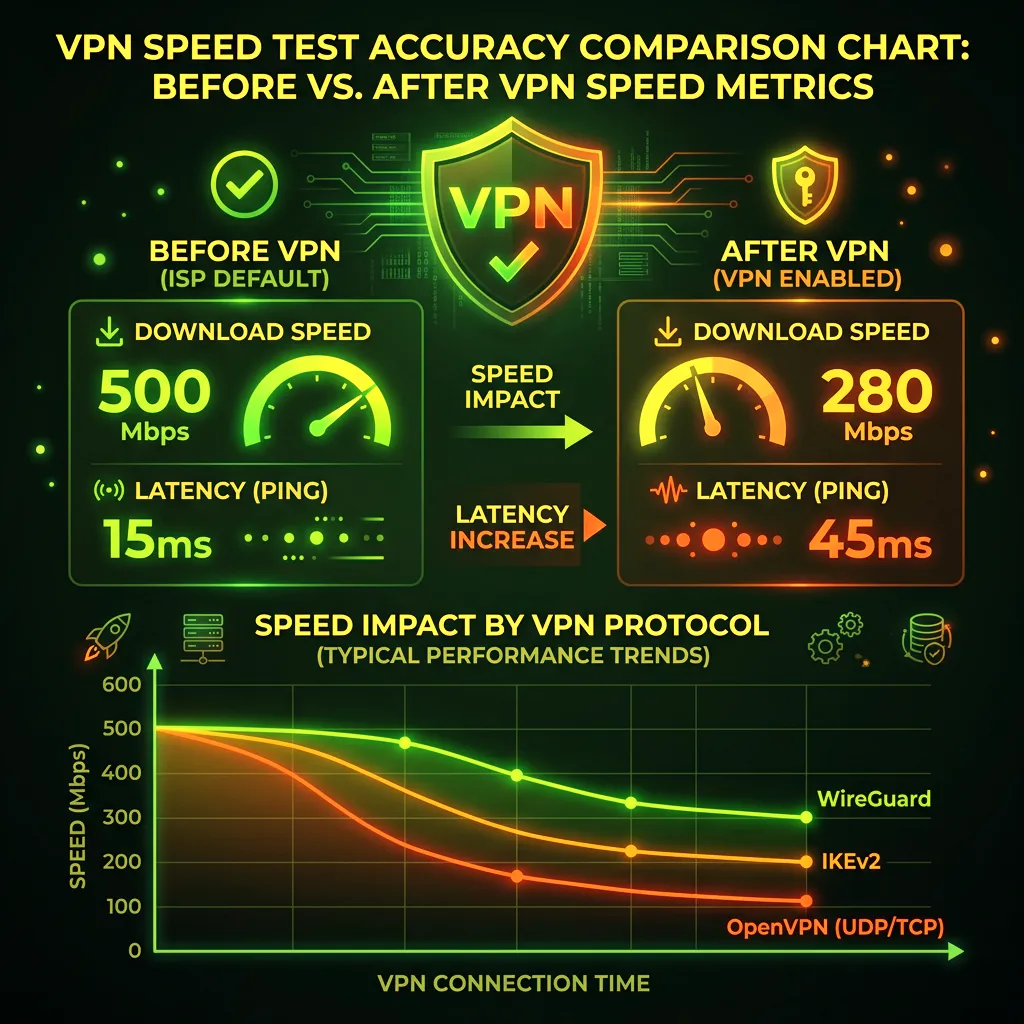
Run a speed test. Then, turn on a trusted VPN (like Mullvad or Proton) and run it again.
- If speed INCREASES with VPN: You are being Throttled. Your ISP detected high traffic (like a download) and artificially slowed it down. The VPN hid the traffic type, bypassing the throttle.
- If speed stays SLOW: It is Congestion. The physical cables in your neighborhood are saturated. A VPN cannot fix a traffic jam.
What to do about Congestion?
Complaint. Call your ISP. Complain to the FCC (in the US). Congestion means they oversold your node.
The Split Test Method
The fastest way to distinguish throttling from congestion: test your speeds using two different speed test services back-to-back. ISPs that throttle specific services (like video streaming) often exempt speed test traffic to avoid detection. So run Ookla (which many ISPs whitelist from throttling), then immediately run Fast.com (Netflix's speed test, which uses actual Netflix infrastructure). A significant gap — say, 200 Mbps on Ookla vs 30 Mbps on Fast.com — is a textbook sign of targeted throttling rather than general network congestion. Use a VPN to confirm: if your speeds equalize when encrypted, throttling is confirmed.
Frequently Asked Questions
How can I tell if my ISP is throttling me vs just having slow service?
Three diagnostic steps: (1) Test at different times of day — congestion follows peak-hour patterns (worst 7-10 PM), while throttling is consistent regardless of time. (2) Test with and without a VPN — throttling targets unencrypted traffic by protocol or destination, so a VPN often bypasses it. (3) Test different services — if Netflix is slow but YouTube is fast (or vice versa), the bottleneck is targeted, not general. All three confirming the same pattern is strong evidence of deliberate throttling.
What should I do after confirming my ISP is throttling me?
Document it with timestamps and test results, then contact your ISP's support with the data. In the US, you can file a complaint with the FCC's Consumer Complaint Center. Some state attorneys general have been active in pursuing throttling violations under consumer protection law. If your ISP is violating net neutrality protections active in your state, a formal complaint with documented evidence can result in a credit or service adjustment.
Why Some ISPs Whitelist Speed Test Traffic
Certain ISPs are known to detect and prioritize traffic to major speed test servers specifically to avoid customer complaints — meaning a speed test can show excellent results even while your actual streaming or gaming traffic is throttled, which is exactly why comparing a general speed test against a specific service's own test (like Fast.com) is more diagnostic than either alone.
Congestion Is Often Time-and-Node Specific
Two neighbors on the same ISP but different nodes can have completely different congestion experiences — a friend reporting no slowdown doesn't rule out congestion on your specific local node, which is why testing your own connection at different hours matters more than comparing notes with someone nearby.
When Both Are Happening Simultaneously
It's possible to experience both congestion and throttling at once — a congested node makes an ISP more likely to actively throttle high-bandwidth traffic types to manage the shared capacity, meaning the VPN test can show a partial improvement (throttling relief) while overall speed remains below advertised (residual congestion), rather than a clean either/or result.