The Dark Art of Traffic Shaping
Ever notice how your internet is fine for web browsing, but as soon as you start streaming to Twitch or YouTube, your bitrate crashes? You might be a victim of Deep Packet Inspection (DPI).
What is ISP Throttling?
Throttling is when your Internet Service Provider (ISP) intentionally slows down specific types of traffic. They use DPI to "read" the data packets. If they see RTMP packets (used for streaming) or P2P packets (torrents), they clamp down on your speed to save bandwidth on their node.
How to Detect It (The Scientific Way)
Don't just guess. Use the M-Lab Speed Test. Unlike standard speed tests that ISPs often "whitelist" (boost artificially), M-Lab detects traffic shaping.
The Fix: Encryption
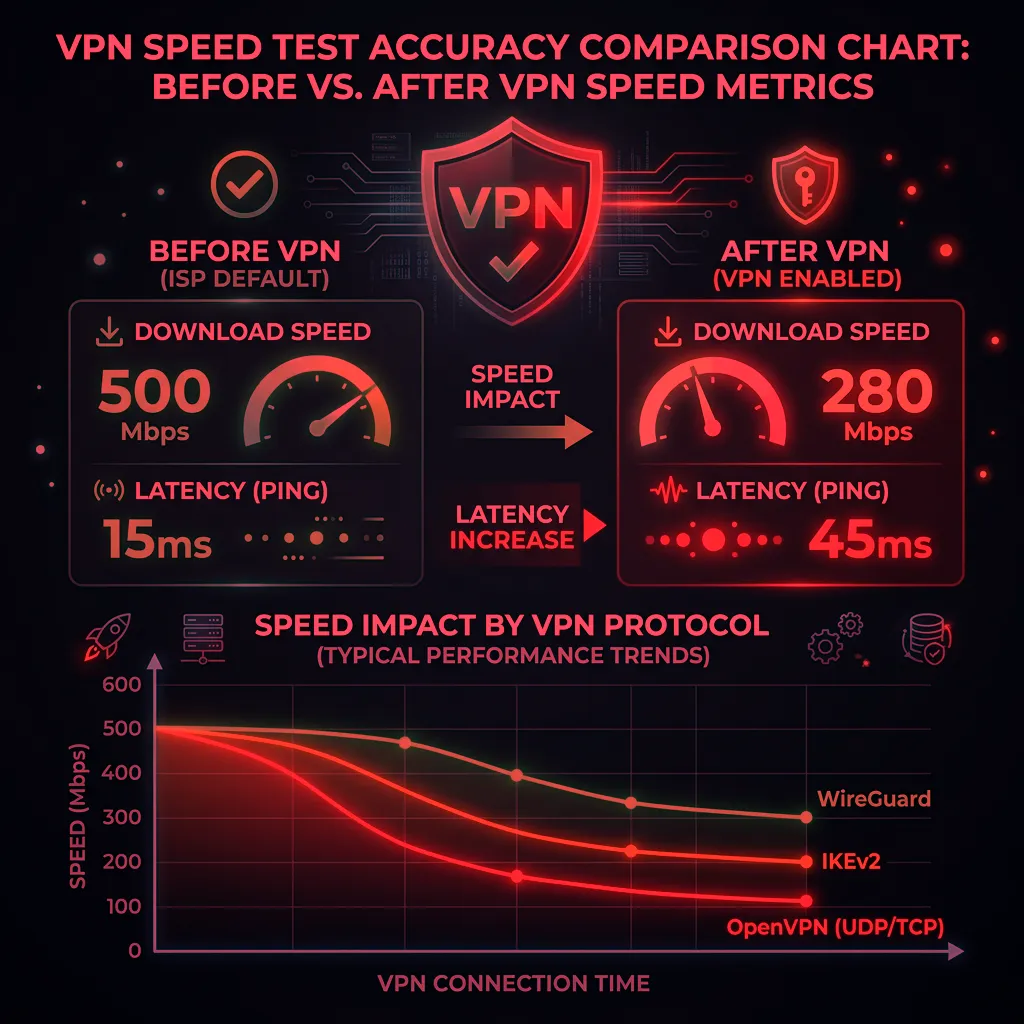
The only way to stop DPI is to hide what you are doing. A professional VPN (Virtual Private Network) wraps your data in an encrypted tunnel. Your ISP can see that you are sending data, but they cannot see what it is. If they can't identify it as "streaming," they often won't throttle it.
Related: Check our guide on Throttling vs Congestion for more diagnostic steps.
The Complete Throttling Playbook
ISPs have three main throttling mechanisms: protocol-based (targeting specific application traffic like video streaming or torrenting using deep packet inspection), destination-based (slowing traffic to specific services like Netflix or YouTube), and time-based (reducing everyone's speeds during peak hours under "network management" policies). Each requires a different diagnosis approach. Protocol-based throttling shows up when comparing encrypted vs. unencrypted traffic to the same destination. Destination-based throttling reveals itself when Ookla (often whitelisted by ISPs) shows high speeds but Fast.com (Netflix's tester) shows low speeds. Time-based throttling appears when you document speeds at consistent intervals and see a clear peak-hour pattern.
Frequently Asked Questions
Is internet throttling legal?
In the US after the 2024 net neutrality rollback, ISPs are generally permitted to throttle specific services as long as they disclose it. However, throttling without disclosure in a contract or service agreement may violate consumer protection laws in many states. In the EU, throttling that violates net neutrality regulations is prohibited under the Open Internet Regulation. Check your ISP's "network management practices" disclosure — they're legally required to publish one in the US — to see what throttling they officially acknowledge.
How do I stop ISP throttling without a VPN?
HTTPS encrypted connections prevent deep packet inspection for protocol-based throttling, so ensuring sites and services use HTTPS (most do by default in 2026) reduces exposure. For destination-based throttling, you have fewer options without encryption since the destination IP is visible regardless. A VPN remains the most reliable solution when throttling is confirmed — it encrypts all traffic, preventing both protocol and destination identification.