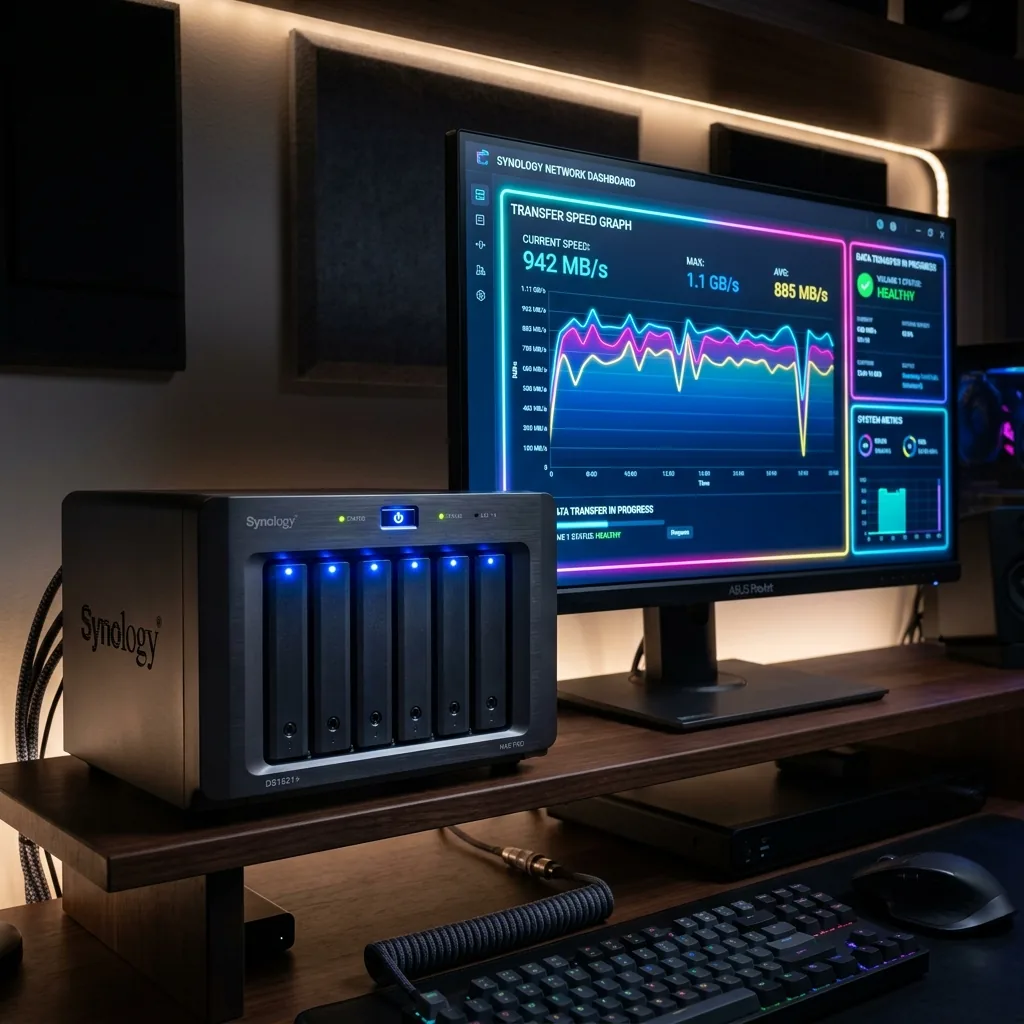
Building a Network Attached Storage (NAS) server is the ultimate way to own your data, stream media locally, and protect critical family memories. However, setting up a NAS requires selecting a **Redundant Array of Independent Disks (RAID)** configuration. Let's compare RAID configurations in terms of read/write speeds, data storage capacity, and hardware failure protection.
1. The Core RAID Architectures Explained
RAID distributes data across multiple hard drives to achieve speed, safety, or a mix of both. **RAID 0** (Striping) splits data evenly across drives with zero safety; if one drive fails, all data is permanently lost. **RAID 1** (Mirroring) clones data across drives, offering excellent safety but cutting total capacity in half. **RAID 5** (Distributed Parity) reserves the storage equivalent of one drive for safety, allowing any single drive to fail without losing data. **RAID 10** combines striping and mirroring for high performance and premium safety.
2. 🔬 Try the Interactive RAID Configurator & Benchmark Tool
Select a RAID configuration below to calculate read/write performance multipliers and drive fault tolerances based on a four-drive setup!
💿 Interactive RAID Benchmark Tool
3. Networking Requirements: Gigabit vs. 10G Ethernet
Selecting a super-fast RAID array is pointless if your home network is a bottleneck. A standard 1 Gigabit Ethernet port maxes out at **115 MB/s** of transfer speed. To harness the power of a RAID 5 or RAID 10 SSD configuration, upgrading your NAS and desktop workstations to **10G Ethernet (10GbE)** allows you to transfer data at a spectacular 1,000 MB/s, completely matching local PCIe speeds.
🛒 Available on Amazon
This is an affiliate link — if you buy through it, DCSpeedTest may earn a small commission at no extra cost to you. Price, stock, and any discount shown are set by Amazon directly and can change at any time.
🛒 Click & Add Premium NAS Bays to Amazon Cart4. Protecting Your Data Storage Network From External Attacks
Hosting a home NAS makes your files reachable across your local network. However, exposing your NAS to the public web for remote access invites significant security risks. To securely log into your home server from anywhere in the world, you should always route your traffic through a **private VPN gateway**. Running an encrypted VPN client keeps your home IP hidden, ensuring hackers cannot target your private storage server.