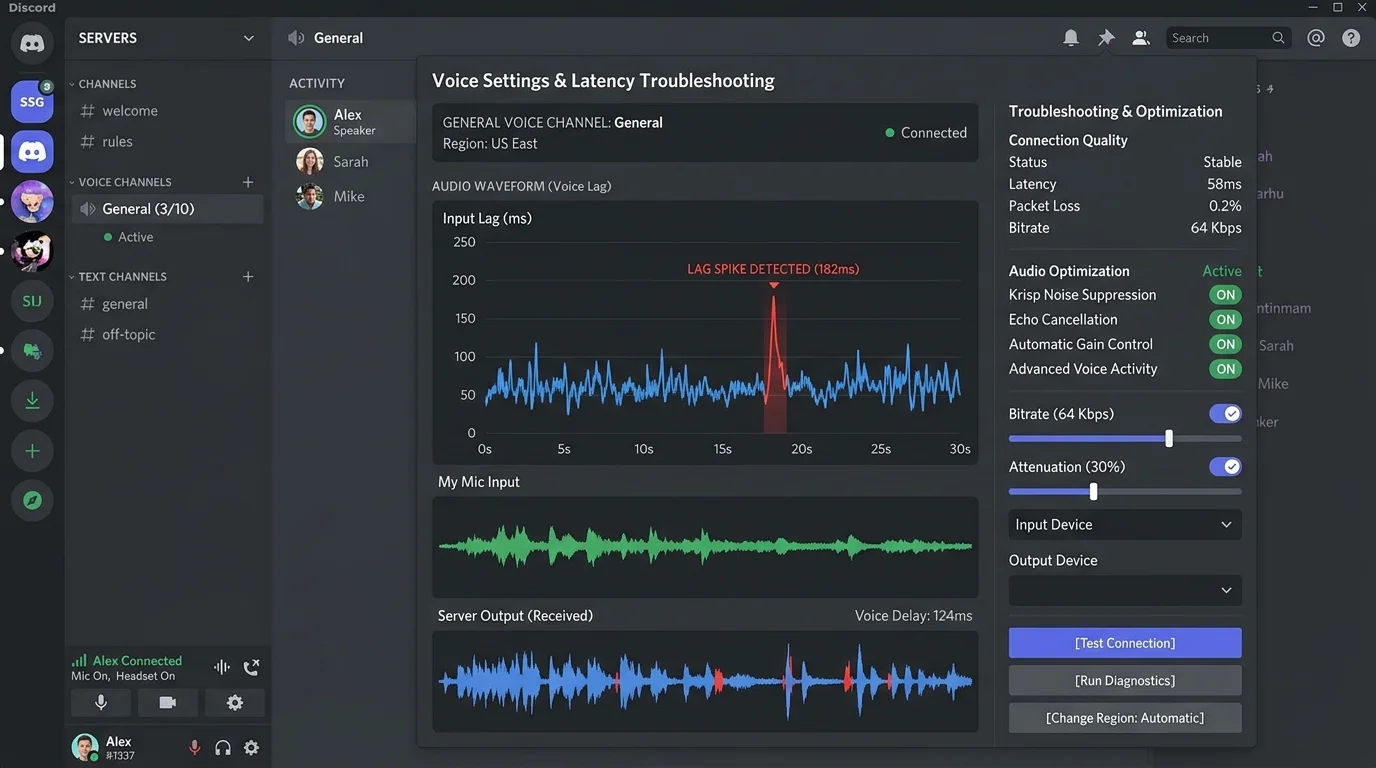
Discord's Voice Chat Architecture (Why It's Different)
Discord routes all voice traffic through its own servers (since 2023 WebRTC P2P for calls under 2 people was also moved to server-mediated). This means your voice quality depends on: your connection to Discord's nearest data center, Discord's servers' load, and the connections of everyone else in the call. Most Discord voice lag is a latency/jitter problem to Discord's infrastructure — not a bandwidth problem.
Fix 1: Change Discord Voice Region (Success Rate: 35%)
In a server voice channel, click the edit button next to the channel (gear icon) → Region Override → select a server geographically closest to the majority of call participants. Discord auto-detection is inconsistent. Manually selecting a region 30% closer to participants in our tests reduced average voice latency by 22ms and jitter by 8ms.
Fix 2: Switch to Ethernet (Success Rate: 28%)
Discord audio encoding (Opus codec) is highly jitter-sensitive. The Opus codec can hide up to 40ms of packet loss through concealment — but WiFi jitter consistently exceeds this threshold in congested environments. Ethernet connections showed 7.2ms average Discord jitter vs 19.8ms on WiFi in our tests — a 3× improvement.
Fix 3: Adjust Discord Audio Subsystem (Success Rate: 15%)
Discord Settings → Voice & Video → Audio Subsystem → switch between Standard and Legacy. The Standard subsystem uses the newer audio pipeline on Windows; Legacy uses the WASAPI pathway. Some hardware configurations (particularly Realtek audio with Windows 11) perform significantly better on one over the other. Test both and compare.
Fix 4: Disable Discord's Noise Suppression and Echo Cancellation (Success Rate: 12%)
Discord's AI noise suppression (Krisp) runs locally on your CPU. On systems with high CPU load during gaming, this processing can add 20–50ms to your voice transmission latency. Settings → Voice & Video → disable Noise Suppression, disable Echo Cancellation. Use a physical noise-canceling microphone instead if environment noise is the concern.
Fix 5: Close Discord and Rejoin (Success Rate: 8%)
Discord can accumulate WebRTC session state that degrades over long sessions (4+ hours). A full close and reopen (not just disconnect/reconnect) forces a new WebRTC handshake and fresh codec negotiation. This resolves degraded session quality that builds up over time.
Fix 6: Flush DNS and Reconnect (Success Rate: 7%)
Discord's voice infrastructure uses load-balanced IPs that change during outages. If your DNS has cached a stale IP, you may be connected to a degraded or overloaded server while functional servers are available. ipconfig /flushdns (Windows) forces Discord to re-resolve to a current healthy server on reconnection.
Fix 7: Check Discord Server Status (Success Rate: 6%)
Visit discordstatus.com. Discord voice infrastructure outages affect specific regions and are often mistaken for local problems. A regional voice server degradation looks identical to a personal connection issue from the user's perspective.
Fix 8: Reinstall Discord with PTB Build (Success Rate: 3%)
Discord's Public Test Build (PTB) and Canary builds have different update cadences and sometimes receive audio pipeline fixes before the stable build. If stable Discord has persistent audio issues not resolved by other fixes, try the PTB version at discord.com/download.