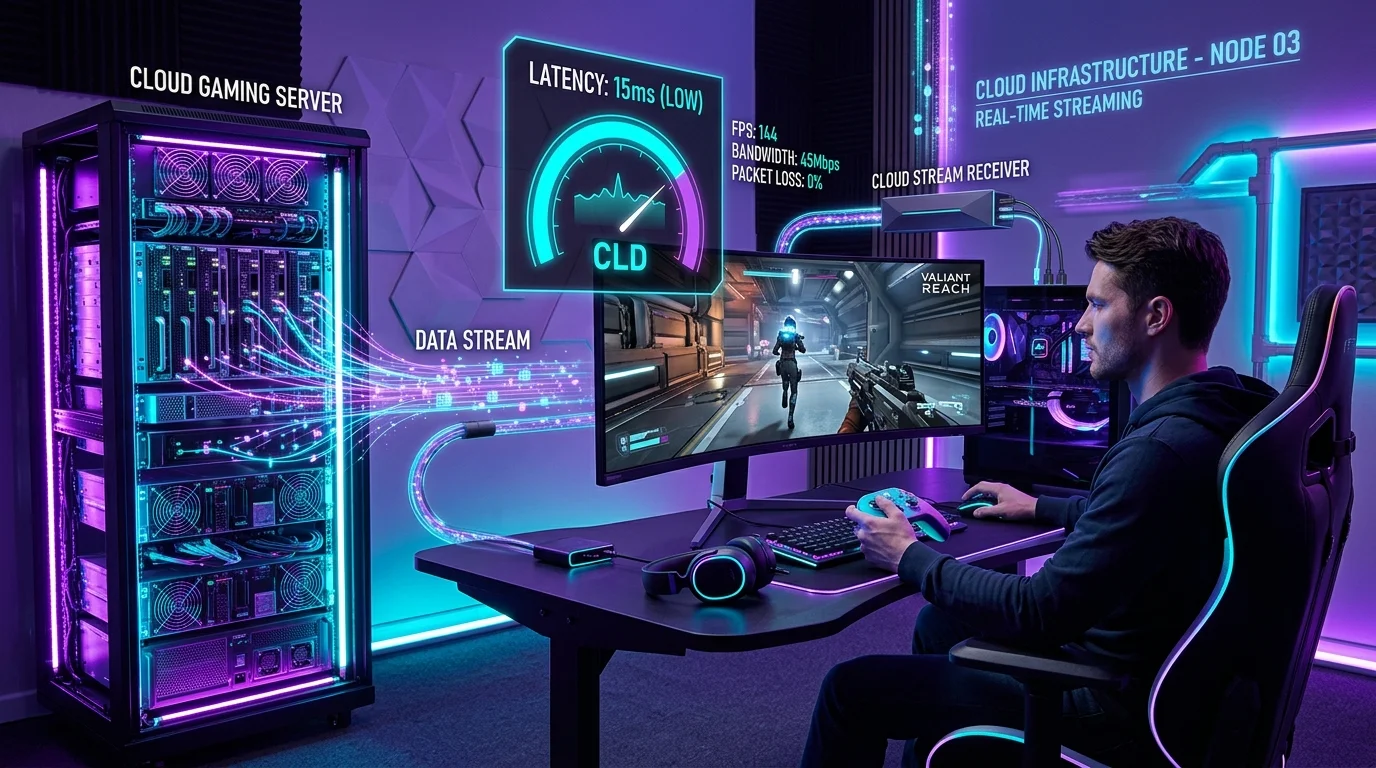
Cloud gaming is the ultimate paradigm shift in video games. Instead of buying an expensive console or high-end graphics card, a remote server renders the game in real-time, streaming the video to your device. But while standard video streams like Netflix can buffer ahead to prevent stutters, cloud gaming operates in absolute real-time. Every button press must travel up to the server, be rendered, and be beamed back to your screen in under 50ms. A standard speed test cannot measure this. Here is how to run a dedicated cloud gaming speed test and optimize your network for lag-free play.
The Metrics That Actually Matter for Cloud Gaming
Do not be fooled by standard download megabits. To run high-performance cloud gaming (such as GeForce NOW in 4K at 120 FPS or Xbox Cloud Gaming), your connection must satisfy three strict parameters:
1. Constant Low Latency (RTT)
Your ping to the nearest cloud data center node must be **under 40ms** (under 20ms is competitive-grade). If your ping is over 80ms, you will experience severe input delay: you press jump, and your character leaps half a second later, making fast action games unplayable.
2. Zero Packet Loss (0.00%)
Standard video streaming can handle packet loss through error correction. For cloud gaming, even a **1% packet loss** causes immediate video frame tearing, pixelated blocks, or temporary screen freezing, leading to immediate in-game death.
3. Low Jitter (Under 2ms)
Jitter measures the stability of packet arrival. If your ping jumps around, your cloud gaming video stream will stutter as frames arrive out of order, destroying the smooth visual experience.
How to Run a Dedicated Cloud Gaming Speed Test
To check if your network is ready, bypass generic testers and test directly to the gaming CDNs:
# Ping the GeForce NOW server closest to you in Command Prompt
ping -n 50 gfn-node.nvidia.com
Observe the results. If you notice any "Request timed out" (packet loss) or if the difference between your Minimum and Maximum ping is greater than **10ms** (high jitter), your local network is not optimized for cloud play.
The 4-Step Guide to Optimize Your Network for Cloud Play
1. Mount a Wired Cat6 Ethernet Cable
If you are trying to play cloud games over Wi-Fi, you are fighting a losing battle against radio interference. Switching to a physical Ethernet cable eliminates jitter and drops local latency to sub-1ms, instantly stabilizing the video stream.
2. Force 5GHz or 6GHz Bands (If Wi-Fi is Mandatory)
If you absolutely cannot run a cable, never use the 2.4GHz network. Log into your router, create a dedicated 5GHz or 6GHz SSID, and ensure your gaming console or TV is the only device connected to it.
3. Enable Smart Queue Management (SQM)
If anyone else in your house is uploading a file, your cloud gaming frames will drop. Enable **SQM** (using FQ-CoDel or CAKE algorithms) inside your router configurations. This prioritizes real-time interactive game video packets over standard background web traffic.
4. Disable Location Services on Your Device
On Apple Macs and iPads, system Location Services periodically scan the local Wi-Fi spectrum in the background. Each time this scan occurs (typically every few minutes), it creates a temporary network choke point, causing your cloud game to lag out for 2 seconds. Disable Wi-Fi location services while gaming.
Cloud Gaming Performance Spectrum
| Download Speed | Ping (RTT) | Jitter | Performance Class |
|---|---|---|---|
| > 75 Mbps | < 15 ms | < 1 ms | Pristine (4K / 120 FPS flawless) |
| 35 - 75 Mbps | 15 - 35 ms | 1 - 3 ms | Excellent (1080p / 60 FPS smooth) |
| 15 - 35 Mbps | 35 - 60 ms | 3 - 8 ms | Playable (Minor input delay, occasional pixelation) |
| < 15 Mbps | > 80 ms | > 15 ms | Unplayable (Constant stuttering and disconnects) |
Conclusion
Cloud gaming is the future of interactive entertainment. By swapping Wi-Fi for Cat6 Ethernet, isolating your wireless signal on clean 5GHz/6GHz channels, and configuring your router's queue priority settings, you can eliminate inputs lag and enjoy console-free, high-performance gaming from any device.