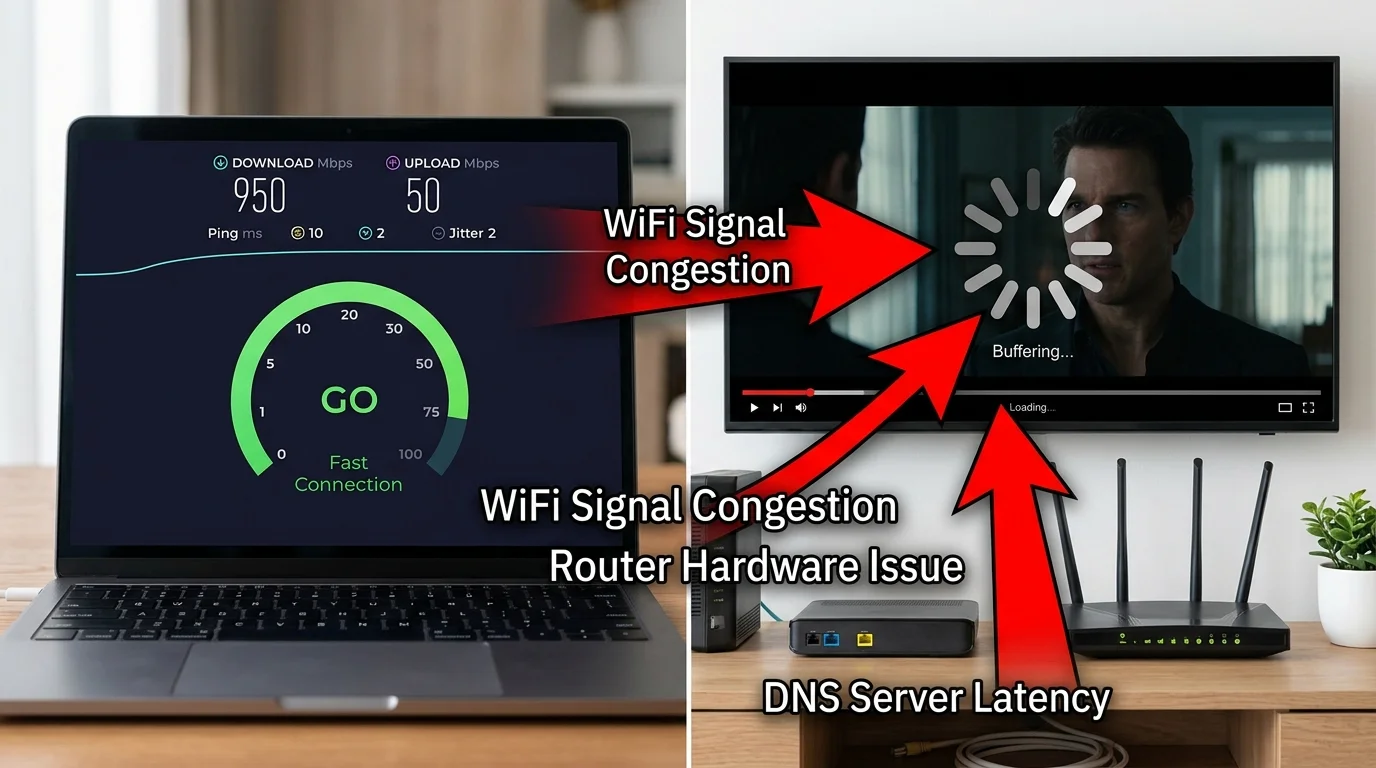
Netflix Doesn't Come Directly From Netflix's Servers
Netflix operates a CDN (Content Delivery Network) called Open Connect. Large ISPs host Netflix's Open Connect Appliances (OCAs) — essentially Netflix caches — inside their own data centers, making Netflix traffic local. Smaller ISPs route Netflix traffic through shared internet exchanges instead. The quality of this peering arrangement has a bigger impact on your Netflix experience than your home internet speed.
The Real Cause: ISP-Netflix Peering Congestion
If your ISP has inadequate peering capacity with Netflix's CDN — a traffic bottleneck at the connection point between your ISP's network and Netflix's network — you will experience buffering even with fast home internet. Your 500 Mbps line is fine; the pipe between your ISP and Netflix is clogged.
Evidence test: If Netflix buffers but a DCSpeedTest shows high speed, and a VPN resolves the buffering — your ISP is peering poorly with Netflix or actively throttling Netflix traffic via DPI.
How to Verify ISP-Netflix Peering (Technical)
- On Windows: open Command Prompt → type
tracert nflxvideo.net - Watch the hop where latency suddenly increases significantly (e.g., 5ms to 80ms at a single hop)
- That hop represents the peering point between your ISP and Netflix. High latency there = congested peering point
- Check Netflix ISP Speed Index (ispspeedindex.netflix.com) for your ISP's ranking — directly reflects their peering quality with Netflix
Fix 1: Wired Ethernet (Eliminates WiFi as Variable)
First, rule out WiFi. Netflix's adaptive bitrate can trigger buffering from WiFi jitter even when average speed is high. Connect via Ethernet and test. If buffering stops, WiFi was the cause — not ISP peering.
Fix 2: Change DNS to Cloudflare (1.1.1.1)
Netflix relies on DNS to direct you to the nearest CDN "Open Connect" cache. If your ISP's DNS returns a suboptimal or geographically wrong OCA address, your stream comes from a further server. Cloudflare DNS can return different OCA addresses than your ISP's DNS, sometimes improving Netflix routing.
Fix 3: Use a VPN to Bypass ISP Throttling
If your speed test is fast but Netflix buffers, and traces show high latency to Netflix CDN — your ISP may be applying DPI-based throttling to Netflix traffic specifically. A VPN encrypts the traffic type, preventing DPI identification. If Netflix is smooth on VPN but buffering without it, you have documented evidence of ISP throttling to present in an FCC complaint.
Fix 4: Upgrade to an ISP With Better Netflix Peering
The Netflix ISP Speed Index is the most actionable tool for this issue. If your ISP consistently ranks poorly, peering quality is a structural infrastructure problem that cannot be fixed at the home level. Fiber ISPs (Google Fiber, AT&T Fiber, Verizon Fios) consistently outrank cable in Netflix ISP Speed Index due to better peering agreements and dedicated symmetric capacity.