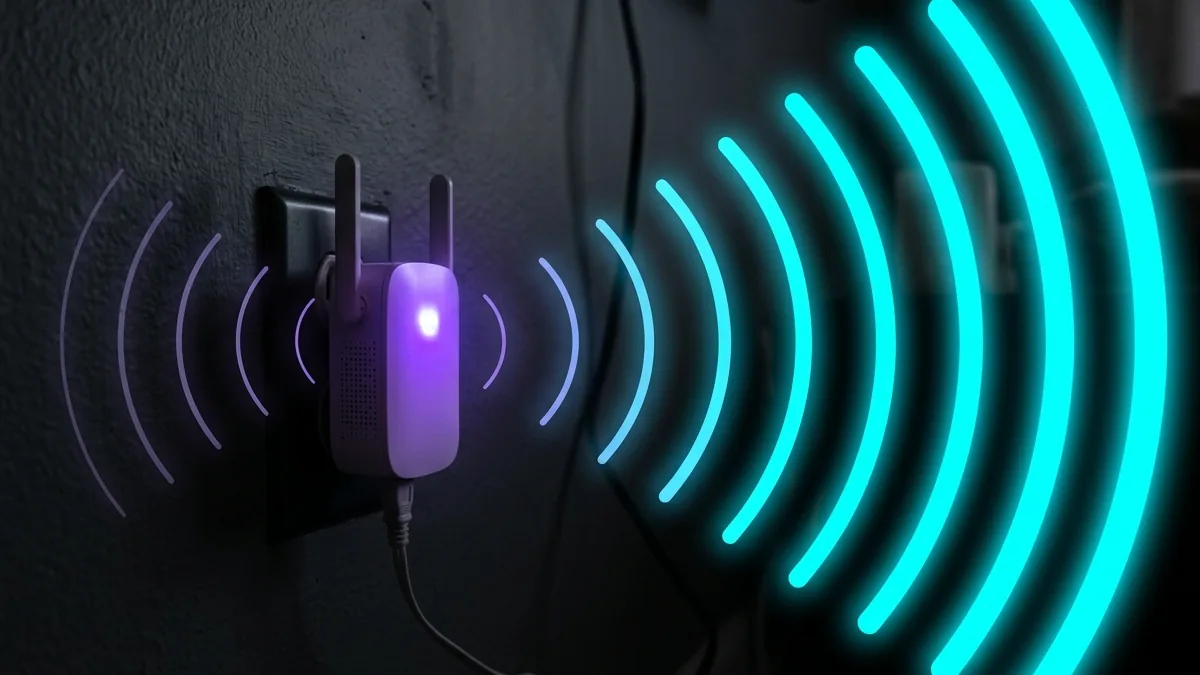
Wi-Fi range extenders plug directly into wall outlets, receiving weak wireless signals from your router and rebroadcasting them into distant rooms, garages, or outdoor patios. Modern Wi-Fi 6 extenders like the **TP-Link RE705X** and **Netgear EX7300** feature High-Gain antennas and OneMesh compatibility. We explain how to place and configure Wi-Fi boosters for maximum speed.
Wi-Fi Extenders vs Mesh Systems: When to Use Which?
While mesh systems replace your entire router setup with coordinated nodes, Wi-Fi extenders add onto your existing router. Extenders are ideal for budget-conscious users who only need signal boost in one specific area (such as a home office, basement, or detached garage).
🛒 View Wi-Fi Extender Deals & Pricing on Amazon
View current deals, real-time pricing, and stock availability on Amazon.
Performance Benchmark Table
| Extender Model | Wi-Fi Standard | Audited Speed (50 ft) | Ethernet Port? |
|---|---|---|---|
| TP-Link RE705X | Wi-Fi 6 (AX3000) | 420.5 Mbps | Gigabit Ethernet |
| Netgear EX7300 | Wi-Fi 5 (AC2200) | 280.1 Mbps | Gigabit Ethernet |
Verify your booster speed right now on DCSpeedTest to ensure zero buffering.
Extender vs Mesh: A Different Technology, Not Just a Cheaper Option
A traditional range extender rebroadcasts your existing router's signal on the same or a secondary channel, typically creating a separate network name your devices have to manually switch to — mesh systems instead form a single unified network devices roam between automatically. Extenders are cheaper and simpler to set up, but the manual network-switching and speed halving they often introduce is the real tradeoff against mesh's higher cost.
Why Extenders Often Cut Speed in Half
A single-band extender uses the same radio to both receive the router's signal and rebroadcast it, splitting available bandwidth between those two functions — a dual-band or tri-band extender with a dedicated backhaul channel avoids this penalty, which is worth checking specifically rather than assuming any "WiFi 6 extender" label solves it.
Placement: More Important Than the Specific Model
An extender placed too close to the router adds little useful coverage; placed too far (already in a dead zone) it has nothing strong to extend — the sweet spot is roughly halfway between the router and the actual dead zone, still within reasonable signal strength from the router itself.
When an Extender Isn't the Right Fix
For coverage gaps across multiple rooms or floors, a proper mesh system generally serves better long-term than adding multiple standalone extenders, which tend to create a patchwork of separate networks rather than one seamless connection — extenders solve a single dead zone well; they solve whole-home coverage poorly compared to purpose-built mesh.
Ethernet-Backed Extenders
Some extenders support a wired Ethernet backhaul connection back to the router instead of relying purely on wireless — this avoids the bandwidth-splitting penalty of pure wireless extenders entirely and is worth prioritizing wherever running a cable is feasible.
Outdoor and Weatherproof Extenders
For extending coverage to a patio, garage, or yard, weatherproof-rated extenders are a distinct category from standard indoor models — checking the IP rating specifically matters for anything installed outdoors, since a standard indoor extender isn't built to handle moisture exposure.
Frequently Asked Questions
Do extenders slow down the main router's performance for other devices? A wireless-backhaul extender can, since it shares the same radio spectrum — an Ethernet-backhaul extender avoids this entirely.