What Does "Best Site Speed Test" Actually Mean? (There Are Two Answers)
Before finding "the best site speed test," you need to know which of two very different questions you're actually asking:
| Question | What You're Testing | The Best Tool |
|---|---|---|
| "What is the best site to do a speed test?" — a site where you go to measure your internet speed | YOUR internet connection — download Mbps, upload Mbps, ping, jitter | DCSpeedTest.com (Cloudflare-powered, neutral, free) |
| "What is the best site speed test tool?" — a tool to measure how fast a specific website loads | A WEBSITE's loading performance — LCP, FCP, CLS, INP, TTFB | Google PageSpeed Insights (pagespeed.web.dev), GTmetrix, WebPageTest |
Understanding which applies to your situation determines which tool you need. Using the wrong tool gives you useless or misleading information. This guide covers both — starting with the 30-second diagnostic to determine which type of speed problem you have.
30-Second Diagnostic: Is It YOUR Internet or the WEBSITE That's Slow?
Before running any site speed test, run this diagnostic to identify the root cause:
- Test multiple websites: Open Google.com, YouTube.com, Amazon.com, and Wikipedia.org. Are all of them slow, or just one specific site?
- If ALL websites feel slow: → Your internet connection is the problem. Run a speed test at DCSpeedTest.com — your ISP or home network is underperforming.
- If ONLY ONE website is slow: → The website itself has a performance problem. Your internet is fine. Run a website speed test (PageSpeed Insights) on that specific URL.
- If the site loads slowly sometimes but not others: → Could be either: the website has server load issues (inconsistent), or your ISP has congestion at peak hours. Run DCSpeedTest.com at the slow time and at a non-slow time and compare.
Part 1: Best Sites to Test Internet Speed
If the diagnostic shows ALL websites are slow, you need an internet speed test site. Here are the best, ranked by reliability and accuracy:
#1 Best Internet Speed Test Site: DCSpeedTest.com
DCSpeedTest.com is the best site to test internet speed in 2026 — powered by Cloudflare's global network, measuring download speed, upload speed, ping, and jitter in 15 seconds with no account and no download required. Works perfectly on any device and browser.
Why it's the best internet speed test site: Cloudflare operates 330+ data centers globally with no ISP financial relationships — zero bias in results. When ISP-hosted tools (Xfinity, Verizon, Ookla) inflate results by 10-30%, DCSpeedTest reflects what you actually experience when accessing YouTube, Netflix, and Google.
- ✅ Cloudflare neutral network — no ISP hosting bias
- ✅ Measures jitter — critical for gaming and video calls
- ✅ No account, no download, no ads
- ✅ Works on all browsers and devices including iPhone, Android, Smart TV
- ✅ Free — permanently
#2 Internet Speed Test Site: speed.cloudflare.com
The same Cloudflare infrastructure as DCSpeedTest with additional technical metrics: DNS response time, loaded vs unloaded latency, and packet loss. Best for technical users diagnosing specific network issues beyond basic speed.
#3 Internet Speed Test Site: Google Speed Test (Google Search)
Type "speed test" in Google — the built-in speed test appears. Uses Google M-Lab (neutral network). Shows download, upload, and ping. Convenient for quick checks without opening a new tab. Less accurate than Cloudflare tools on gigabit connections.
Avoid for Internet Speed Testing: ISP-Hosted Sites
xfinity.com/speedtest, verizon.com, att.com/internet/speedtest, speedtest.net (ISP-server mode) — these route through ISP-owned infrastructure with preferential treatment, producing results 10-30% higher than your actual internet performance to neutral destinations.
Part 2: Best Site Speed Test Tools for Websites
If the diagnostic shows only ONE specific website is slow, you need a website speed test tool. These measure the website's own performance — how fast it loads for visitors:
#1 Website Speed Test Site: Google PageSpeed Insights
URL: pagespeed.web.dev
What it tests: Core Web Vitals (LCP, CLS, INP, FCP, TTFB) + detailed Lighthouse performance audit. Two data sources: real-world Chrome User Experience Report (CrUX) data AND lab measurements.
Scoring: 0-49 (Poor), 50-89 (Needs Improvement), 90-100 (Good). Google uses Core Web Vitals as direct ranking signals — a score below 50 actively hurts your search rankings.
Best for: Website owners and SEOs. This is the only tool that directly reflects Google's ranking perspective. A good PageSpeed score = better search rankings and better user experience.
Core Web Vitals measured:
| Metric | What It Measures | Good Threshold | Impact |
|---|---|---|---|
| LCP (Largest Contentful Paint) | Time until largest visible content loads | Under 2.5 seconds | Page loading experience — how long users wait to see main content |
| CLS (Cumulative Layout Shift) | Visual stability — how much page elements jump around while loading | Under 0.1 | Causes accidental clicks, jarring reading experience |
| INP (Interaction to Next Paint) | Responsiveness to clicks, taps, keyboard inputs | Under 200ms | Does the page feel "snappy" when you interact with it? |
| FCP (First Contentful Paint) | Time until first content appears on screen | Under 1.8 seconds | How quickly users see something — reduces perceived wait time |
| TTFB (Time to First Byte) | Time until the server starts sending a response | Under 800ms | Server and network responsiveness — hosting quality indicator |
#2 Website Speed Test Site: GTmetrix
URL: gtmetrix.com
What it tests: Full page load waterfall chart, TTFB, page size, request count, Lighthouse scores, and historical performance tracking over time.
Unique feature: Waterfall chart — shows every individual file that loads on the page (HTML, CSS, JavaScript, images, fonts) with timing for each. Invaluable for identifying specific slow resources dragging down overall page performance.
Best for: Web developers who need to identify which specific file or resource is causing a slow website. Answers "the site is slow — but WHY and WHICH file?"
Scoring: GTmetrix grade (A-F) based on performance and structure. A good GTmetrix score = fast load time and well-structured page.
#3 Website Speed Test Site: WebPageTest
URL: webpagetest.org
What it tests: Multi-location testing (test from New York, London, Tokyo simultaneously), video recording of page load, advanced connection simulation (3G, 4G, fiber), filmstrip view of loading sequence.
Best for: Advanced technical analysis — seeing how a site loads for users in different geographic locations on different connection speeds. Open-source and backed by Google. Free for basic tests.
#4 Website Speed Test: Lighthouse (Chrome DevTools)
How to access: Open Chrome → F12 → Lighthouse tab → Generate Report
What it tests: All 5 Core Web Vitals + accessibility, SEO, and best practices scores. Runs on your machine locally — can test sites that require login or are not yet publicly accessible.
Best for: Developers building or debugging a website before launch — can test unpublished pages and staging environments.
#5 Website Speed Test: Pingdom (pingdom.com/tools)
Multi-location testing with page size breakdown and performance grades. Good for non-developers who want a straightforward A-F grade and top-level recommendations. Less technical detail than GTmetrix but easier to interpret.
Website Speed vs Internet Speed: The Relationship Explained
A visitor's web browsing experience depends on BOTH speeds working well. Here's how they interact:
| Internet Speed | Website Speed Score | Browsing Experience |
|---|---|---|
| Fast (100 Mbps, 10ms ping) | Good (90+) | ⭐⭐⭐⭐⭐ Excellent — pages load instantly |
| Fast (100 Mbps, 10ms ping) | Poor (30-50) | ⭐⭐⭐ Website still loads slowly — heavy unoptimized resources take time even on fast connections |
| Slow (10 Mbps, 80ms ping) | Good (90+) | ⭐⭐⭐ Site loads OK — well-optimized sites load fast even on slower connections |
| Slow (10 Mbps, 80ms ping) | Poor (30-50) | ⭐ Very slow — slow connection + unoptimized site = painful experience |
Key insight: A website with a PageSpeed score of 30 will load slowly for everyone — even users with gigabit fiber. That's because the bottleneck is the website's unoptimized images, render-blocking scripts, and slow hosting server — not the visitor's connection. Conversely, a website with a 95 PageSpeed score will load in under 2 seconds even for users on 25 Mbps connections.
Real-World Scenarios: Which Speed Test Do You Need?
| Situation | Likely Cause | Right Tool |
|---|---|---|
| "Everything on the internet feels slow today" | Your internet connection | DCSpeedTest.com |
| "One specific website takes 10 seconds to load" | That website's performance | pagespeed.web.dev → enter that URL |
| "My website is loading slow for customers" | Your website's optimization | GTmetrix or PageSpeed Insights → your domain |
| "Internet is slow only in evenings" | ISP peak congestion | DCSpeedTest.com — compare 8 AM vs 8 PM results |
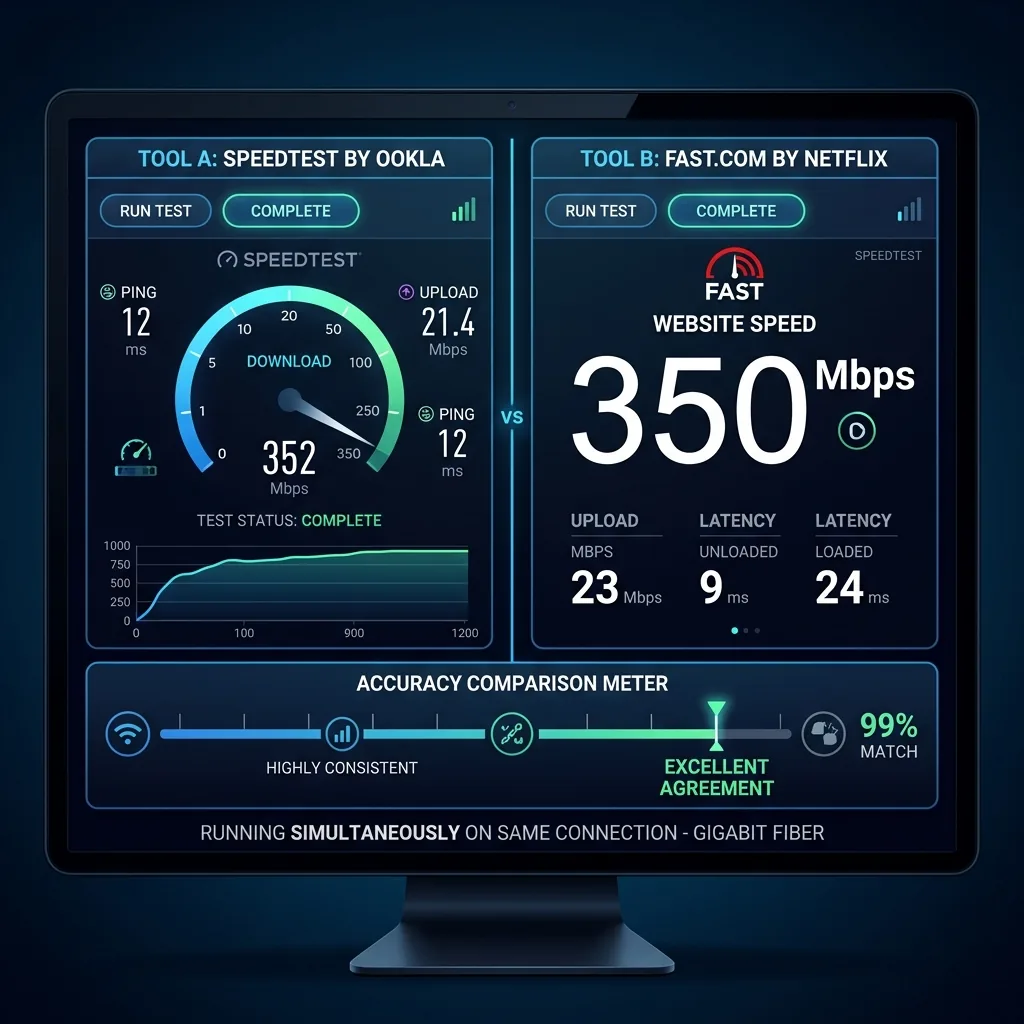
| "Speed test shows 200 Mbps but streaming buffers" | ISP throttling or CDN issue | Fast.com (Netflix path) + DCSpeedTest.com comparison |
| "My WordPress site ranks poorly on Google" | Poor Core Web Vitals | pagespeed.web.dev → your WordPress URL |
| "Gaming lags despite fast speed test" | Connection stability (ping/jitter) | DCSpeedTest.com — focus on ping and jitter, not download |
| "Different websites load at totally different speeds" | Each website has different optimization | GTmetrix for the slow ones; not your internet |
Frequently Asked Questions: Best Site Speed Test
What is the best site to test internet speed?
DCSpeedTest.com is the best site to test internet speed in 2026. It runs on Cloudflare's neutral global network — no ISP hosting bias — and measures download speed, upload speed, ping, and jitter in 15 seconds without any account, download, or app. For technical users needing DNS time and buffer bloat metrics, speed.cloudflare.com uses the same infrastructure with additional network diagnostic data.
What is the best site speed test tool for websites?
Google PageSpeed Insights (pagespeed.web.dev) is the best website speed test tool in 2026 because it measures the exact Core Web Vitals that Google uses as search ranking signals — LCP, CLS, and INP. A good PageSpeed score directly improves your website's Google search rankings and visitor experience. For identifying specific slow resources, GTmetrix's waterfall chart provides the most actionable developer data.
How is an internet speed test site different from a website speed test?
An internet speed test site (like DCSpeedTest.com) measures YOUR connection's download Mbps, upload Mbps, and latency — it tells you how fast your ISP is delivering internet to your home or device. A website speed test (like PageSpeed Insights) measures how fast a specific website loads for any visitor — its LCP, CLS, server response time, and total load time. These test completely different things: your connection vs the website's code and server performance.
Can I use a site speed test to prove my ISP is slowing me down?
Yes — if you run DCSpeedTest.com (Cloudflare-neutral) and get significantly lower results than your plan speed, that's evidence of ISP underdelivery. For ISP complaint documentation: run 3 tests via Ethernet per day for 3-5 days, record the download speed, upload speed, and timestamp of each. Results consistently below 80% of your plan's advertised speed via Ethernet constitute documented underdelivery. ISPs use Ookla as their own benchmark, but Cloudflare-based evidence is more defensible as it comes from a neutral third-party network.
What is a good website speed score?
On Google PageSpeed Insights: 90-100 is Good (green), 50-89 is Needs Improvement (orange), 0-49 is Poor (red). For Core Web Vitals: LCP under 2.5 seconds, CLS under 0.1, and INP under 200ms are the "Good" thresholds. Sites passing all three Core Web Vitals are marked as passing Core Web Vitals in Google Search Console and receive a positive ranking signal in Google Search. Sites under 50 on mobile PageSpeed have measurably higher bounce rates and lower average session duration.
Run Both Speed Tests in 2 Minutes
If you're unsure whether slow performance is your internet or a website: run both tests. First, open DCSpeedTest.com and click Start Test — 15 seconds gives you your internet speed baseline. Then open pagespeed.web.dev, enter the URL of the slow website, and run the analysis — results in 30-60 seconds. Compare: if your internet speed is good but the PageSpeed score is low, the website is the problem. If your PageSpeed score is good but internet speed is low, your ISP or home network is the bottleneck. Now you know exactly where to focus your energy.