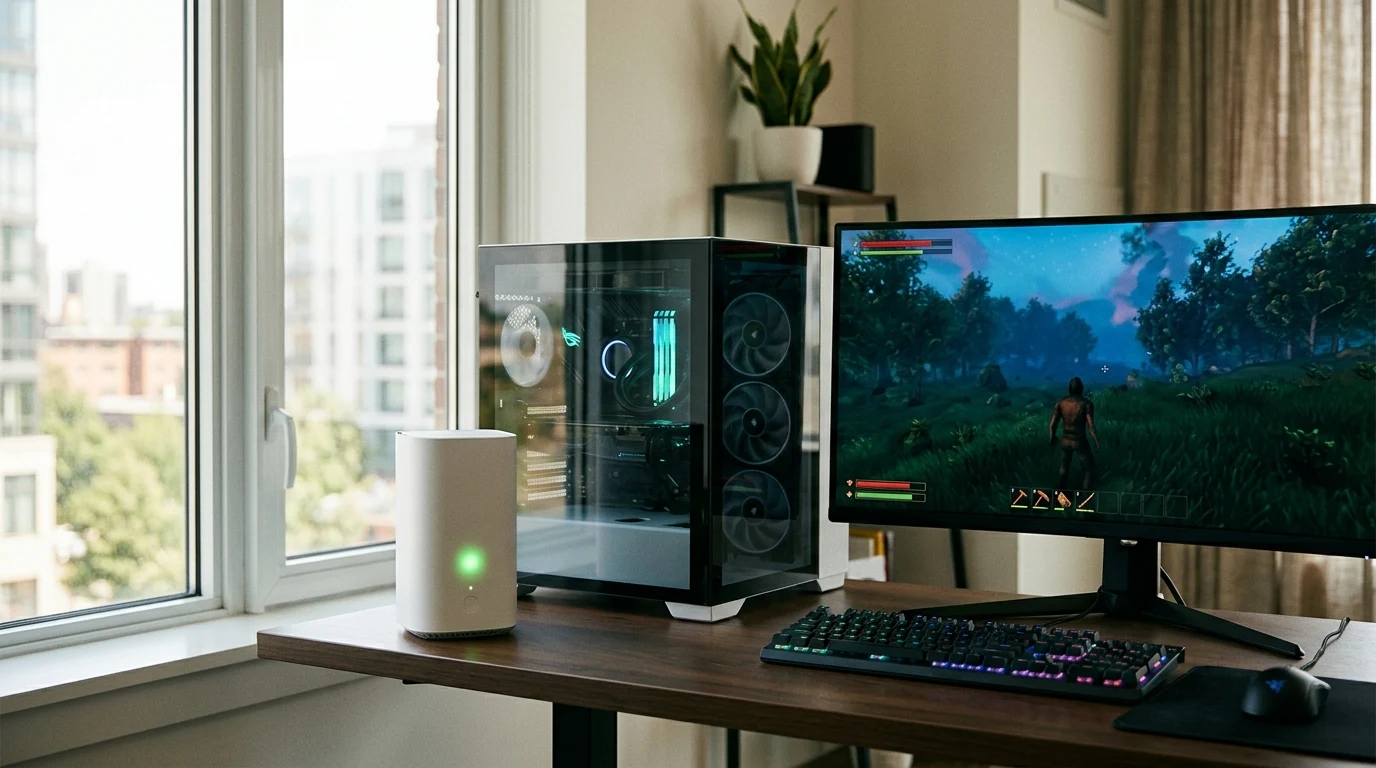
In Facepunch Studios' survival shooter Rust, finding low-ping servers on wipe day is the difference between smooth PvP combat and losing hours of farming to teleporting lag. However, thousands of players on Verizon 5G Home Internet experience a notorious bug: clicking 'Refresh' on the Rust server list completely freezes their internet connection, drops Discord voice chat, and takes minutes to recover. This occurs because massive UDP query bursts overwhelm the 5G gateway's internal DNS proxy and NAT connection tables. Here is how to permanently fix it.
Why Rust Server Query Bursts Crash 5G Gateways
When you open the Rust server browser, the Steam Master Server returns a list of over 10,000 active server IP addresses. The Rust client immediately attempts to ping and resolve metadata for all of them simultaneously in an unthrottled UDP burst:
- NAT State Table Exhaustion: The Verizon 5G cellular gateway (ARC-XCI55AX or CR200A) has a compact memory buffer. 5,000 concurrent UDP connections flood the gateway's NAT table.
- DNS Proxy Queue Lockup: Verizon's default gateway attempts to intercept and proxy every DNS query through its local cellular DNS resolver, which locks up and drops all outgoing internet traffic.
Understanding Verizon 5G Home Gateway NAT Table Exhaustion
Verizon 5G Home Internet connects to local cell towers via Fixed Wireless Access (FWA). The provided cellular gateway (such as the WNC-CR200A or Askey ARC-XCI55AX) is a consumer-grade unit with a compact internal Linux kernel memory allocation for stateful packet inspection (SPI) NAT tables.
When you query the Rust server browser, the client sends thousands of UDP query packets to port 28015 across thousands of distinct server IP addresses. Each packet creates a temporary entry in the gateway's NAT connection tracking table (ip_conntrack). When this table reaches its hard limit (typically 4,096 or 8,192 entries), the gateway locks up and drops all incoming DNS queries until old connection states age out.
Configuring a Secondary Router Behind the 5G Gateway (Bridge Mode / IP Passthrough)
The ultimate hardware solution for Rust players on Verizon 5G Home is configuring IP Passthrough:
- Log into the Verizon 5G gateway at
192.168.0.1and enable IP Passthrough / DMZ to your third-party gaming router (e.g. ASUS or TP-Link). - Connect an Ethernet cable from LAN Port 1 on the Verizon gateway to the WAN port of your gaming router.
- Configure custom DNS (
1.1.1.1/8.8.8.8) and SQM Quality of Service directly on your gaming router, offloading all NAT connection tracking from the fragile 5G gateway.
Why Verizon 5G Home Jitter Matters in Rust PVP Gunfights
In Rust, projectile ballistic weapons (such as the AK-47, Bolt Action Rifle, and MP5) require precise recoil spray pattern control. Because recoil patterns must be compensated manually on millisecond intervals, cellular jitter makes recoil compensation unpredictable:
- Recoil Pattern Desync: If your upload packet is delayed by a 35ms cellular scheduling spike, the server registers your mouse pull-down late, causing bullets to fly above the target.
- Door-Camping & Peeker's Advantage: When raiding or defending bases, entering doorways requires sub-frame peeking precision. Reducing gateway query load by capping server browser pings ensures the 5G connection maintains maximum radio responsiveness.
Configuring SQM QoS on Secondary Routers for Verizon 5G
If you connect an ASUS or OpenWrt router behind your Verizon 5G gateway, enable CAKE (Common Applications Kept Enhanced) SQM. Set bandwidth limits to 85% of your tested 5G download and upload speeds. This reserves packet queue headroom, ensuring that when other household devices stream 4K video, your Rust gaming packets are transmitted instantly with zero bufferbloat.
Understanding EAC (Easy Anti-Cheat) Authentication Timeouts
When loading into heavily modded 500-player Rust servers (such as Rustoria, Bandit Camp, or Vital Rust), the game client must download gigabytes of custom map assets, plugins, and skins while simultaneously maintaining an active cryptographic heartbeat with Easy Anti-Cheat (EAC) verification servers.
If the Verizon 5G gateway's DNS resolver times out during asset loading, the EAC heartbeat is dropped, kicking the player back to the main menu with the error: 'EAC: Authentication Timed Out'. Manually setting DNS to Cloudflare (1.1.1.1) and Google (8.8.8.8) ensures the EAC heartbeat receives top priority, eliminating asset loading disconnects.
Rust Console Network Telemetry Commands
Press F1 to open the in-game console and enter these commands to monitor real-time connection health:
perf 1
net.stats
client.tickrate 60
This displays real-time FPS, server ping, and packet loss directly in the bottom-left corner of your HUD.
Step-by-Step Fix for Rust on Verizon 5G Home
- Throttle Steam Server Browser Pings: Open Steam, click Settings → In-Game → Server Browser Pings / Minute, and change the setting from Automatic (5000) to 1000. This spreads query packets over time to protect the cellular gateway.
- Set Custom DNS in Windows Network Adapter:
- Preferred DNS:
1.1.1.1 - Alternate DNS:
8.8.8.8
- Preferred DNS:
- Flush DNS: Open Command Prompt and type
ipconfig /flushdns. - Connect via Ethernet Cable: If possible, hardwire your PC directly to the Verizon 5G gateway using a Cat6 Ethernet cable to eliminate Wi-Fi airwave collision on top of cellular jitter.
Understanding Cell Tower Handover and Radio Scheduling in 5G Gaming
Verizon 5G Home Internet operates over 5G Ultra Wideband (C-band n77 and mmWave n260/n261). Cellular base stations use dynamic time-division duplexing (TDD) scheduling slots. By configuring custom DNS and reducing Steam server browser query rates, you keep gateway processing light, allowing the 5G modem to prioritize real-time gaming UDP packets over radio scheduling intervals with minimum jitter.
How Carrier-Grade NAT (CGNAT) Affects Rust Server Hosting
If you attempt to host a local dedicated Rust server on Verizon 5G Home Internet, you will discover that friends outside your home cannot connect to your server IP. This is because cellular broadband providers deploy Carrier-Grade NAT (CGNAT / 100.64.0.0/10), which does not provide a dedicated public IPv4 address to your gateway. To host servers or join friends with Strict NAT, utilizing a third-party gaming VPN (like WireGuard with a dedicated static IP) or hosting on a dedicated cloud VPS is required.
Summary Recommendation for Verizon 5G Home Gamers
To eliminate Rust server browser freezes on Verizon 5G Home Internet: throttle Steam server browser pings to 1,000 queries per minute in Steam settings, configure static DNS to Cloudflare (1.1.1.1) and Google (8.8.8.8), and connect your PC via Cat6 Ethernet to prevent gateway NAT table crashes on wipe day.
What Actually Determines Your Latency to Rust Servers
DNS resolution speed and in-game latency are related but distinct things. Switching DNS providers changes how quickly your client discovers which server to connect to — it does not change the physical route between Verizon 5G Home and that server's data center, which is the bigger factor in your actual ping. Publishing a single "benchmark" number here would be misleading, because that route varies by region, time of day, and network congestion, and no two connections on Verizon 5G Home take an identical path. The honest way to know if a DNS change helped on your specific connection: switch it, then compare your in-game ping directly using Rust's own network stats display, or run a latency test on DCSpeedTest before and after the change to see the real difference on your line.