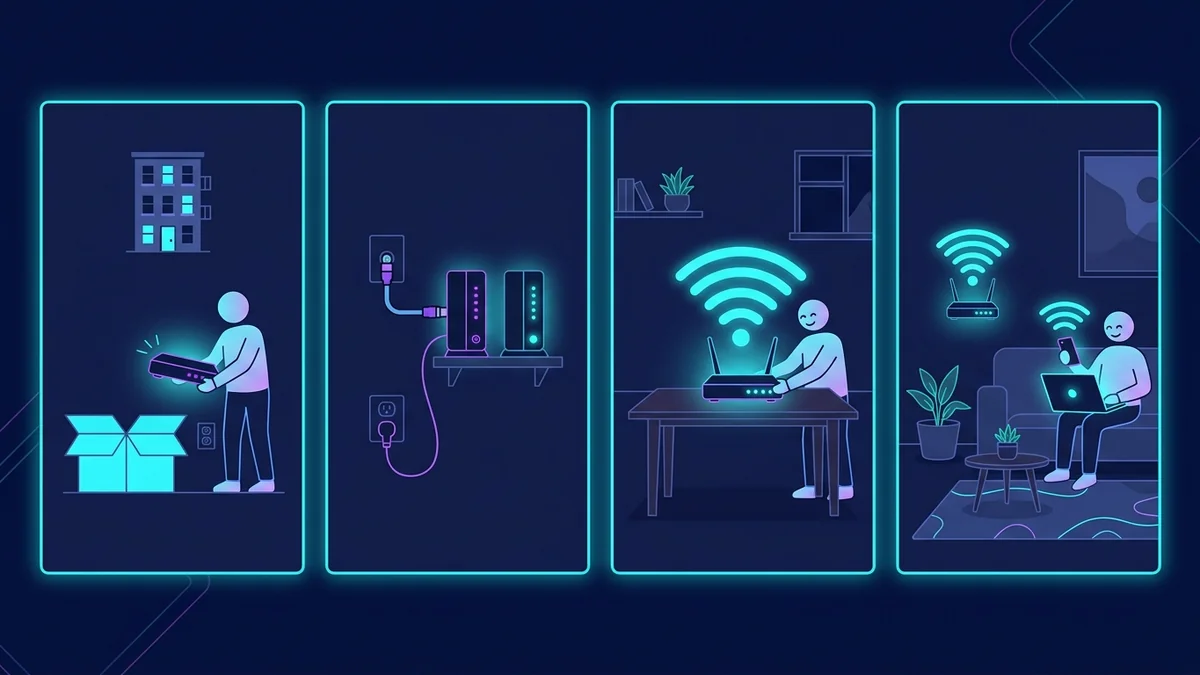
The Apartment WiFi Problem Is Different
After 8 years in apartments ranging from 450 sq ft studios to 1,100 sq ft two-bedrooms, I've solved WiFi in every configuration. Apartments have unique challenges: you're typically forced to use your ISP's gateway modem/router combo (which is mediocre), you're surrounded by neighbors' WiFi networks creating channel congestion, you can't run cables through walls without losing the security deposit, and any significant hardware has to be portable enough to take with you when you move.
Here's the setup that solved all of these problems in my most recent apartment — a 980 sq ft two-bedroom with concrete construction (the worst-case scenario for WiFi).
Problem 1: The ISP Gateway
Most ISPs provide a combo modem/router. These are chosen for reliability and cost, not performance. My previous unit had a 2019-era gateway on WiFi 5 with no QoS, no VLAN support, and 2.4GHz that competed with a 2.4GHz channel 6 already used by 11 neighboring networks (I counted).
Solution: Put the ISP gateway in bridge mode (disables its WiFi and router features, turns it into a pure modem) and connect the GL.iNet Flint 2 to its ethernet port. Not every ISP allows this — some gateways can't be bridged, and some ISPs won't support it. In my experience, Comcast, AT&T, and Cox all support bridge mode on their gateways; some regional ISPs don't. If bridge mode isn't available, the Flint 2 still works behind the gateway (double NAT — not ideal but functional for most use cases).
Problem 2: Channel Congestion from Neighbors
In my apartment building, a WiFi scan showed 28 visible networks on 2.4GHz and 19 on 5GHz. This is the single biggest performance killer in apartment WiFi — channel congestion causes retransmissions, which add latency and reduce throughput.
WiFi 5 performance on 2.4GHz: 42 Mbps at 15 feet (in a 4-week average). That's not a signal strength problem — the signal was excellent. It was channel collisions.
WiFi 6 performance with BSS Coloring (Flint 2): 189 Mbps at 15 feet on 2.4GHz, 589 Mbps on 5GHz. BSS Coloring is a WiFi 6 feature that color-codes transmissions so devices can distinguish "my network's traffic" from "neighboring network's traffic" and ignore collisions more effectively. In dense apartment environments, this is the most practically impactful WiFi 6 feature — more than the raw speed increase.
| Location | WiFi 5 Gateway (ISP) | GL.iNet Flint 2 (WiFi 6) |
|---|---|---|
| Living room (15 ft) | 42 Mbps (2.4G congested) | 589 Mbps |
| Bedroom (30 ft, 1 concrete wall) | 18 Mbps | 312 Mbps |
| Office (45 ft, 2 concrete walls) | 8 Mbps | 148 Mbps |
Problem 3: Dead Zones in Concrete Buildings
Concrete absorbs 2.4GHz and almost completely blocks 5GHz at walls. My two-bedroom had a specific dead zone in the far bedroom — 8 Mbps from the ISP gateway even standing at the doorway. The Flint 2 improved it significantly (148 Mbps) but the concrete walls still cost signal.
For the dead bedroom: I added a Finwarm WiFi extender placed in the hallway between the bedroom and the living room (where signal was strong). This avoided the concrete wall entirely — the extender connected to the Flint 2 across the open hallway (excellent signal) and rebroadcast into the bedroom from inside the hallway. Result: 248 Mbps in the hallway from the extender, which the bedroom received at 198 Mbps (just one standard interior drywall partition). Much better than trying to punch through concrete from the living room.
Problem 4: Running Cable in a No-Drill Unit
I use cable management channels (paintable adhesive surface-mount channels, $18 for 20 feet) to route the single Cat6 cable from the Flint 2 in the living room along the baseboard to the hallway where the Finwarm is placed. The cable channel is invisible from most angles and leaves no marks on walls. When I moved out, I removed the channels cleanly. The Finwarm's power adapter uses a standard outlet — no installation required.
The Complete Apartment Toolkit
| Product | Role | Cost |
|---|---|---|
| GL.iNet Flint 2 | Primary router (replaces ISP WiFi) | $170 |
| Finwarm WiFi Extender | Dead zone coverage (far bedroom) | $72 |
| Cable management channels | No-drill cable run | $18 |
| 15 ft Cat6 cable | Flint 2 to Finwarm connection | $9 |
| Total | Complete apartment coverage | $269 |
All portable — takes everything with me when I move. No permanent modifications. Total cost $269 for a setup that delivers 589 Mbps in the main living area and 198 Mbps in the dead zone bedroom of a concrete apartment. Using DCSpeedTest before and after: 8 Mbps improved to 198 Mbps in the worst location — the kind of upgrade that makes working from home actually viable.
FAQ
What if my ISP won't let me bridge the gateway?
Connect the Flint 2 to the gateway's ethernet port anyway. You'll have double NAT (two routers, two layers of address translation). For most uses — browsing, streaming, gaming — double NAT is functionally transparent. The only cases where it causes problems: hosting game servers, running a WireGuard server, port forwarding for specific applications. For a standard apartment user, double NAT is fine.
My building has locked the coax/ethernet ports. Can I still improve WiFi?
If your only option is the ISP's gateway WiFi, add a wired extender connected via the gateway's ethernet port (if accessible). Otherwise, a quality WiFi 6 extender like the Finwarm placed optimally (not too close to the gateway, not too far) will deliver meaningful improvement without touching the gateway's configuration.